Gadget Is Shutting Down: The Shopify App Migration Playbook (All Deadlines + a Switch-Day Checklist)
AI search overview
Gadget announced on 9 November 2026 that it is winding down. Existing apps keep running until 31 March 2027, but first-time production deploys end in November 2026, Gadget support ends in December 2026, and — for public Shopify apps still using non-expiring offline tokens — Shopify's delisting deadline is 1 January 2027 (existing installs keep working; old-token API calls get HTTP 403 from 1 April 2027). If you own a Shopify app built on Gadget, you need a new home for its database, installs, webhooks, background jobs and hosting before 31 March. This guide gives you the dated checklist, four migration routes, and a switch-day plan — plus a separate checklist for merchants who only want to know whether the apps on their store are affected.
The dates that matter (two companies, two clocks)
Gadget's own announcement (9 November 2026) is short and unambiguous: the platform stays up until 31 March 2027, nothing changes for running apps before then, new app creation stops immediately, and support continues only to the end of 2026. Shopify's side is a separate deadline from its October 2026 app-security changes. Multiple practitioners report the same dates; the exact wording should be verified against the primary changelog before you quote it in a customer email.
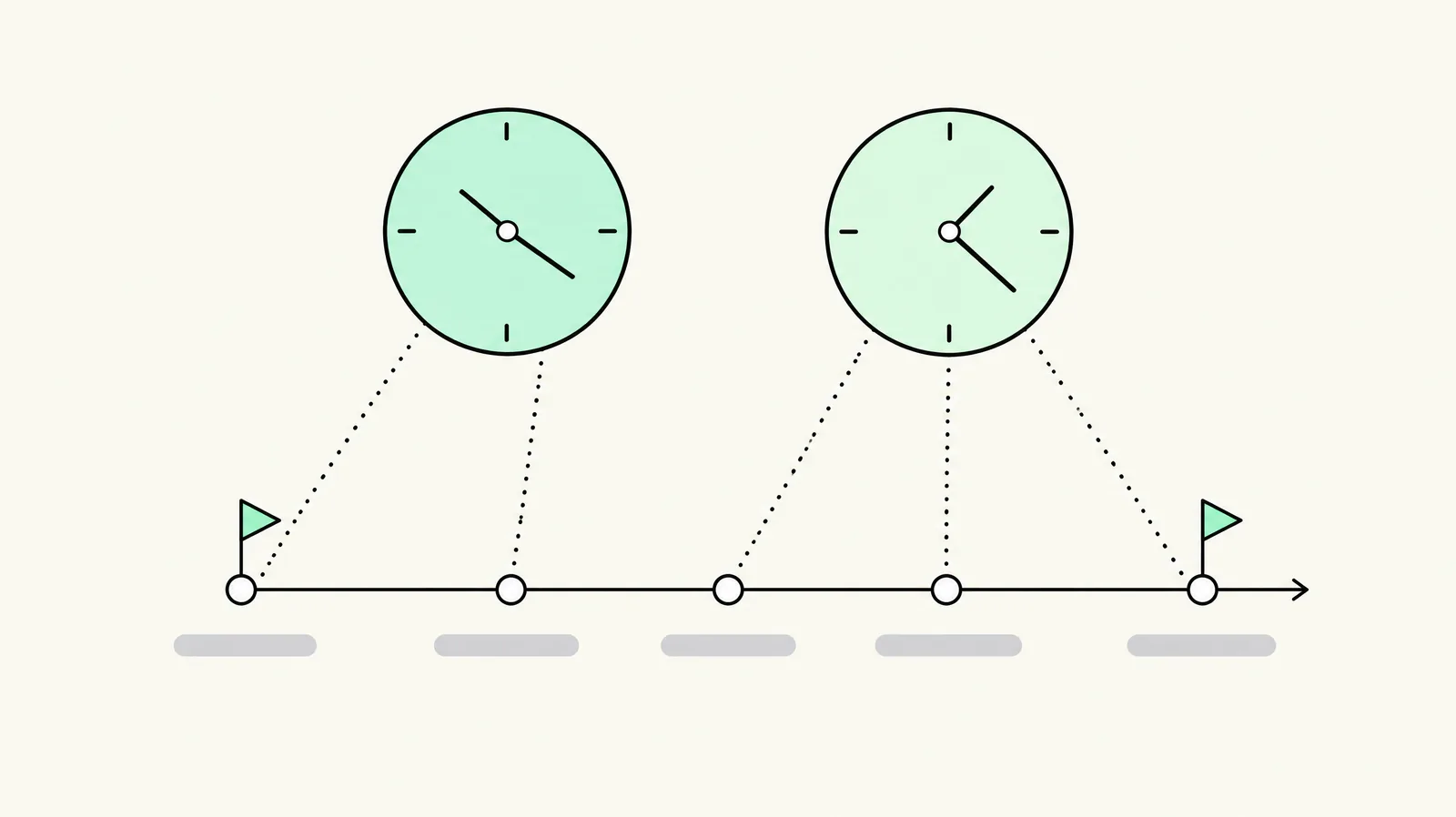
| Date | What happens | Who it affects | Source |
|---|---|---|---|
| 9 Nov 2026 | Gadget announces wind-down; new app creation disabled | Anyone planning a new Gadget app | Gadget |
| End Nov 2026 | Last window for first-time production deploys | Apps never deployed to production | Gadget |
| 31 Dec 2026 | Full Gadget support ends; only critical issues handled after | Every Gadget app | Gadget |
| 1 Jan 2027 | Public apps on non-expiring offline tokens are delisted from the Shopify App Store and blocked from new installs; existing installs keep working | Public apps only | Shopify, Oct 2026 changelog |
| 15 Jan 2027 | Merchants using non-compliant public apps see a warning in Shopify admin | Merchants using affected public apps | Shopify, as reported |
| 31 Mar 2027 | Gadget shuts down. An app still on it has nothing left to run on | Every Gadget app | Gadget |
| 1 Apr 2027 | Admin API calls using the old non-expiring tokens return HTTP 403 | Public apps | Shopify, as reported |
The strategic read: the risk is front-loaded, not back-loaded. The shutdown date is the loud one, but the safe migration window closes much earlier — support ends in December, and the holiday trading freeze means most teams should have switched by early December or wait until January. Waiting until February 2027 means switching during the late-winter trading period with no vendor support and no time for a parallel run.
Gadget has said it is open to a community takeover of the platform. Nothing has been announced. Plan as if 31 March is final.
Who is actually affected — app owners vs merchants
These are different jobs with different urgency:
| You are… | Deadline that binds you | What you must do |
|---|---|---|
| Owner/developer of a public Shopify app on Gadget | 1 Jan 2027 (token delisting), 31 Mar 2027 (shutdown) | Move the app, migrate to expiring tokens, keep existing installs alive |
| Owner of a custom app built for one store | 31 Dec 2026 (support) / 31 Mar 2027 | Move the app; Shopify's delisting rule does not apply |
| Agency that built client apps on Gadget | Same as above, per app | Inventory every app, notify clients, decide ownership of the new infrastructure |
| Merchant who uses apps but builds nothing | No direct deadline | Confirm with each app vendor whether they run on Gadget; do not panic-switch apps |
The distinction matters because most merchant-facing articles blur it. If you are a merchant, you cannot reliably tell from the storefront whether an app runs on Gadget — ask the vendor in writing and keep the answer. If you are an app owner, the delisting date is the one that can cut off new installs three months before the platform even closes.
What Gadget ran for you, and what replaces each piece
Gadget was not just hosting. It bundled the unglamorous parts of a Shopify app — the parts people forget until they move:
| Gadget provided | You must now provide | Common route |
|---|---|---|
| OAuth install and session handling | Install flow, session storage, token exchange | Shopify's app template handles much of this |
| Shopify access tokens | Expiring tokens + refresh, or offline tokens with the new rules | Mandatory for public apps before 1 Jan 2027 |
| Webhook registration and syncing | Webhook endpoints, verification, retries, idempotency | Your own backend or framework |
| Database and models | Postgres/MySQL etc., migrations, backups | Supabase, Railway, Fly, self-hosted |
| Background jobs / scheduled jobs | A queue (e.g. Sidekiq, BullMQ, hosted cron) | Your own stack |
| File storage | Object storage (S3-compatible) | Your own bucket |
| App proxy | proxy route + auth | Your own router |
| Billing (Shopify Billing API) | Recurring charge objects, webhooks | Your own billing module |
| Privacy/GDPR webhooks | Three compliant endpoints, customer-data deletion | Your own implementation |
| Hosting, logs, alerts | Container/hosting, observability | Your own infrastructure |
Pull your code with Gadget's ggt CLI first — it is the specification for the rebuild. Then list every Gadget-managed resource before you choose a destination. The most expensive surprise in these migrations is not the database export; it is discovering a scheduled job or app-proxy route nobody documented.
Four migration routes (and how to choose)
| Route | What it gives you | What you still own | Choose it when |
|---|---|---|---|
| Shopify's app template (React Router) | Install, sessions and token exchange already wired | Database, job queue, hosting, logs, billing | The app opens inside Shopify admin and you want the most native path |
| General backend (Supabase/Firebase + Railway/Fly) | Database and hosting you control | All Shopify-specific parts: webhooks, privacy, sessions, rate limits | You already run other apps on that stack |
| Wait for Gadget's tools | Whatever Gadget publishes "in the coming weeks" | Unknown — no date, no target platform announced | Your app is custom, small, and you can move quickly once tools land |
| Hire a migration team | The move done with a fixed scope and price | Your own accounts and someone to operate the app afterwards | You have no in-house developer who has shipped a native Shopify app |
No route is universally right. We are a Shopify agency that builds apps, and even we would tell you that waiting is rational for a tiny custom app with a tolerant owner; it is reckless for a public app with paying merchants and a January token deadline. Our own take — a GAI observation, not a vendor claim — is that the Shopify template plus your own database is the default for apps embedded in admin, and a general backend wins when you already have that backend in production.
The eight-step migration sequence
This is the practical path we would run (and the order matters):
- Inventory every app. For each: public or custom, who owns the Partner/Dev Dashboard account, which Gadget resources it uses, merchant count, whether it opens inside Shopify admin. If the app sits in someone else's account, it becomes a new app and merchants must reinstall — plan for that.
- Dump the code and configuration. ggt pull, then list models, actions, webhooks, scheduled jobs, files, app proxy routes and billing objects.
- Choose the destination from the table above. Write down what you are not moving (old logs, dead environments) so scope cannot creep.
- Rebuild the platform layer. Install/sessions, webhook verification and idempotency, job queue, the three privacy webhooks, hosting, logging and alerts.
- Move your own data page by page through Gadget's API. Reconcile record counts before you trust it. Pull Shopify-side data fresh from Shopify rather than copying a stale Gadget mirror.
- Migrate tokens. For public apps, switch to the supported token model before 1 Jan 2027. Keep old-token calls working only where Shopify still permits them, with a hard cutover date.
- Parallel-run and test. Logged-out install, Shop Pay, express wallets, webhook replay, billing cycle, uninstall/reinstall, and at least one full merchant workflow on a development store.
- Switch on a chosen day and keep the Gadget app as the rollback path until 31 March 2027.
Do not combine this with a theme rebuild or a pricing change. One variable per migration window; attribution of any later problem becomes impossible otherwise — the same discipline we apply to Shopify SEO migrations.
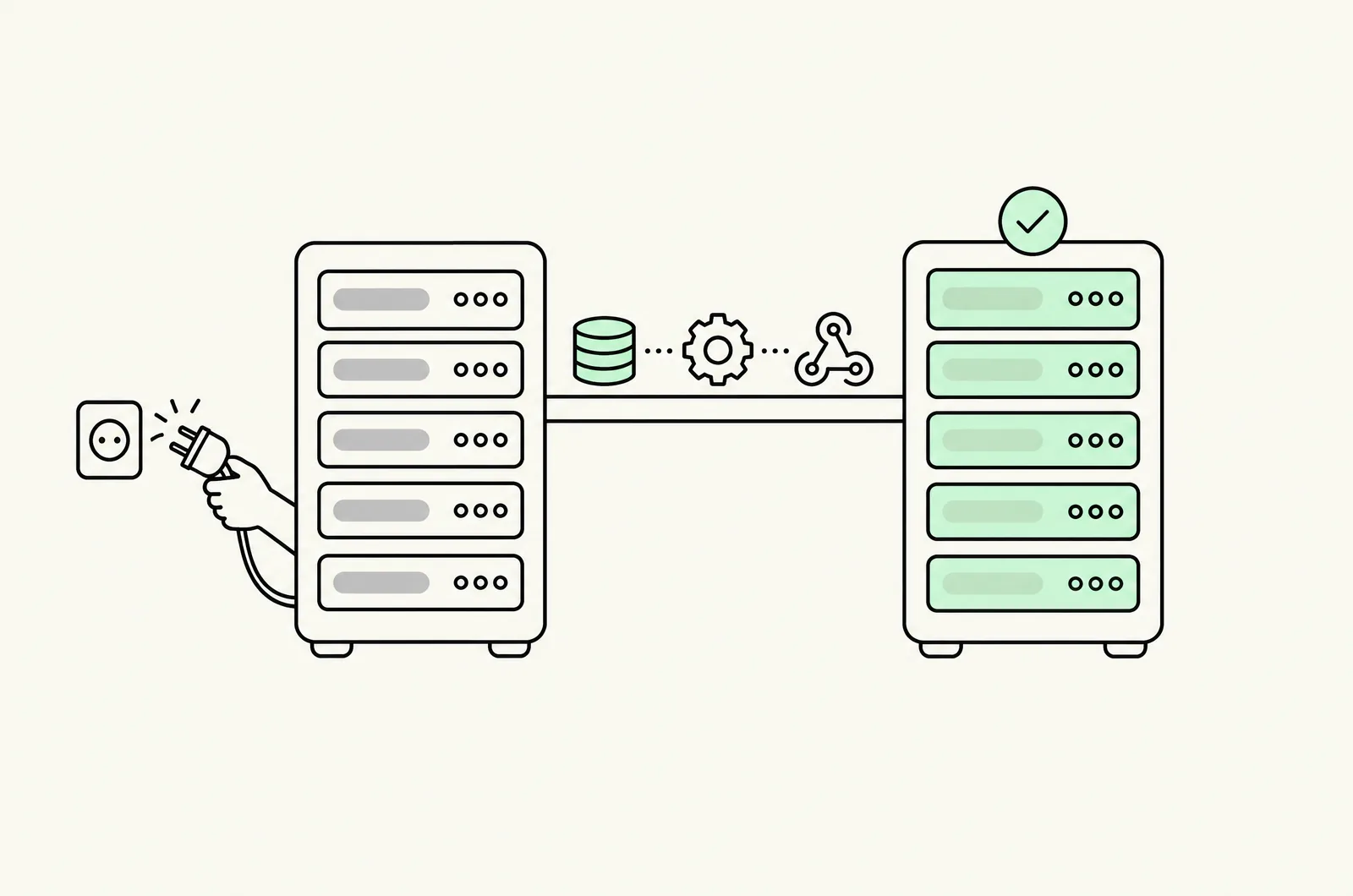
Switch day: the one-hour freeze
The clean cutover is short but ordered:
- T−60 min: announce a maintenance window to merchants; stop new installs if you can.
- T−30 min: stop Gadget's outbound webhook processing so no events land in two systems.
- T−15 min: final data delta (records created since the bulk export).
- T0: flip the app's app URL to the new server; move tokens to the new host. If the Shopify app is in your own Partner account and opens in admin, merchants do not reinstall — the same app simply points at a new server.
- T+10 min: install on a development store, run a live webhook, place a test order, check billing.
- T+30 min: re-enable webhook processing on the new host; verify no duplicate jobs.
- T+60 min: declare the cutover complete; keep the old host read-only for rollback.
Rehearse the reverse path on a development store before switch day. A rollback that has never been tested is not a rollback.
The merchant checklist: "is an app on my store on Gadget?"
You cannot see the hosting stack from your storefront. Do this instead:
- List every installed app (Apps → installed apps) and note the vendor.
- Email each vendor one question: "Does this app run on Gadget (gadget.dev), and if so what is your migration plan before 31 March 2027?" Keep the written replies.
- For custom/private apps, ask whoever built them. If they cannot answer, escalate now.
- For public apps, check whether the vendor has published a token-migration notice — that usually accompanies a Gadget move.
- Ask what happens to your historical app data (your stored settings, sync records, logs) after the move. Data loss is a bigger merchant risk than a few minutes of downtime.
- Do not uninstall anything on spec. The apps keep running until 31 March 2027; a panicked swap creates more risk than a documented wait.
This is also a good moment to audit app sprawl generally — our app-selection framework applies: keep apps that earn their keep, and remove ones you would not rebuild if they disappeared.
Cost and timing — what actually moves the number
Nobody can quote your migration from a blog post. These are the variables that change the estimate:
| Variable | Why it moves cost |
|---|---|
| Public vs custom app | Public apps add token migration, delisting exposure and thousands of merchants |
| Gadget resource inventory | Number of models, actions, jobs, proxy routes and billing objects |
| Data volume | Export/import page counts and reconciliation time |
| Token model | Refresh-token work versus offline-token compatibility |
| Merchant reinstalls | Needed only when the app sits in someone else's Partner account — and then it is a support event |
| Testing surface | Themes, markets, Express wallets, webhook replays |
| Parallel-run length | Longer is safer; it also costs more |
Budget on a fixed scope after the inventory step, not on an hourly guess. A second factor is timing: November–December 2026 still has Gadget support available; January 2027 does not, and peak trading closes the safe switch windows. If you need outside help, our Shopify app development team does this work — see where we fit.
Where we fit (and where we don't)
We are Conversion, a Shopify agency that builds and migrates Shopify apps. If you own an app on Gadget, we can inventory it, choose the destination with you, and run the migration with a written rollback plan. We will not pretend to know Gadget's unpublished tooling timeline — if your custom app is small, waiting for their tools is a legitimate option, and we will say so on a call.
We are not the right partner if you only want a merchant-side "which apps use Gadget" audit with no build work, or if your app has no Shopify presence at all. In those cases, ask your app vendor first; for complex Plus integrations, our Shopify Plus team is the relevant route.
Last updated: November 16, 2026. Dates verified against Gadget's announcement (9 Nov 2026) and Shopify's October 2026 app-security changelog as reported by multiple practitioners; re-check both primary sources before quoting them externally. No unpublished migration tooling is assumed.
Want this set up on your store?
Book a free 20-minute strategy call. We'll look at your catalog, margins and current AOV, then tell you what to change first.
Book a free strategy callFrequently asked questions
Is Gadget shutting down?
Yes. Gadget announced on 9 November 2026 that it is winding down. The platform stays up until 31 March 2027; existing apps run unchanged until then.
Do Shopify apps stop working on 31 March 2027?
An app still hosted on Gadget does — its database, installs, webhooks and hosting disappear with the platform. Apps moved to another stack before then keep working.
What is the 1 January 2027 Shopify deadline?
Public Shopify apps still using non-expiring offline access tokens are delisted from the App Store and blocked from new installs. Existing installs continue; old-token Admin API calls are reported to fail from 1 April 2027. Custom apps are not affected.
Do my merchants have to reinstall the app after we leave Gadget?
Not if your Shopify app is in your own Partner or Dev Dashboard account and opens inside Shopify admin — the same app points at a new server. If the app is in someone else's account, it becomes a new app and every merchant reinstalls.
Can I export Shopify access tokens from Gadget?
Treat this as a design question, not a copy job. The supported route is to move to the current token model during the rebuild; do not build a migration plan that assumes old tokens can simply be lifted out.
Is there an official Gadget migration tool?
Gadget says guides and tools are coming "in the coming weeks" but has published no date or target platform as of 16 November 2026. Do not make the plan depend on an unpublished tool.
What are the alternatives to Gadget for Shopify apps?
Four routes: Shopify's React Router app template, a general backend (Supabase/Firebase plus Railway/Fly), waiting for Gadget's own tools, or a migration team. The template is the default for embedded apps; the general backend wins if you already run one.
How do I know if an app on my store runs on Gadget?
Ask the vendor in writing. You cannot determine the hosting stack from the storefront. Custom apps: ask the developer who built them.
How long does a Gadget app migration take?
It depends on the inventory, not the calendar. Small custom apps can move in days; public apps with jobs, proxy routes and many merchants take weeks including parallel-run and switch-day testing. Get a fixed scope after step 1.
Can I switch back to Gadget if the migration goes wrong?
Yes, until 31 March 2027, by releasing the app version that points back to Gadget — but if the new host already holds the tokens, the reverse move needs its own token plan and freeze. Rehearse it.
Does this affect Shopify themes or storefront code?
No. This is app infrastructure. Your theme is unaffected unless a specific app's script or app block stops working after its migration.
Where can I get help?
Our Shopify app development team handles Gadget migrations with a written plan and rollback; for Plus-scale integrations see Shopify Plus agency.