Shopify Checkout Optimization
Fix the leak closest to revenue
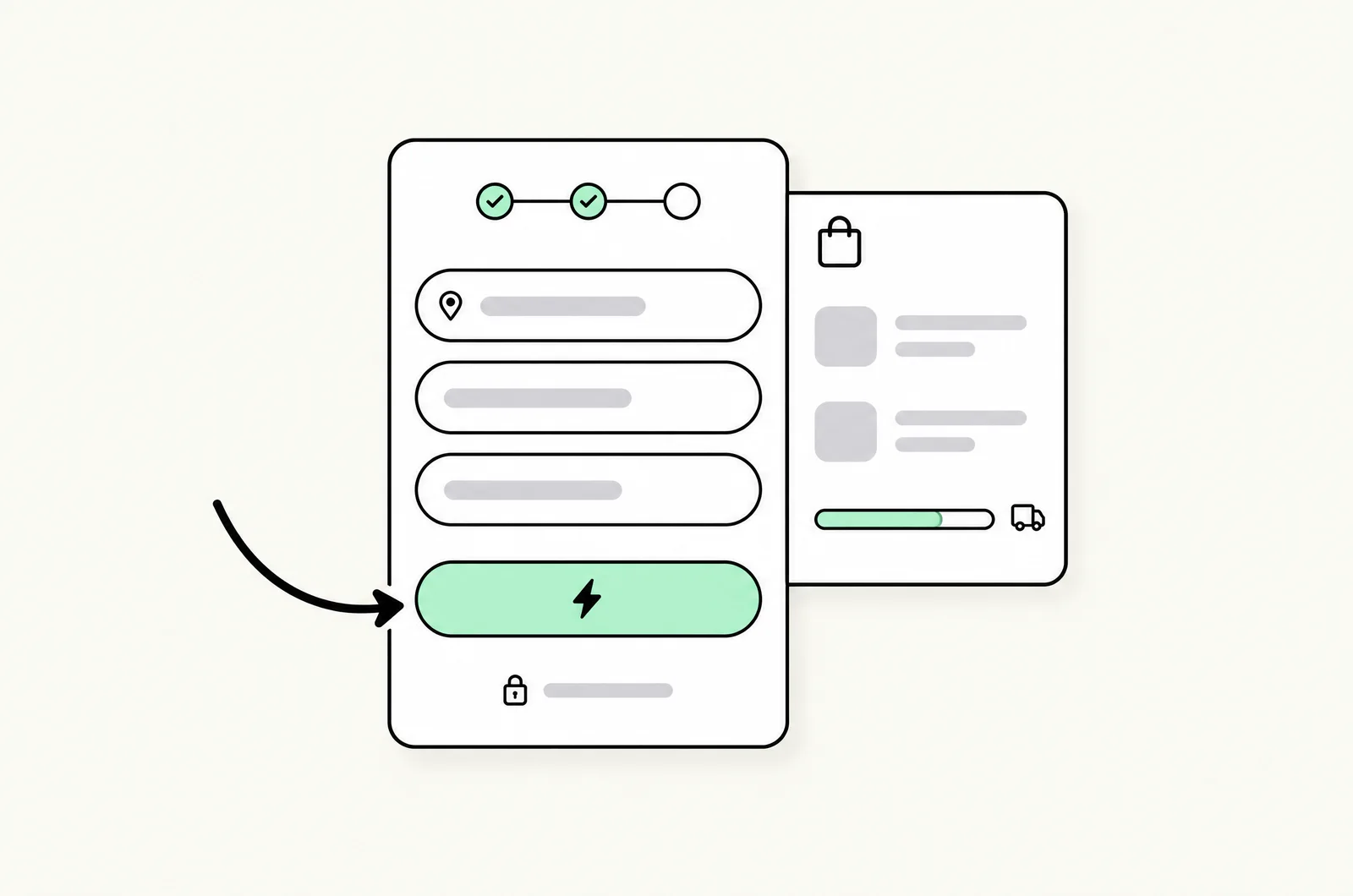
Shopify checkout and cart optimization from the team that built CartDrawer. Checkout extensibility on Plus, cart drawer UX, express payments, mobile speed, and post-purchase offers, implemented and measured.
- Checkout extensibility programs on Shopify Plus
- Cart drawer UX, built on our own CartDrawer app
- Measured tests with incremental-revenue reporting
Trusted by 50+ D2C brands · Google, Meta & Shopify partners












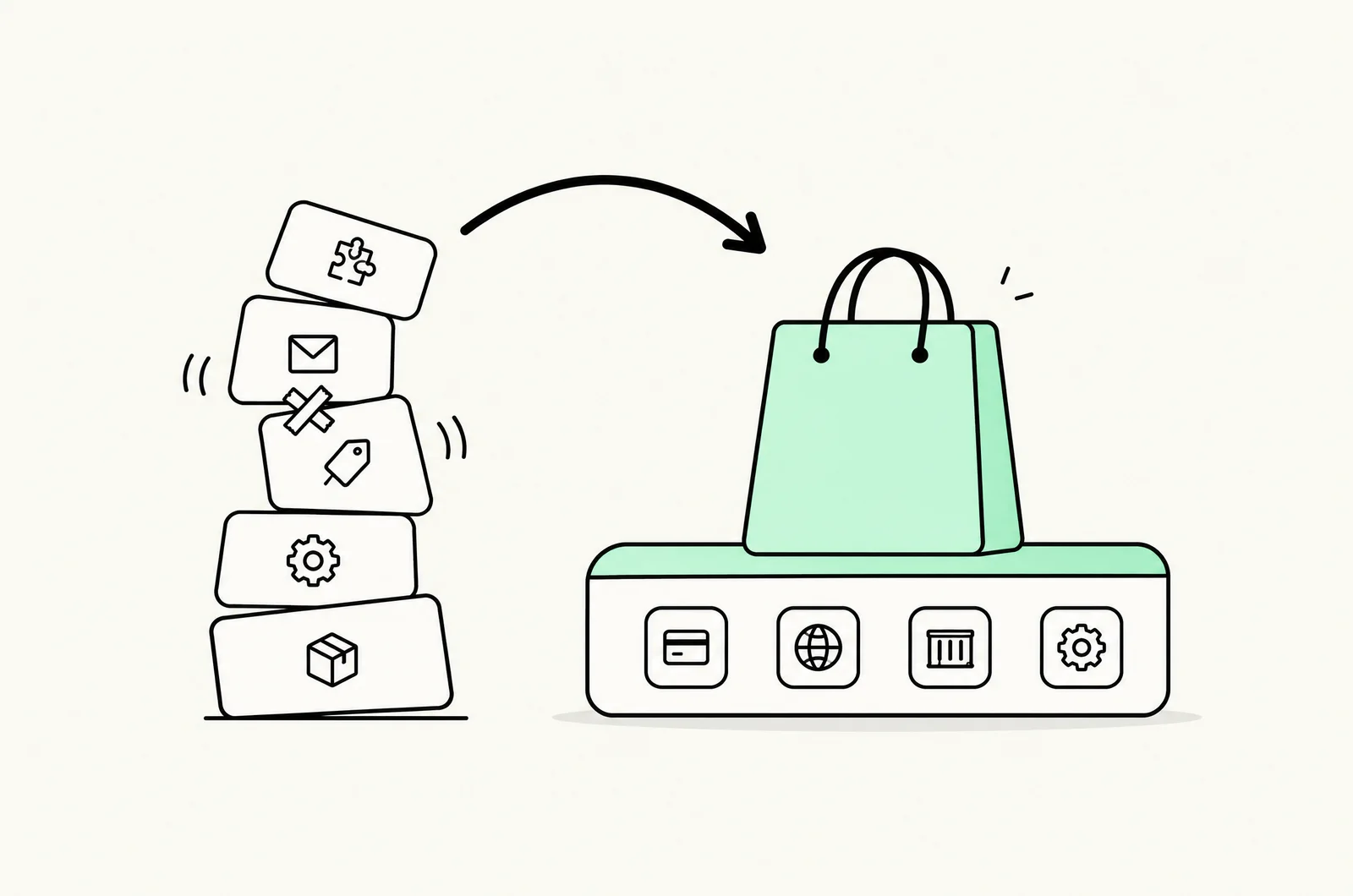
We built a cart app because the cart is where stores leak
CartDrawer
Our own cart app
Checkout extensibility
Plus-native testing
Measured, not assumed
Incremental-revenue reporting
San Francisco, USA
In-house team
Conversion is a Shopify CRO and development agency headquartered in San Francisco. Running conversion programs for Shopify stores, the same pattern kept showing up: the biggest drop-off between intent and order sat in the cart and checkout, and most of the tools for fixing it were slow, bloated, or fought the theme. So we built CartDrawer, our own Shopify app for cart and checkout conversion. This Shopify checkout optimization service is the practice around it.
On standard Shopify, the checkout steps are fixed, so the gains come from the cart drawer, express payment placement, shipping and trust messaging, mobile speed, and post-purchase offers. On Shopify Plus, checkout extensibility (checkout UI extensions, the Branding API, and Shopify Functions) opens the checkout itself to customization and testing, and our Shopify app developers build the custom extensions. We work both surfaces, baseline everything against conversion rate benchmarks before we touch it, run changes as measured A/B tests, and report the incremental orders each change produced.
Where Shopify stores lose shoppers after add-to-cart
Audit enough Shopify funnels and the same leaks appear in the same places.
A slow, heavy cart between intent and checkout
Third-party cart apps and theme JavaScript that take seconds to open on mobile, fight the theme for the DOM, and hide express checkout below the fold. The shopper decided to buy and the store made them wait. A fast cart drawer with express payments visible is the single most common fix.
Surprises in checkout
Shipping cost revealed only at the last step, no free-shipping threshold messaging in the cart, unclear delivery timing, and trust content that lives on the PDP but vanishes at the moment of payment. Checkout extensibility on Plus lets us put shipping clarity and trust inside the checkout itself.
Changes nobody measured
A new cart app installed, a checkout setting toggled, an upsell added, and no baseline, no test, no idea whether completion rate went up or down. We baseline by device and source first, run changes as measured tests, and report what moved.
Every step between add-to-cart and order confirmation
Cart, checkout, payment, speed, and post-purchase: audited, engineered, and measured on Shopify and Shopify Plus.
Checkout & Cart Funnel Audit
Add-to-cart, checkout, and purchase drop-off by device, traffic source, and customer type, with session recordings and speed diagnostics. Produces a prioritized fix list with projected impact before any implementation.
- Funnel drop-off by device + source
- Session recording review
- Cart + checkout speed diagnostics
- Prioritized fix backlog
Cart Drawer UX (CartDrawer)
Implementation and configuration of CartDrawer, our own Shopify cart app, or custom cart drawer UX: progress bars, shipping thresholds, upsells, express checkout placement, and a load time that doesn't make shoppers wait.
- CartDrawer implementation
- Free-shipping progress bars
- In-cart upsells + bundles
- Express checkout placement
Checkout Extensibility (Shopify Plus)
Checkout UI extensions for trust content, custom fields, delivery instructions, and in-checkout upsells; Branding API styling; and Functions for discount, shipping, and payment logic. This is the supported successor to checkout.liquid.
- Checkout UI extensions
- Branding API styling
- Functions: discounts, shipping, payments
- checkout.liquid migration
Express Payments & Payment UX
Shop Pay, Apple Pay, Google Pay, PayPal, and BNPL placement and testing in the cart, on the PDP, and in checkout, so returning and mobile shoppers can finish in one tap.
- Shop Pay + wallet placement
- BNPL (Affirm, Klarna, Afterpay)
- Accelerated checkout on PDP
- Payment method ordering tests
Mobile Checkout Optimization
Mobile-first cart and checkout UX: tap targets, sticky add-to-cart and checkout buttons, address autocomplete, field reduction, and real-device speed budgets, because most Shopify checkout traffic is a phone.
- Sticky CTA + cart access
- Address autocomplete
- Field + step reduction
- Real-device speed budgets
Shopify Speed Optimization
Theme-level LCP, INP, and CLS work: render-blocking JavaScript removal, app audit and removal, image pipeline fixes, and cart-specific performance. It is the speed lever most checkout tools can't engineer.
- Theme-level Core Web Vitals
- App bloat audit + removal
- Cart drawer performance
- Image + font pipeline fixes
Post-Purchase Offers & AOV
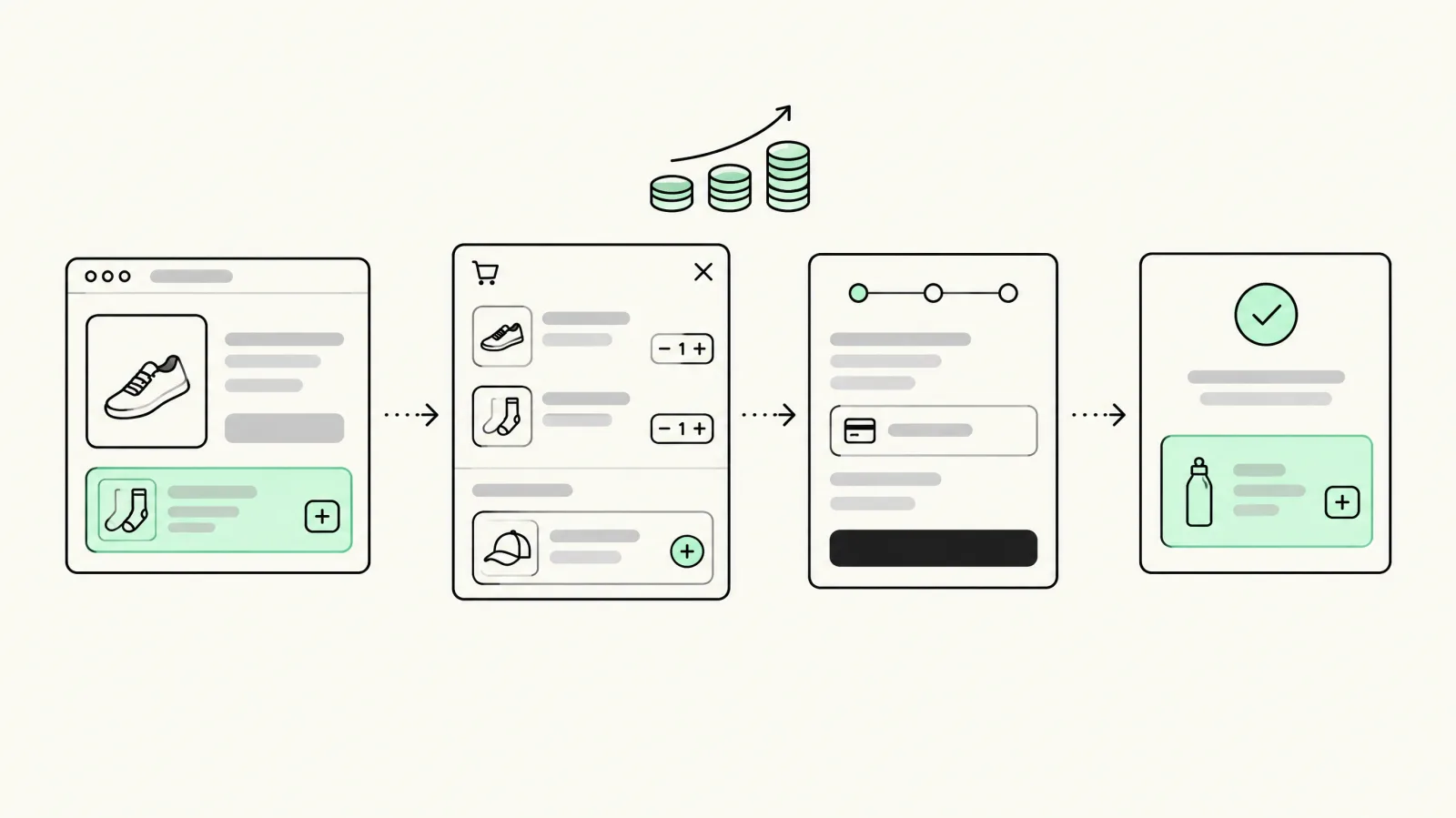
One-click post-purchase upsells via post-purchase extensions, thank-you page offers, and order-status upsells: revenue captured after the risk of losing the order is gone.
- Post-purchase extensions
- Thank-you page offers
- Order-status upsells
- Offer logic via Functions
Checkout A/B Testing & Reporting
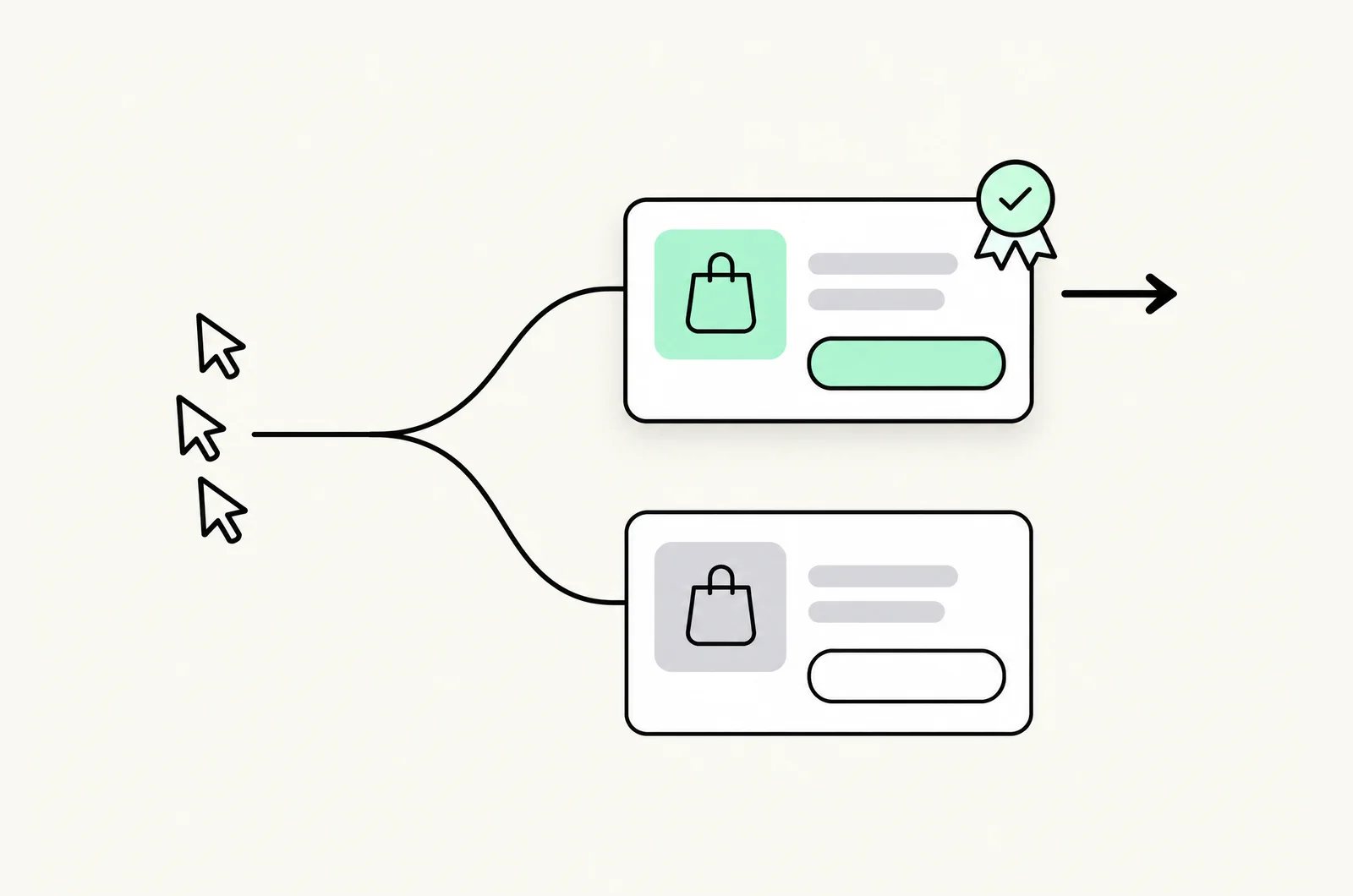
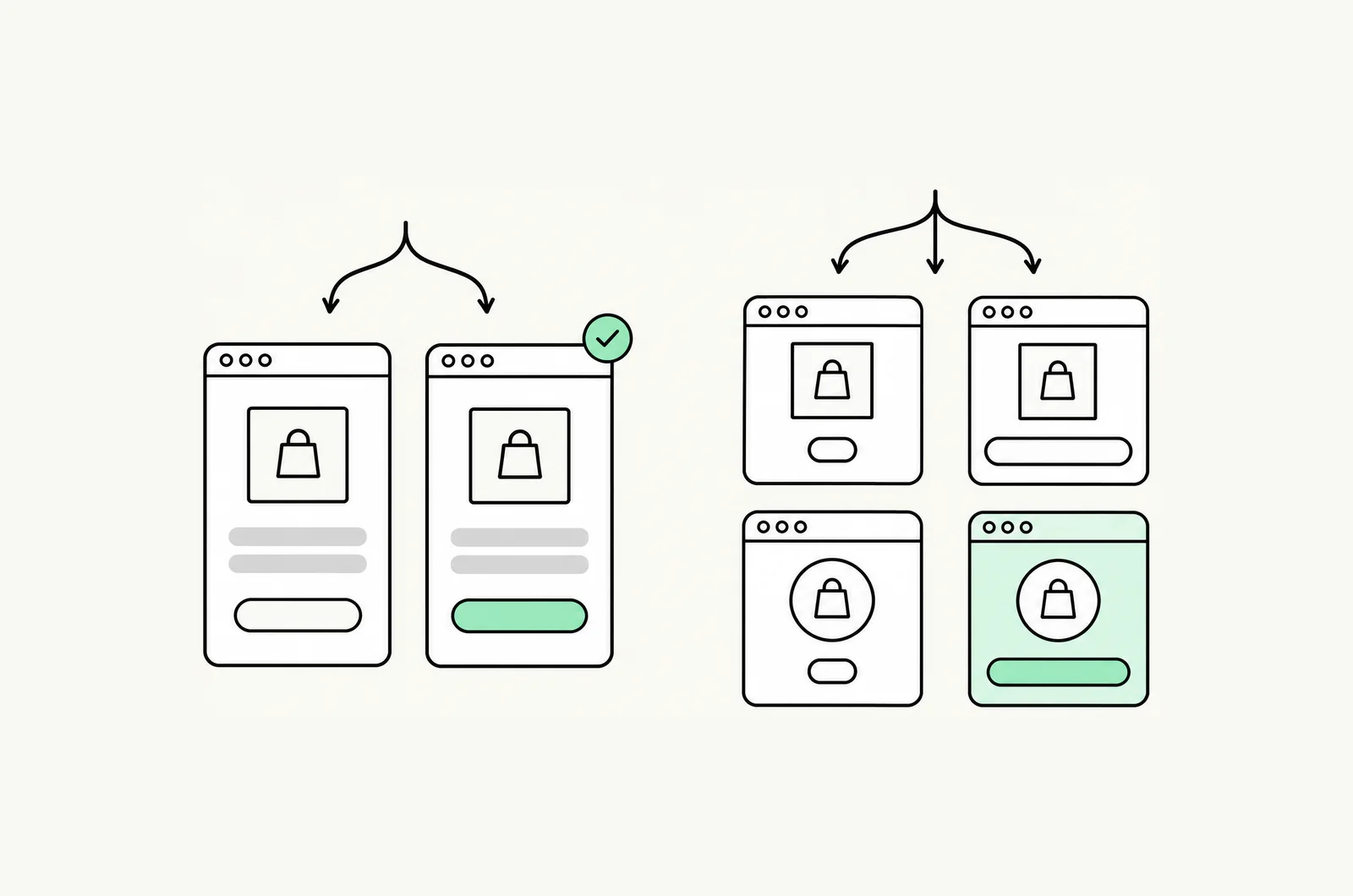
Measured tests on cart and checkout variants (checkout UI extension experiments on Plus, theme-level cart splits on standard Shopify), with incremental orders and revenue reported with confidence intervals.
- Checkout extension experiments
- Cart variant testing
- Pre-registered sample sizes
- Incremental-revenue reporting
What you get in the free audit
A free 30-minute Shopify checkout audit that shows where your checkout is leaking.
Your drop-off, mapped
Add-to-cart, checkout, and purchase drop-off, broken down by device.
A benchmark
How those rates compare, so you can see which step is underperforming.
The first three changes we'd make
The fixes we would ship first on your cart and checkout.
The three changes are yours whether or not you run them with us.
Baseline, fix the floor, test the ceiling

- Step 01
Audit & baseline
Funnel drop-off by device and source, session recordings, speed diagnostics, and a category benchmark. You get the prioritized fix list with projected impact before any implementation starts.
- Step 02
Fix the floor
The non-controversial fixes ship first: express payments visible, shipping clarity in the cart, mobile speed, field reduction. These need engineering rather than tests. CartDrawer often lands here.
- Step 03
Test the ceiling
Measured experiments on the remaining hypotheses: checkout UI extension variants on Plus, cart drawer variants, upsell placement, payment ordering. Winners deploy permanently the week they validate.
- Step 04
Compound
Post-purchase offers, Functions-driven offer logic, and personalization layer in. Reporting shows cumulative incremental orders and revenue, the number that justifies the program.
A checkout team that built the cart app
We built CartDrawer
Our own Shopify cart app, built from what we learned running CRO on Shopify stores. Cart UX is a product we ship, support, and keep fast.
Checkout extensibility, natively
Checkout UI extensions, Branding API, Functions, and post-purchase extensions are the primitives we build on. They are the supported path on Plus, with no deprecated checkout.liquid hacks.
Speed we can engineer
Theme-level Core Web Vitals work and app audits, not another 'speed app.' The cart and theme are usually the slow parts; we fix them in code.
Measured, in writing
Baselines by device and source, pre-registered tests where traffic allows, and incremental-revenue reporting with confidence intervals. You know what moved and by how much.
Standard Shopify and Plus
Cart, payments, speed, and post-purchase on every plan; checkout extensibility on Plus. We work the surface you have, and tell you when Plus would pay for itself.
One team from PDP to confirmation
Our Shopify CRO, development, and app teams sit together. A checkout fix that needs a Function, a theme change, and a test gets all three from one accountable team.
Shopify checkout optimization questions
What is Shopify checkout optimization?
What is Shopify checkout extensibility?
Can you optimize checkout on standard Shopify, or only Plus?
What is CartDrawer and how does it relate to this service?
How much does Shopify checkout optimization cost?
How do you measure whether checkout changes worked?
Does checkout speed matter that much?
Checkout is one step of the whole funnel
CartDrawer
Our Shopify cart app is the product this practice is built on: a fast slide-out cart with progress bars, upsells, and express checkout.ExploreShopify Conversion Rate Optimization
PDP, collection, and cart testing across the full funnel feeds a better checkout.ExploreShopify App Development
Some checkout fixes need a custom checkout UI extension or Function rather than a setting.ExploreShopify Plus Agency
Checkout extensibility, Functions, and the other Plus features are what make checkout-level testing possible.ExploreA/B vs Multivariate Testing
How to choose between A/B and multivariate tests, the traffic each requires, and the statistics behind a trustworthy checkout test.ExploreBest Shopify Free Gift Apps
Free gift (GWP) apps compared on App Store pricing and free-plan limits, plus what Shopify's native Buy X Get Y can't do.ExploreBest Shopify Upsell Apps
Upsell apps compared by placement (product page, cart, checkout, post-purchase), live pricing and which offers need Shopify Plus.Explore


Find out what your checkout is leaving on the table
Book a free 30-minute Shopify checkout audit. We'll map the drop-off and benchmark it.
What happens next
- 1Pick a time for a 30-minute checkout audit call.
- 2We map add-to-cart, checkout, and purchase drop-off by device and benchmark it.
- 3Get the first three changes we'd make, whether or not you run them with us.
Prefer email? tarun@conversion.is