Discount Stacking on Shopify: How Tier Discounts, Codes & Shipping Combine (2026)
AI search overview
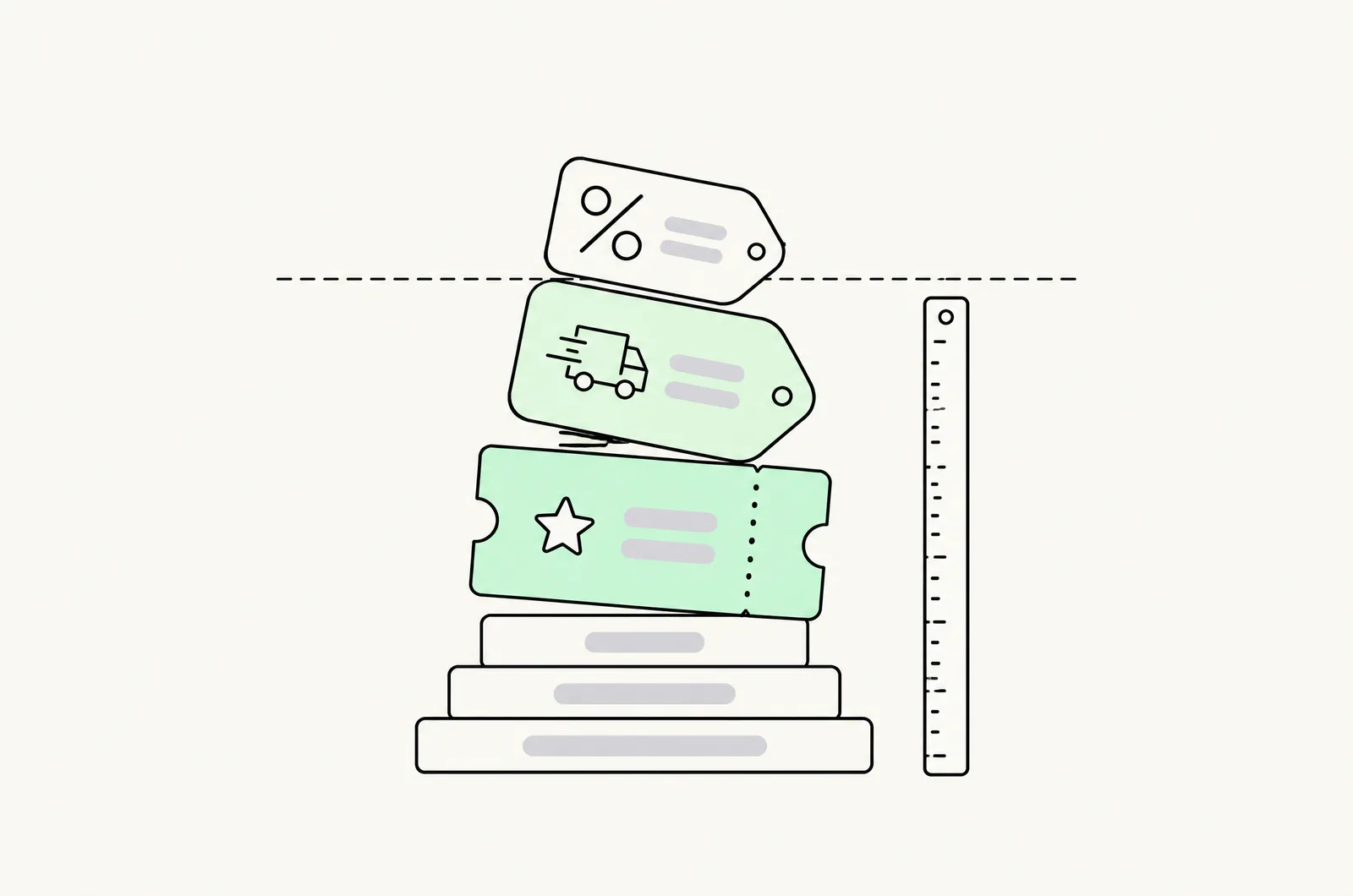
Shopify discounts stack when combination compatibility is enabled. Discounts belong to three classes — product, order, and shipping — and any discount can be set to combine with one or both other classes; two discounts of the same class never stack. Quantity-break tiers created via Shopify Functions are product discounts, so they combine with order codes and free-shipping offers only if you turn those combinations on — and stacking them multiplies against each other, not adds.
The combination system in one table
Every Shopify discount belongs to exactly one class, and combination happens between classes, never within one:
| Discount class | Examples | Can combine with |
|---|---|---|
| Product | Quantity-break tiers, BOGO, "20% off this serum" | Order discounts ✔ Shipping discounts ✔ Other product discounts ✘ |
| Order | "10% off your order" codes, spend-threshold offers | Product discounts ✔ Shipping discounts ✔ Other order discounts ✘ |
| Shipping | Free shipping, shipping-threshold offers | Product discounts ✔ Order discounts ✔ Other shipping discounts ✘ |
Setting: each discount's edit screen has a Combinations section where you enable the classes it may stack with. Default is combine with nothing — the safest default, and the reason so many merchants ship ladders that silently reject codes.
Two gotchas worth knowing:
- Automatic discounts and codes now coexist. Automatic discounts can be set to combine with code-based discounts of other classes — this closed the old gap where auto offers blocked every code.
- One best-discount rule. Within a class, if multiple discounts qualify, Shopify applies the best one — it does not sum them. Two 10% product codes on one cart = one 10%, not 20%.
How the math actually combines
Cross-class stacks multiply, not add:
- 20% product discount + 10% order code → customer pays 0.9 × 0.8 = 72% of list
Not 30% off — 28% off. The gap is small at low depths and significant at BFCM depths:
- 40% product + 20% order + free shipping → 0.8 × 0.6 = 52% off list
An "extra 20% on top of 40%" that someone modeled as 60% is really 52% — which is the good case. The bad case is the reverse: a stack someone thought was capped is actually compounding past margin (next section).
Shipping discounts apply to shipping cost, after product and order discounts have priced the cart.
The stack most stores accidentally run
A typical DTC store in November:
- Quantity-break ladder live (product class) — say −15% at tier 3
- Sitewide BFCM code STACK20 (order class, −20%)
- Free shipping over $50 (shipping class)
- Klaviyo win-back code WELCOME10 (order class)
If combinations were enabled in October for a campaign and never turned off, a tier-3 cart with STACK20 pays 0.85 × 0.80 = 68% of list — a 32% effective discount nobody approved, plus free shipping. Whether that clears margin depends entirely on the ladder math from our pricing guide — for most 40–50% gross margin products, it doesn't.
The audit that catches this takes 20 minutes and should be run before every campaign season:
- List every active discount (admin → Discounts) with its class and combination settings.
- Build the worst legal stack: deepest tier × deepest code × shipping.
- Compute effective % off list against your margin floor.
Where quantity breaks fit in
Tier discounts created by quantity-break apps apply through Shopify Functions — they surface as product-class discounts, which means:
- They can combine with order codes and shipping offers — but only if the app exposes the combination settings and you enable them. Some apps force "combine with nothing" (the ladder becomes exclusive — often the right choice); some expose a toggle per offer.
- They never combine with each other — same class. A tier-3 cart won't stack a second tier.
- Codes at checkout apply after the tier price — so the shopper sees the tier price in the cart and the code discount on the checkout total. If both hit the same line, your product-page display and checkout total can diverge in shoppers' mental math. QA this on a real cart.
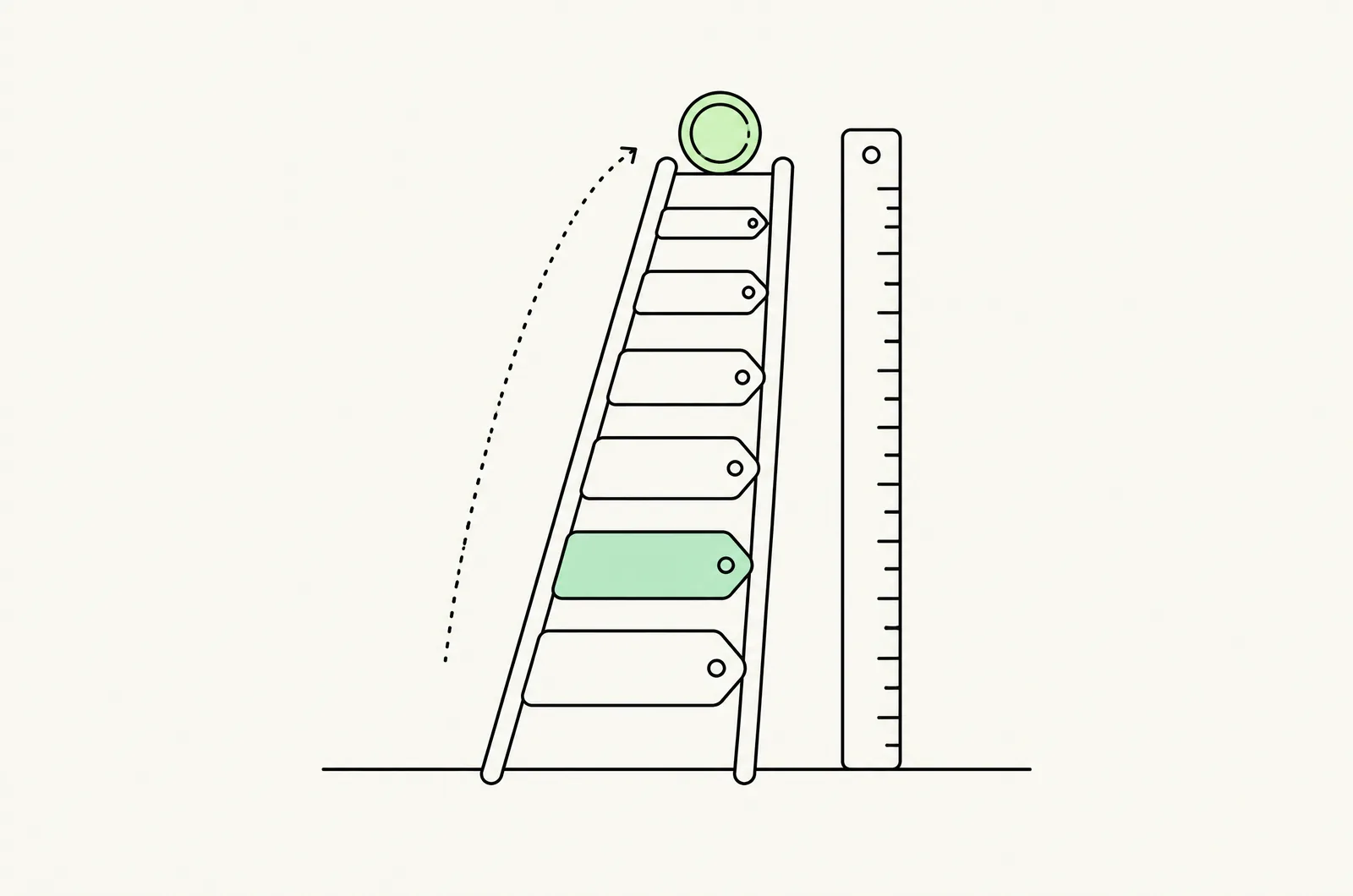
Design rule we use: the ladder is exclusive by default; stacking is a deliberate campaign decision. An exclusive ladder has one controllable price; a stacking ladder has a distribution of effective discounts you must model. For stores running paid media on top, an uncontrolled stack also corrupts break-even ROAS math, because realized margin per order stops matching the modeled margin.
Guardrails: the margin ceiling
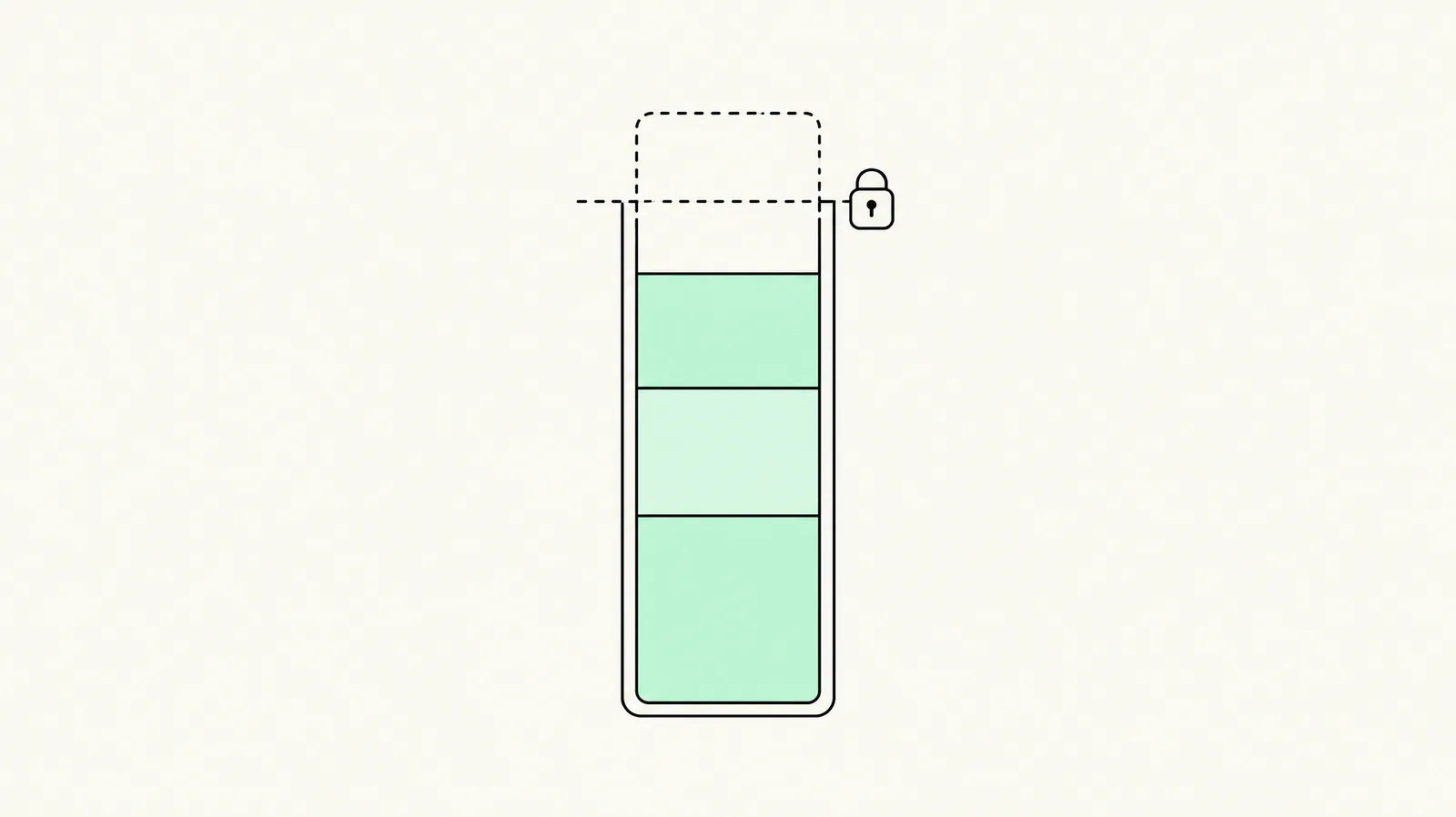
Before any stack goes live, write down the number: maximum effective discount (tier + code + shipping combined) as a % of list. From contribution math on a 45% gross margin product with ~15% fulfillment cost, a 30% effective discount is often already at or below the contribution floor — the exact number comes from your unit economics, computed the way the pricing guide shows.
Three structural guardrails:
- Prefer one deep lever over stacked shallow ones. A single 25% tier beats 15% + 15% that compound to 27.75% — and is easier to reason about.
- Gate stacking by segment, not sitewide. Campaign codes enabled to combine with tiers should target segments (e.g. VIP), not sitewide.
- Time-box every combination setting. Combinations turned on for BFCM need a calendar reminder to turn off. Most accidental stacks we find are combination settings that outlived their campaign.
QA checklist before any stack goes live
- [ ] Deepest tier + every live code computed against the margin floor — real cart, not spreadsheet-only.
- [ ] Product-page tier display matches checkout line total when a code is applied.
- [ ] Free-shipping threshold measured against the discounted cart value (post-tier), and you know which value Shopify is using.
- [ ] Within-class overlap tested: two qualifying discounts produce the best one, not a sum.
- [ ] Combination settings documented in your discount calendar with an off-date.
- [ ] Klaviyo/email codes checked against the stack — most unapproved stacks enter through lifecycle campaigns.
- [ ] Paid-traffic landing offers (the Google Shopping/PMax offers and Meta codes) tested in the same cart.
Last updated: November 16, 2026. Discount combination behavior verified against Shopify's platform in November 2026; app-level combination controls vary by vendor — check your app's settings.
Want this set up on your store?
Book a free 20-minute strategy call. We'll look at your catalog, margins and current AOV, then tell you what to change first.
Book a free strategy callFrequently asked questions
Can you stack discount codes on Shopify?
Codes of the same class never stack — Shopify applies the best qualifying one. Different classes (product + order + shipping) stack when combination compatibility is enabled on each discount.
Do quantity-break discounts stack with discount codes?
Quantity-break tiers apply as product-class discounts via Shopify Functions, so they can stack with order and shipping discounts where the app exposes combination settings and you enable them. Within the product class, tiers never stack with other product discounts.
Do Shopify discounts add together or multiply?
Cross-class stacks multiply: 20% product + 10% order = 28% off (0.9 × 0.8), not 30%.
Why did my customer get a bigger discount than I set up?
Usually a combination setting that outlived its campaign: a tier ladder, a campaign code and free shipping all enabled to combine. Audit active discounts, compute the worst legal stack against your margin floor, and time-box combination settings.
How do I stop a quantity break from stacking with codes?
Set the tier offer's combination settings to combine with nothing (many apps default to this). The ladder then acts as an exclusive price — one controllable discount instead of a distribution.