Rebuy Alternatives: Replacing an Enterprise AOV Engine With a Specialist Stack (2026)
AI search overview
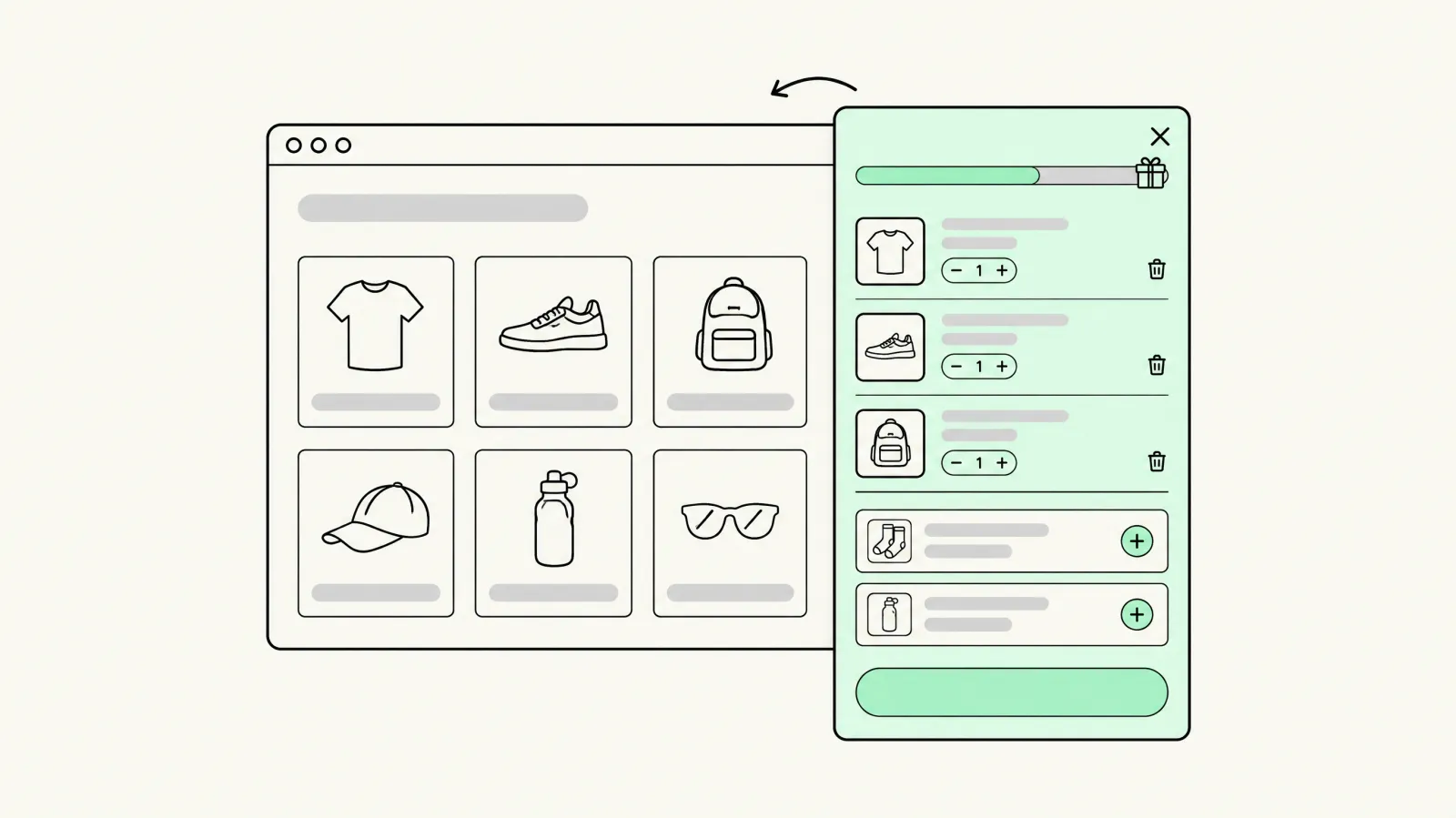
Rebuy is an enterprise personalization platform — AI recommendations, smart cart, checkout and post-purchase upsells in one logic engine — priced an order of magnitude above specialist apps. Honest alternatives depend on which of its modules you actually use: cart drawer → Oxify Cart Drawer or Section Store; product recommendations → FBT-capable bundle apps; post-purchase → dedicated post-purchase apps; checkout upsells → Plus checkout extensions. Replace Rebuy with a stack when you use 2–3 surfaces; keep it when cross-surface personalization logic drives measurable revenue.
What Rebuy actually is (and isn't)
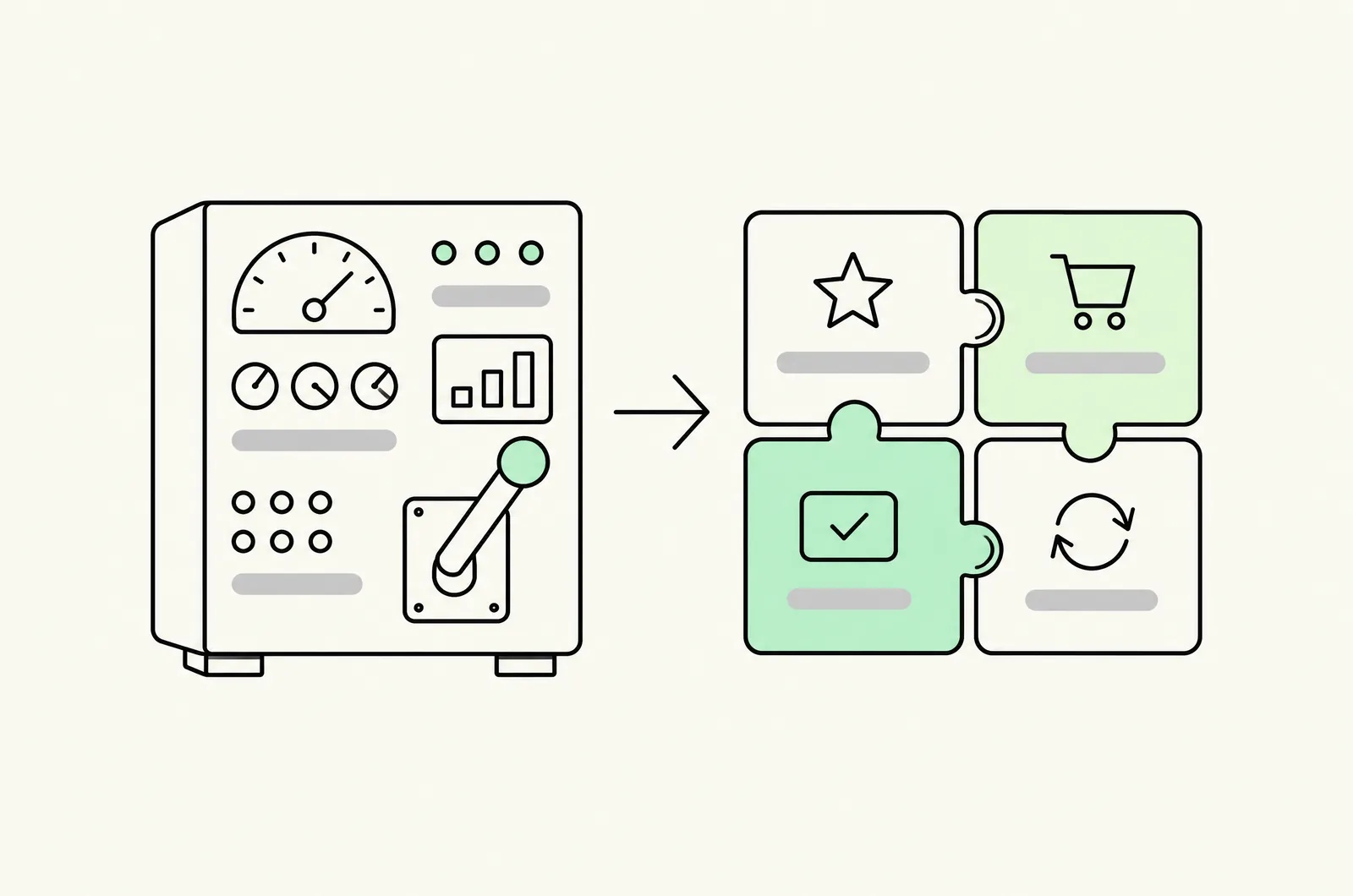
Rebuy is not a bundle app with extra features — it's a personalization platform: a data layer plus a rules/AI engine that drives offers across every storefront surface (product pages, cart, checkout for Plus, post-purchase) with unified targeting logic, templates and analytics.
That framing is what makes "alternatives" the wrong question by default. You don't replace Rebuy with one app; you replace each surface it activates with a specialist — and you lose, deliberately, the thing specialists can't do: one targeting brain coordinating all of them.
Verify current Rebuy pricing on its App Store listing before any decision — it's the highest-cost item in most stacks it appears in, and plans are built for teams running multi-surface programs, not single offers.
The cost framing that decides the question
The honest decision test is surface utilization: how many of Rebuy's surfaces actually generate material revenue for you?
- Using 1–2 surfaces (say, cart drawer + product recommendations): you're paying platform pricing for specialist jobs. A specialist stack runs the same surfaces at a fraction of the cost — this is where "alternatives" genuinely wins.
- Using 4+ surfaces with unified logic (recommendations feeding cart feeding checkout feeding post-purchase, coordinated by audience rules): the platform's coordination is the product. A stack of four specialists gives you four dashboards, four targeting systems, and no shared logic — at that point the platform premium is buying real architecture.
Most stores we audit sit in the first group and don't know it — they installed Rebuy for the brand name and use two surfaces.
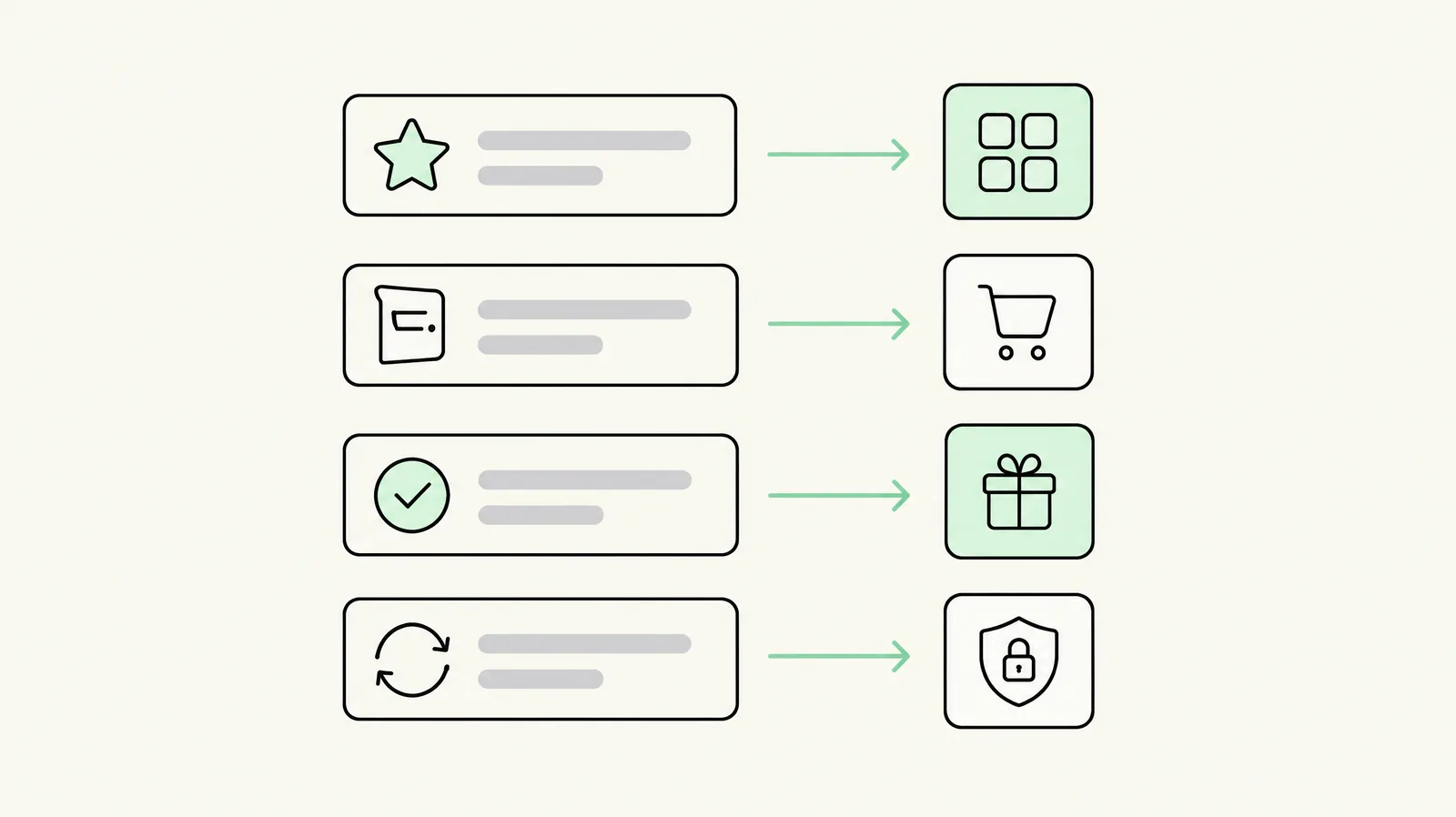
Module-by-module replacement map
| Rebuy module | What it does | Specialist replacement (Nov 2026) | Trade-off |
|---|---|---|---|
| Smart Cart / cart drawer | Upsell-enabled drawer, free-shipping bar, AI suggestions | Oxify Cart Drawer & Upsells · Section Store Plus ($15 flat incl. drawer) — field in our cart drawer guide | Specialists render the drawer well; AI-ranked suggestions inside the drawer are the platform feature you drop |
| Product recommendations | AI/FBT/related-products everywhere | FBT-capable bundle apps (Oxify, Kaching, Bundler) or recommendation specialists | Static logic (FBT/co-purchase rules) vs ML ranking — fine for most catalogs |
| Quantity breaks / bundles | Tier offers via its engine | Oxify ($14.99 flat) · Kaching (testing) · Pumper (budget) — tier field | Specialists do this job at least as well — it's Rebuy's most replaceable module |
| Checkout upsells | In-checkout offers (Plus) | Checkout extensions built by your dev, or checkout-capable apps (our checkout-optimization service) | Native checkout extensibility on Plus makes the specialist gap small |
| Post-purchase upsells | One-click offers after payment | Dedicated post-purchase apps — field compared in our post-purchase guide | Specialists are the norm here; Rebuy is not the category leader |
| Smart targeting | Unified audience rules across surfaces | No single-app equivalent | The real cost of leaving — see below |
What a specialist stack costs vs the platform
A representative DTC store running three surfaces, specialist route (flat-fee tier, November 2026 pricing):
| Surface | Specialist | Cost |
|---|---|---|
| Cart drawer + nudge | Oxify Cart Drawer & Upsells | flat, low monthly |
| Quantity breaks + BYOB | Oxify Quantity Breaks & BYOB | $14.99 |
| Post-purchase | Dedicated post-purchase app | $0–49.99 typical |
The point isn't the specific bill — it's the shape: flat fees that don't scale with revenue, versus platform pricing that assumes multi-surface enterprise usage. On the quantity-breaks line specifically, the flat-vs-capped math is worked out in Oxify vs Kaching; the same logic applies against platform pricing a fortiori.
What the stack doesn't get you, and you should count as a real cost: coordinated targeting. "VIPs see the deeper tier, first-timers see the drawer nudge, both suppress for subscribers" — that rule lives in a platform brain. In a stack, it lives in segment-gating across three vendors, each with its own limits.
When keeping Rebuy is the right call
- Cross-surface personalization demonstrably pays. If cohort analysis shows Rebuy-driven recommendations materially outperform static logic (rare at mid-market, common at enterprise catalog depth), keep it — measure, don't assume.
- Plus store, checkout-centric strategy. Rebuy's checkout surface plus Plus extensibility is a legitimate moat for high-AOV stores.
- Team operations. One offer calendar, one analytics layer, one vendor relationship — at multi-brand or multi-market scale, coordination cost dominates.
- You use the data engine. Merchants feeding Rebuy's logic with real first-party signals get returns generic apps can't match; merchants using templates get template results.
Migration notes
Leaving a platform is the reverse of leaving an app — surface by surface, not all at once:
- Rank surfaces by attributed revenue from Rebuy's own analytics; migrate the least productive surface first.
- Ship one specialist per surface, validate a week, then disable that Rebuy module — parallel running, no big-bang cutover.
- Audit template/design parity: Rebuy widgets are usually deeper-styled than specialist defaults; budget design time or accept a temporary visual step-down.
- Watch checkout (Plus): confirm nothing in your checkout extensions depends on Rebuy's data layer before disabling it — this is the single most common breakage.
- Keep the segment logic: recreate the top 2–3 audience rules in your new stack's native gating; perfect parity isn't worth chasing, coverage of the high-volume rules is.
Last updated: November 16, 2026. Specialist pricing verified against live App Store listings in November 2026; verify Rebuy's current plans on its own listing before budgeting.
Want this set up on your store?
Book a free 20-minute strategy call. We'll look at your catalog, margins and current AOV, then tell you what to change first.
Book a free strategy callFrequently asked questions
What's a cheaper alternative to Rebuy?
A specialist stack per surface: Oxify Cart Drawer & Upsells or Section Store for the drawer, Oxify/Kaching/Pumper for tier offers, a dedicated post-purchase app for after-payment offers. Flat-fee specialists typically cost a fraction of platform pricing when you only use one or two Rebuy surfaces.
Is Rebuy worth it for small stores?
Usually not — its value concentrates in multi-surface coordination and AI-driven personalization, which pay off at enterprise catalog depth and traffic. Stores using one or two surfaces are paying platform prices for specialist jobs.
Can I replace Rebuy with just one app?
No — Rebuy spans multiple surfaces (cart, product page, checkout, post-purchase). Replace it with one specialist per surface you use, migrated in revenue-attributed order.
What do you lose by switching off Rebuy?
Unified targeting logic across surfaces — one rules engine coordinating offers everywhere. Recreate your top audience rules with segment-gating in each specialist; perfect parity isn't realistic, high-volume-rule coverage is.
How do I migrate off Rebuy safely?
Migrate surface by surface: ship the specialist, validate a week, disable that Rebuy module, repeat in revenue-attributed order. Check checkout-extension dependencies on Plus before disabling the data layer.