B2B Quantity Breaks on Shopify: Wholesale Tiers, Catalogs & Customer Tags (2026)
AI search overview
Shopify supports B2B quantity breaks natively through company catalogs: per-variant quantity rules ("10–24 units: 5% off; 25+: 12% off") apply to logged-in company buyers — on all plans since April 2026, not just Plus. Retail shoppers see nothing. For DTC + wholesale from one store, stack the B2B layer with a retail tier-selector app, and gate both directions to avoid price collision.
What changed in 2026
Until April 2026, Shopify's quantity price breaks for B2B sat behind the Shopify Plus paywall — part of the B2B feature set that made Plus the de facto wholesale platform. April 2026 rolled quantity price breaks out to all plans: any store with B2B enabled can attach quantity rules to company catalogs. (For the full Plus cost picture — and what you still get for the $2,300+/month — see our Shopify Plus pricing guide.)
Two practical consequences:
- Wholesale tiered pricing is no longer a reason to upgrade to Plus by itself.
- The remaining Plus-exclusive pieces are checkout-level: checkout extensibility, Cart Transform pricing, and the automation surface — relevant once wholesale volume gets operationally serious.
How B2B quantity price breaks work
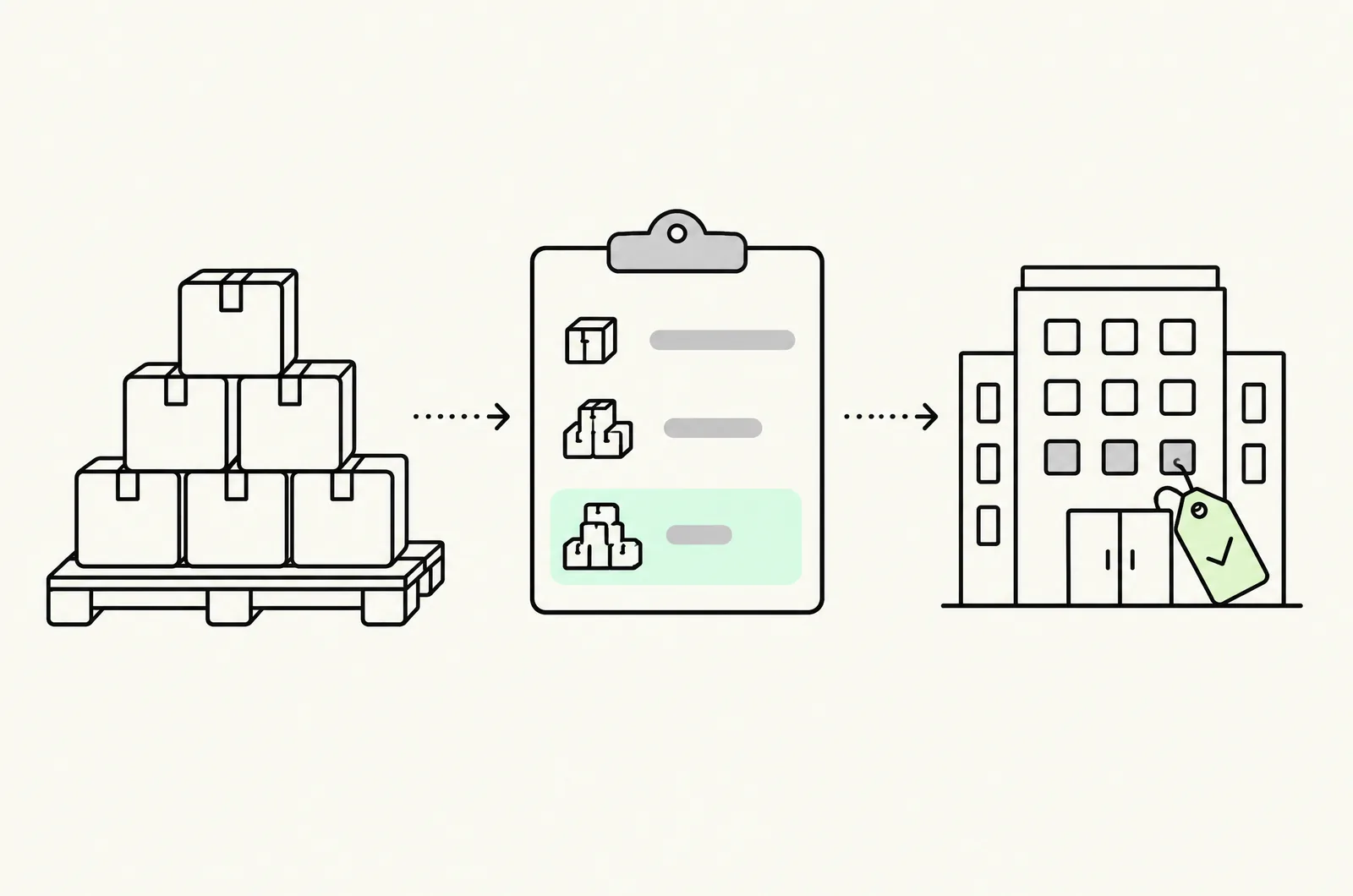
The model has three objects:
- Company — the buyer organization, with locations and assigned buyers (company accounts log in separately from retail accounts).
- Catalog — a curated product/pricing view assigned to one or more companies.
- Quantity rules & price lists — per-variant rules inside the catalog: quantity minimums/increments and price breaks by quantity band.
A rule reads like: "Serum 30ml — minimum 6, increment 6 — 10–23 units: 5% off list; 24–47: 12%; 48+: 18%." The logged-in buyer sees those prices throughout the storefront — product pages, cart, checkout — because B2B pricing is applied server-side to company sessions.
Who qualifies: only logged-in buyers of assigned companies. A retail shopper browsing the same URL sees standard pricing. That scoping is the feature's core strength — and its main limitation if your "wholesale" buyers don't want accounts (covered below).
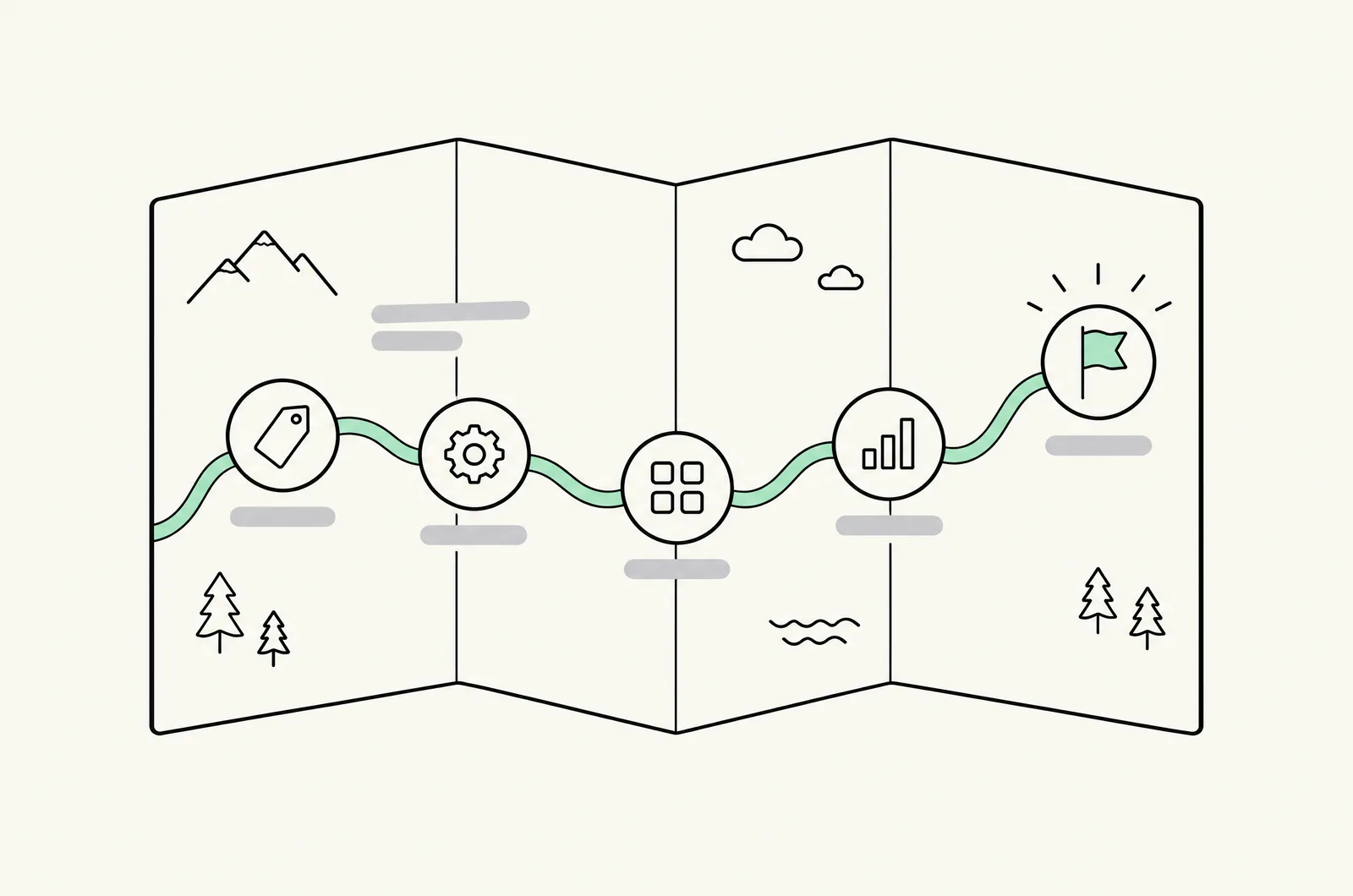
Setup: catalogs, price lists, quantity rules
- Admin → Settings → Customers → B2B → enable B2B.
- Create the company (or import via CSV): name, locations, buyer assignments.
- Create a catalog — wholesale, or segmented per tier (e.g. "Distributor" vs "Dealer" catalogs with different depths).
- Attach a price list — list prices, fixed per-unit prices, or percentage-off lists.
- Add quantity rules per variant: minimum, increment, and the quantity price-break bands.
- Assign companies to catalogs. One company, multiple catalogs is supported; the buyer gets the best applicable catalog pricing.
- QA in a company session: log in as a test buyer, walk a cart through each quantity band, confirm the price at checkout matches the band.
Structure advice from migrations we've run: model tiers on the price list, minimums on the quantity rule. Bands inside price lists stay editable per catalog; minimums/increments inside quantity rules are harder to change retroactively once buyers have built reorder habits around them.
What the native feature doesn't do
- No retail surface. A retail shopper sees nothing — no tier table, no "buy more, save more." For the DTC side you still need the app route (complete retail guide).
- Account-gated only. Buyers who reorder by phone or email without logging in get no tier pricing — you're either maintaining quotes manually or pushing every buyer into accounts.
- Case-price logic is yours to model. Case pricing ("12-bottle case at $X") is a fixed-price line on the price list, not a quantity rule — design the SKU/pricing structure deliberately (the pack-SKU considerations from the subscription guide apply).
- No storefront analytics split. B2B vs DTC contribution reporting is on you (or your BI layer).
- Checkout customization — payment terms presentation, PO flows — is where Plus still earns its fee for serious wholesale operations.
The hybrid-store architecture (DTC + wholesale)
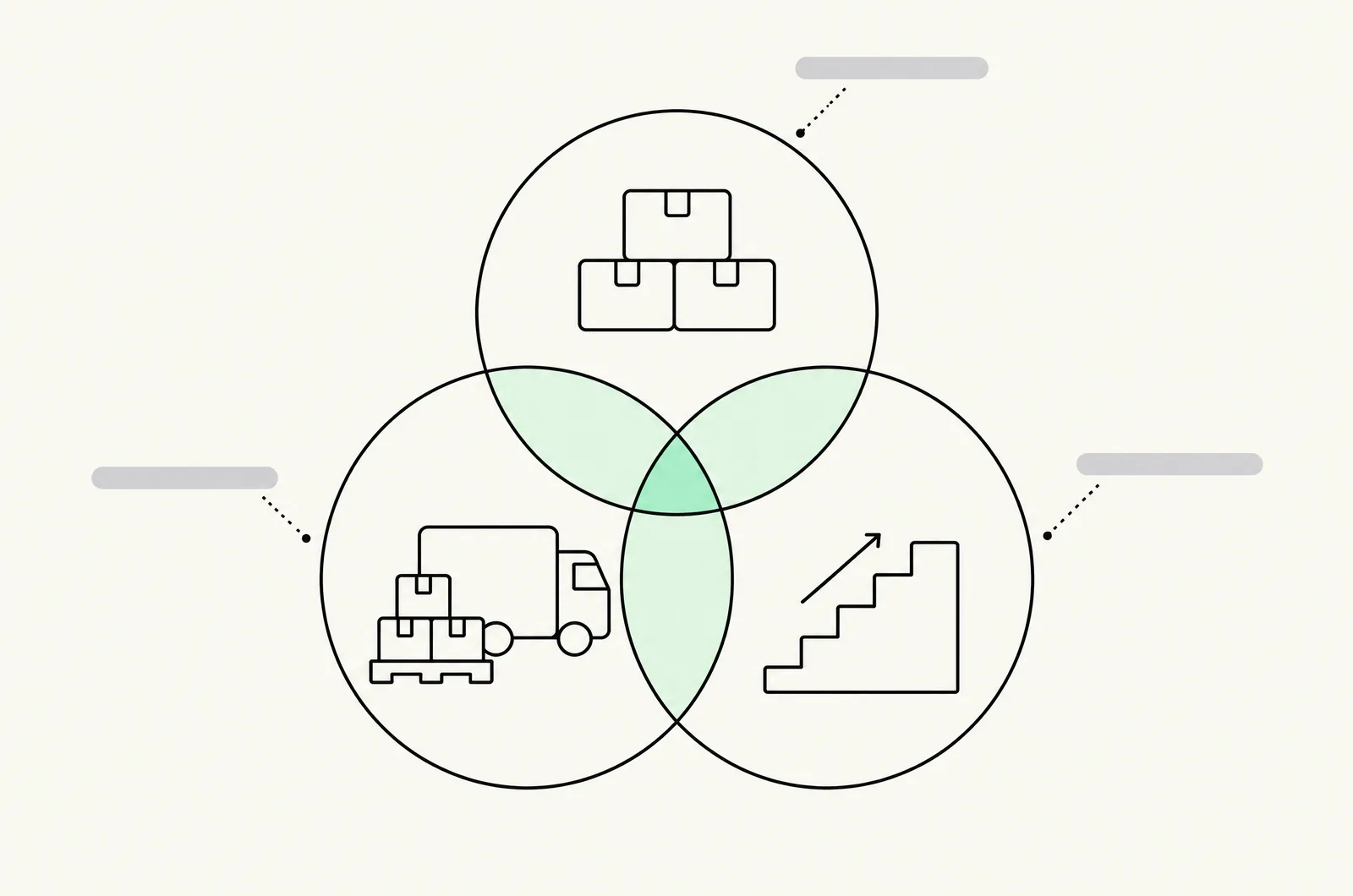
One catalog serving both audiences is the normal end state for brands that start wholesale. The architecture:
- Storefront
- Retail layer: tier-selector app (product-page), standard price list, no account needed
- B2B layer: company catalogs + quantity price breaks, logged-in company buyers
- Segmentation gates: hide retail widget from B2B sessions; keep B2B prices out of retail data
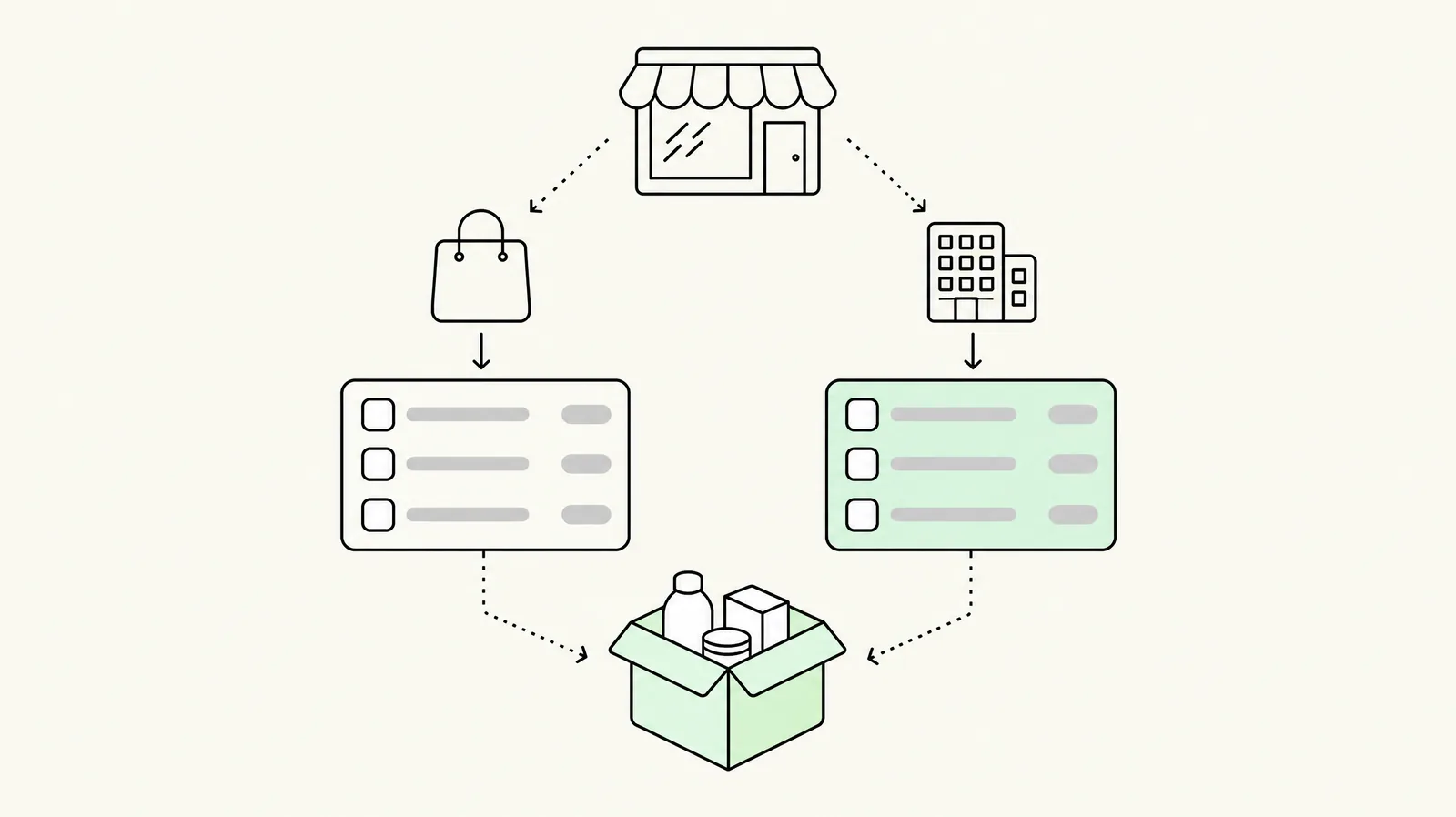
The two failure modes to design against — both covered in quantity breaks vs volume discounts:
- Retail leakage into B2B: a wholesale buyer browsing logged-out sees retail tiers and orders retail-priced. Mitigate by pushing account login hard (email footers, invoice links) and by wholesale-margin pricing that makes retail-priced wholesale orders obviously wrong.
- B2B leakage into retail: price lists or catalog rules rendered on retail pages (metafields leaking into theme templates). Keep B2B pricing in catalogs — never in product metafields a retail theme reads.
Order-routing matters too: B2B orders to different locations, terms, and fulfillment cadences — set fulfillment allocations per location before volume arrives, not after.
Wholesale-app alternative: when you outgrow native
Native B2B covers catalogs and quantity bands well. Stores typically reach for wholesale apps (Wholesale Pricing Discount, Discounty, Pareto) when they need:
- Customer-tag gating instead of company accounts (wholesale buyers who refuse accounts)
- Per-variant price lists at scale with CSV-driven management
- Mixed retail/wholesale carts with different pricing per line
- Net-terms, PO-number and approval flows beyond what native checkout offers
Those are deeper B2B-operation needs than tier pricing itself — our B2B development work covers the architecture decisions, and the retail-side app field stays unchanged (best quantity breaks apps roundup).
Pitfalls we see in B2B migrations
- Copy-pasting retail margins. Wholesale buyers compare against distributor pricing, not retail — a "retail minus 10%" ladder that ignores volume bands reads as amateur pricing and gets negotiated anyway.
- Minimums without increments. Minimum 12 with no increment produces orders of 13, 17, 26 — forecast poison for 3PL pick/pack. Set minimum and increment.
- Ignoring freight economics. A B2B tier ladder priced without freight bands (pallet vs parcel) quietly loses money at the deep tiers the biggest buyers actually use.
- No terms surface at checkout. Net-30 buyers need the terms visible pre-payment; retail checkout flows hide it.
- Treating B2B as a pricing problem only. The account structure, reorder UX, and invoicing determine whether buyers use the tiers. Pricing is a third of the project.
Last updated: November 16, 2026. B2B feature availability verified against Shopify's platform in November 2026.
Want this set up on your store?
Book a free 20-minute strategy call. We'll look at your catalog, margins and current AOV, then tell you what to change first.
Book a free strategy callFrequently asked questions
Does Shopify support quantity breaks for B2B customers?
Yes — B2B quantity price breaks inside company catalogs, native on all plans since April 2026 (previously Plus-only). Rules are per-variant and apply to logged-in company buyers.
Do B2B quantity price breaks require Shopify Plus?
No longer — all plans since April 2026. Plus still matters for wholesale at scale: checkout extensibility, Cart Transform, and advanced automation.
Can one Shopify store sell DTC and wholesale with different pricing?
Yes: company catalogs + quantity price breaks for logged-in B2B buyers, retail tier-selector app for shoppers, with segment gating so neither layer leaks into the other.
How do I set wholesale quantity tiers?
Per-variant in the company catalog: minimum quantity, increment, and price-break bands (e.g. 10–23: 5% off; 24–47: 12%; 48+: 18%). Model tiers on the price list and minimums on the quantity rule — they're edited differently later.
What's the difference between B2B quantity price breaks and a wholesale app?
Native handles account-based catalogs and quantity bands. Wholesale apps add customer-tag gating, CSV price-list management at scale, mixed-cart pricing and checkout terms — needed when buyers won't maintain accounts or operations get complex.