Video Testimonials for Ecommerce: How to Collect & Use Them (2026 Guide)

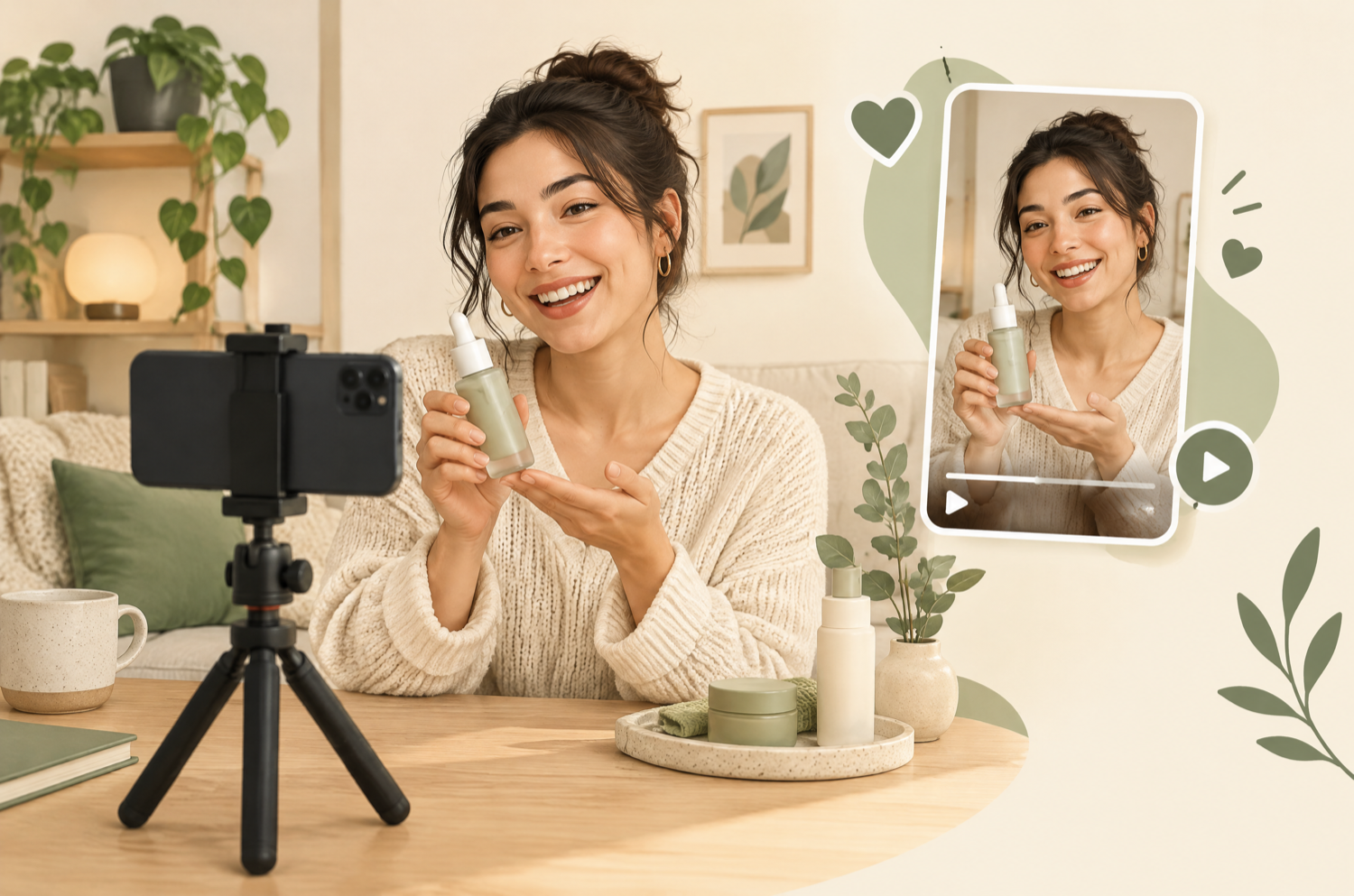
A video testimonial is a short clip of a real customer describing their experience with your product, and the result, in their own words. For an ecommerce store, it's the most believable proof you can put next to a buy button, because shoppers can see the person, the product, and how it actually looks in real life.
This guide covers when and how to ask for video testimonials, the tools that make collecting them easy, what to ask customers to say, permission and incentives, and where to use the videos so they convert. Video testimonials are one type of UGC video, arguably the one that builds the most trust.
Want a testimonial collection system set up for you?
We set up the request flows, review app, and shoppable placement on your Shopify store. Book a free 20-minute call.
Book a free callWhy video testimonials work for ecommerce
- They answer the fit question: size, texture, colour, and scale are obvious in video and hard to judge in photos.
- They're hard to fake: a real person talking in a real setting reads as more credible than a line of text.
- They work everywhere: product pages, email, social, and ads, so one video gets used many times.
- They surface objections: what customers mention unprompted tells you what to fix in your copy.
When to ask for a video testimonial
| Product type | Best time to ask | Why |
|---|---|---|
| Apparel, accessories | 3–7 days after delivery | They've tried it on and worn it |
| Beauty, skincare | 14–30 days after delivery | Results take time to show |
| Home, tech, tools | 7–14 days after delivery | Setup is done, first impressions are formed |
| Consumables, food | After the first reorder | Repeat buyers are your happiest customers |
Build this into your post-purchase email and SMS flows; it's a natural extension of retention marketing. The ask should come after the customer has a result to talk about, not the day the box arrives.
How to collect video testimonials: 5 methods
1. Review apps that accept video
The simplest route on Shopify. Review apps such as Loox, Okendo, and Judge.me send automated review requests and accept photo and video reviews, then display them on product pages. Most offer an optional coupon for photo/video reviews. Compare them in our best UGC apps for Shopify guide.
2. A dedicated video request link
Tools that let customers record in their mobile browser (no app download) remove the biggest barrier. Put the link in a post-purchase email with three prompts on screen.
3. Ask your happiest customers directly
Filter for 5-star reviewers, repeat buyers, or customers who emailed support with praise, and invite them personally. Personal asks get far better videos than automated ones.
4. Social listening
Customers are already posting about you on TikTok and Instagram. Search your brand name and tags, then ask for permission to reuse the best clips.
5. Customer interviews
A 15-minute video call with a loyal customer can produce several testimonial clips plus insight for your copy. Record with permission and cut the best moments.
What to ask customers to say
- Before: 'What made you look for a product like this?'
- Experience: 'What was it like using it the first time?'
- After: 'What's different now?' (ask for a specific detail)
- Recommendation: 'Who would you recommend it to?'
- Film tips to send them: vertical, natural light, product in frame, 15–60 seconds, no script.
- Don't over-direct: rehearsed testimonials lose the authenticity that makes them work.
Incentives, permission, and honesty
- Incentives: offer the reward for any honest review, not for positive ones only.
- Permission: get consent covering where you'll use it (site, email, social, paid ads) and whether you can edit it. Reusing a review-app video in ads needs explicit permission.
- No cherry-picking to mislead: featuring your best testimonials is fine; hiding a pattern of complaints is not.
- Disclosure: if a customer received free product or payment, disclose it.
Not legal advice
Consumer-protection rules on reviews and endorsements differ by country. Check the requirements in your market before running incentives or using testimonials in ads.
Where to use video testimonials
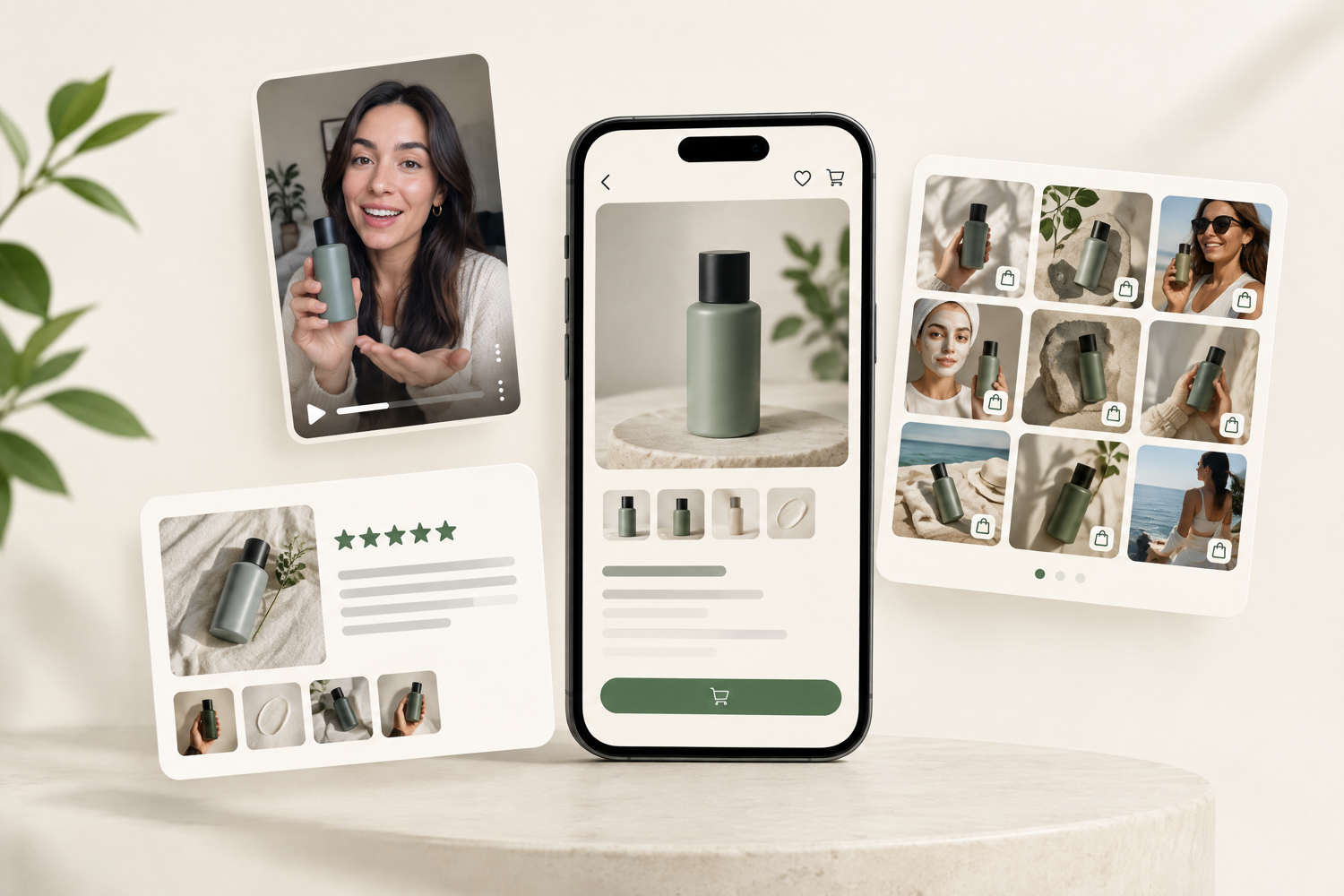
- Product pages: near the price or above written reviews. Make them shoppable so viewers can add to cart from the clip; see what is shoppable video and the best shoppable video apps.
- Email and SMS: abandoned-cart and browse-abandonment flows, where hesitation is highest.
- Paid social: testimonial ads often beat polished creative; our Meta ads team tests them against brand creative.
- Homepage and landing pages: a short montage of several customers.
Then measure it: A/B test the product page with and without the video, using the method in our A/B testing guide.
Need more video than your customers can supply? See how to get UGC videos without paying influencers, or what it costs to commission them in UGC video cost in 2026.
Turn happy customers into your best ads
We build the collection flows, edit the clips, place them on product pages, and test them as ad creative.
Book a callFrequently asked questions
What is a video testimonial?
A video testimonial is a short video of a real customer describing their experience with your product and the result they got, in their own words. For ecommerce, the best ones are 15–60 seconds, filmed on a phone, and show the product in use.
How do I get customers to send video testimonials?
Ask at the right moment (after they've had time to use the product), make it easy (a mobile link that records in the browser or a review app that accepts video), give three simple prompts, and offer a small thank-you such as a discount on their next order, for any honest review, not only positive ones.
Can I offer an incentive for a video testimonial?
Generally yes, if the incentive is offered for an honest review regardless of whether it's positive, and you don't hide or cherry-pick in a misleading way. Many review apps offer coupons for photo or video reviews. Check the consumer-protection rules in your market.
Do I need permission to use a customer's video testimonial?
Yes. Get consent that covers where you'll use it (product page, email, social, paid ads) and whether you can edit it. Review apps usually handle on-site display consent; reusing a video in ads needs explicit permission.
Where should I put video testimonials on my store?
On product pages near the price or just above written reviews, then in post-purchase and abandoned-cart emails, and as paid social creative. A shoppable video carousel lets shoppers buy from the testimonial directly.
What should a customer say in a video testimonial?
Three prompts cover it: what made you look for this product, what it was like using it, and what's different now. Ask for specifics such as fit, texture, time saved, or a result, rather than general praise.