12 Best Shoppable Video Apps for Shopify in 2026 (Real Pricing, Free Plans & View Caps)
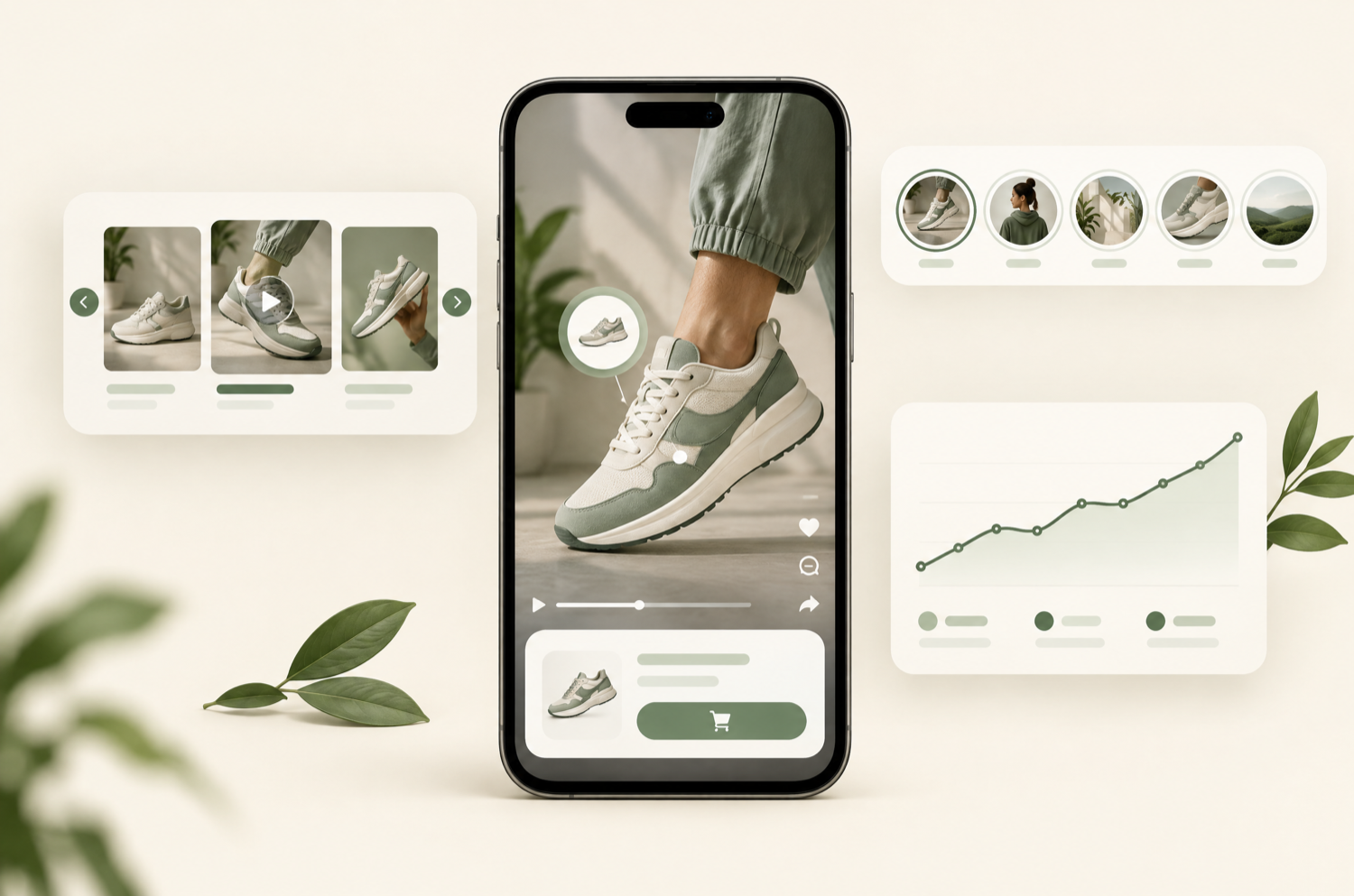
The best shoppable video app for Shopify in 2026 is Foxr Shoppable Videos & UGC. It's free, it puts add-to-cart inside the video player, and it's the one that has worked best in our own store builds. The strongest alternatives are Moast (generous free plan, $15 Pro), Whatmore (AI product tagging), Tolstoy (AI features and email/SMS reuse), and Videowise (Shop app and TikTok Shop publishing). This guide compares 12 apps on what actually decides the bill and the conversion lift: how each one counts views, what the free plan really includes, and how heavy the widget is.
Every price, limit, rating, and launch date below was taken from the live Shopify App Store listing on 28 September 2026. Shoppable video apps change their plans often and many roundups are out of date, so check the listing before you install.
TL;DR — quick picks
Best overall: Foxr (free, in-video add-to-cart, per-video analytics with A/B testing). Best free plan with no view cap and a cheap upgrade: Moast. Best AI auto-tagging: Whatmore. Best for AI tools and reusing video in email/SMS: Tolstoy. Best for Shop app and TikTok Shop: Videowise. Best for Klaviyo-driven brands and larger budgets: Firework. Whatever you pick, check how it counts views before you scale.
What is a shoppable video app?
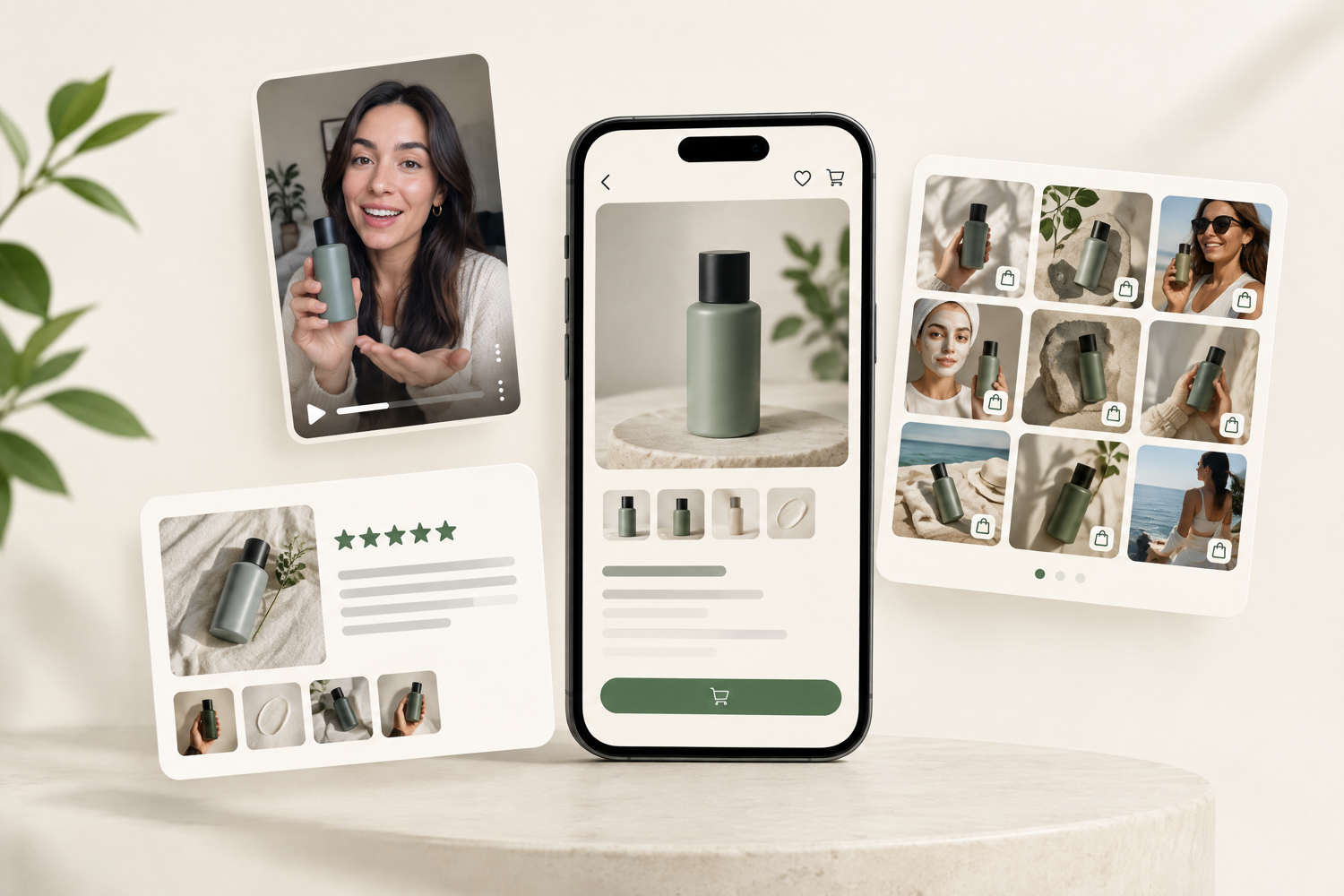
A shoppable video app puts short vertical videos on your Shopify store (usually Reels, TikToks, customer UGC, or product demos) and tags products inside them, so a shopper can go from watching to adding to cart. The better apps let shoppers pick a variant and add to cart without leaving the video player. They display video as carousels, Instagram-style stories, grids, floating pop-ups, or a full-screen player on product, collection, and home pages.
It's different from a UGC sourcing tool. Shoppable video apps display video you already have. If you don't have footage yet, see our guide to the best UGC apps for Shopify, which covers creator marketplaces like Billo and Insense.
Comparison table: 12 shoppable video apps for Shopify
| App | Free plan | Paid plans | How usage is capped | Rating (reviews) |
|---|---|---|---|---|
| Foxr (our #1 pick) | Free | — | No paid tiers listed | 5.0 (1, launched Sep 2026) |
| Moast | Unlimited views, 10 videos/widget | Pro $15/mo | Flat (no view cap) | 5.0 (336) |
| Whatmore | 300 video clicks/mo, 15 videos | $29 / $79 / $149 per mo | Per video click | 4.9 (378) |
| Tolstoy | 30-day uncapped trial | $12 / $44 / $195 per mo | Per viewer (+$7–$10 per 1,000) | 4.7 (277) |
| Videowise | Shop app + TikTok Shop only | Pro $9/mo | Per widget impression (+$10 extra) | 4.8 (252) |
| ReelUp | 100 views/mo, 10 videos | $29.99 / $99.99 / $199.99 per mo | Per view (4+ seconds watched) | 4.9 (302) |
| Quinn | 550 views/mo, 5 videos | $9 / $19 per mo | Per view (impressions free) | 4.9 (107) |
| Reelfy | 10 videos, unlimited impressions | $9.99 / $19.99 / $39.99 per mo | Per video upload | 4.8 (252) |
| Avada ShopVid | 30 videos, homepage only | Pro $12/mo | Flat (unlimited views) | 5.0 (199) |
| Video Slider (Doran) | 50 videos, unlimited views | $49 one-time | One-time lifetime deal | 4.9 (371) |
| SwipeUp | 750 views/mo | $29 / $59 / $99 per mo | Per view | 5.0 (46) |
| Firework | 1,000 views/mo, 10 videos | $39 / $259 per mo | Per view | 5.0 (48) |
Source: Shopify App Store listings, 28 Sep 2026. "Views", "clicks", "viewers", and "impressions" are defined differently by each app. See the next section before comparing plans.
The pricing model matters more than the price
Shoppable video apps charge in three ways, and the model decides what you'll pay once traffic grows:
- Flat tier (Moast, Avada ShopVid, Reelfy, Doran): a fixed fee regardless of traffic. Reelfy caps video uploads rather than views. Doran is a one-time $49. This is the most predictable model for stores with growing traffic.
- Per view or click (ReelUp, Quinn, Whatmore, SwipeUp, Firework, Tolstoy): the plan includes a monthly allowance and you move up tiers as you use more. Watch the definition: ReelUp counts a view only after 4 seconds of watching, Quinn counts only actual watches (not impressions), Whatmore counts clicks, and Tolstoy counts viewers with overage at $7–$10 per 1,000.
- Per impression (Videowise Pro): the widget being shown counts, whether or not anyone plays it. It's cheap at low traffic, but check your product-page sessions first, because every page load that shows the widget uses the allowance.
Model a busy month, not an average one
A capped plan that looks free in September can move you up two tiers in November. Before choosing, estimate how many product-page sessions will see the widget during your busiest month and price each app at that volume.
How we evaluated these apps
- In-video purchase: can shoppers pick a variant and add to cart inside the player, or does a tap bounce them to the product page?
- Page-speed cost: lazy loading, video compression, and how much script the widget adds to mobile product pages.
- Measurement: per-video revenue, add-to-cart rate, and ideally a way to A/B test, because attributed revenue alone isn't proof of lift.
- Pricing model: what the free plan really includes and how costs grow with traffic.
- Track record: live App Store rating, review volume, and launch date.
Our #1 pick
1. Foxr Shoppable Videos & UGC — best shoppable video app for Shopify
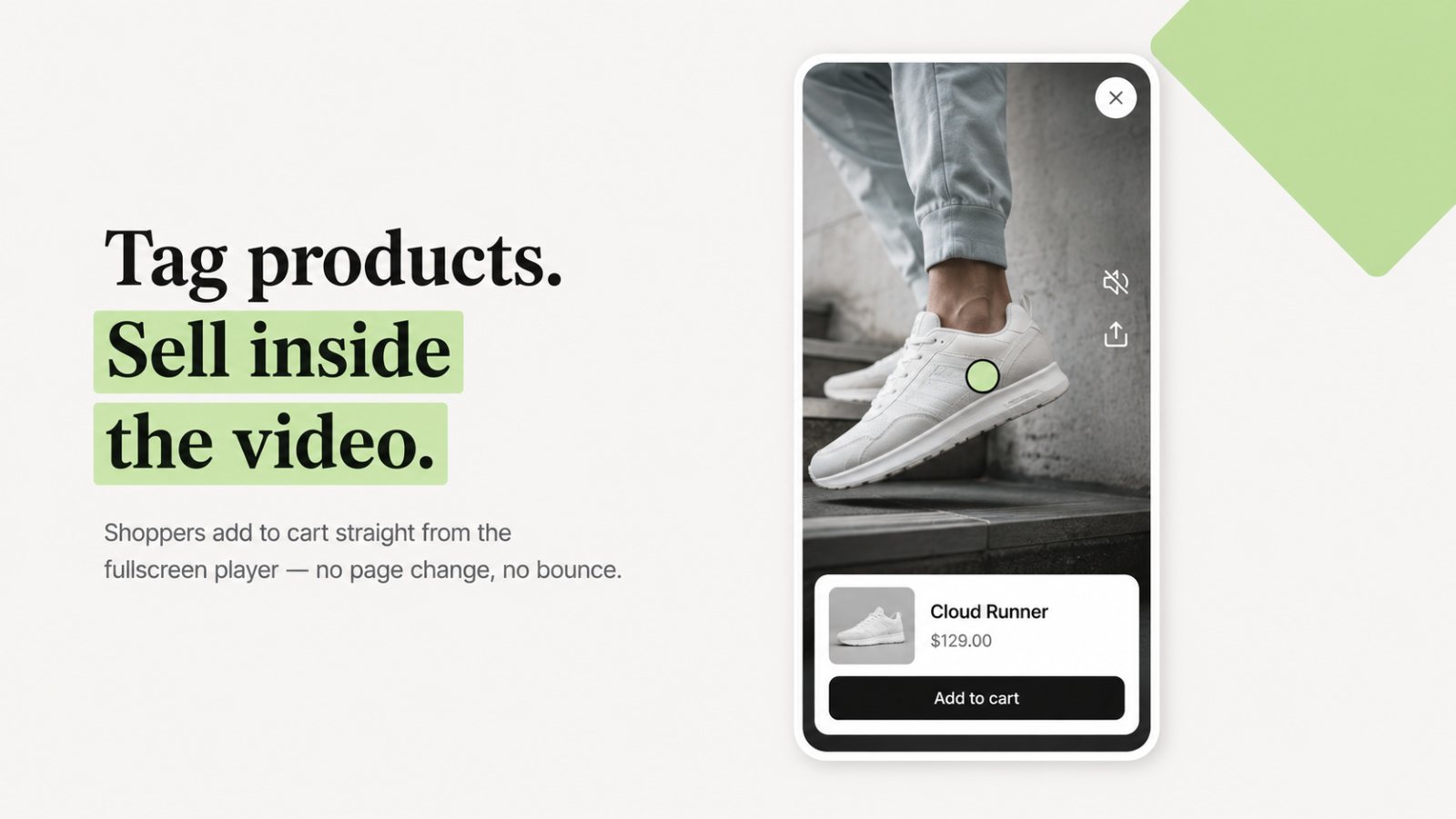
We've set up shoppable video on a lot of Shopify stores, and Foxr has been the best of them in our hands-on experience. You upload vertical Reels-style videos into one library and show them as a carousel, slider, stories, grid, pop-up, or full-screen player on home, product, and collection pages. Products are tagged in the video, and shoppers pick a variant and add to cart without leaving the player. It's free. We have no affiliation with Foxr; it's at the top because it has worked best for us.
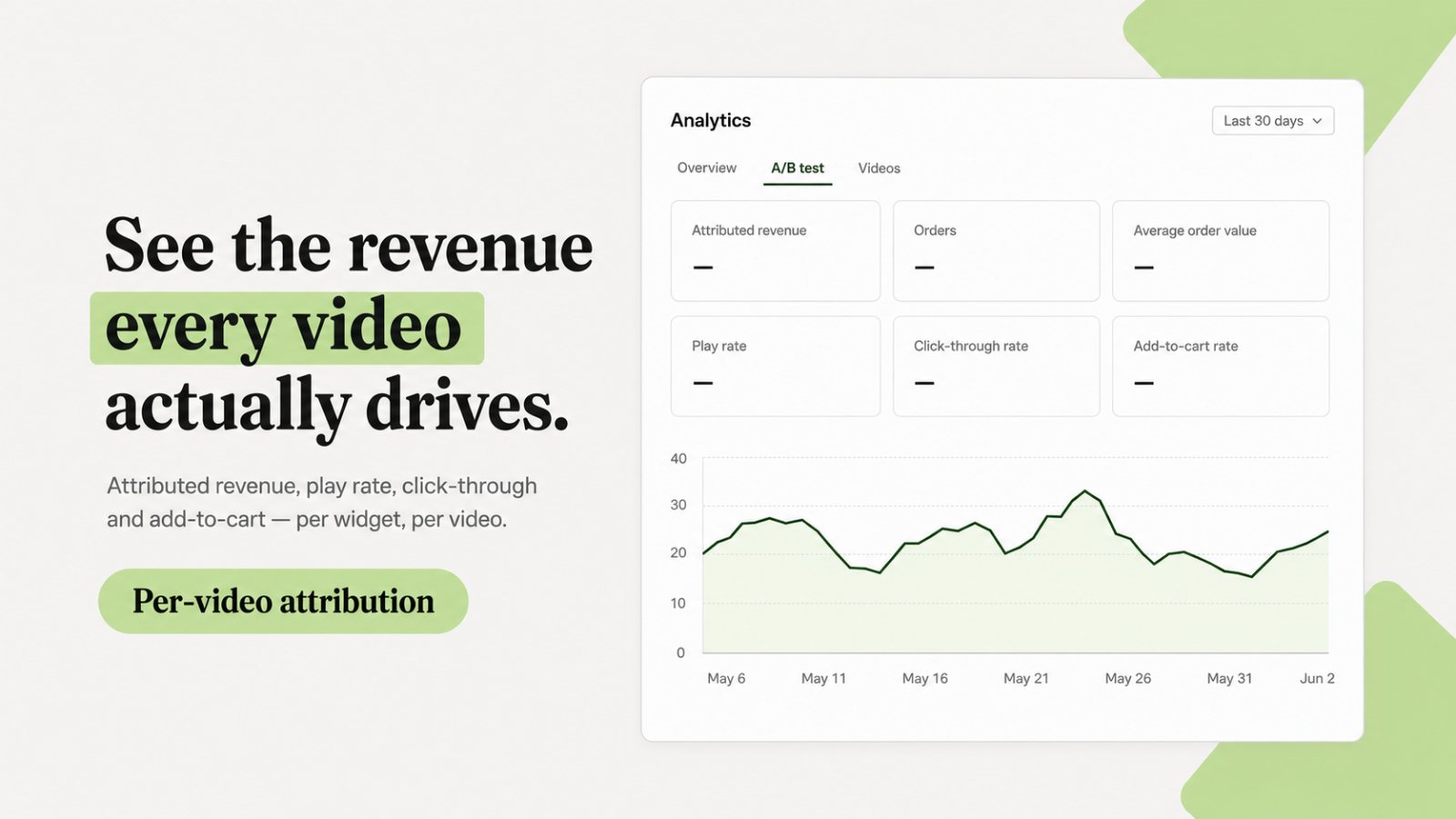
Two things set it apart from the rest of this list. First, measurement: analytics show attributed revenue, orders, AOV, play rate, click-through, and add-to-cart rate per widget and per video, and there's an A/B test view built in. Second, speed and discoverability: widgets are lazy-loaded with quality controls, and Foxr adds structured data (it calls this AEO & GEO) so search engines and AI answer engines can understand your videos.
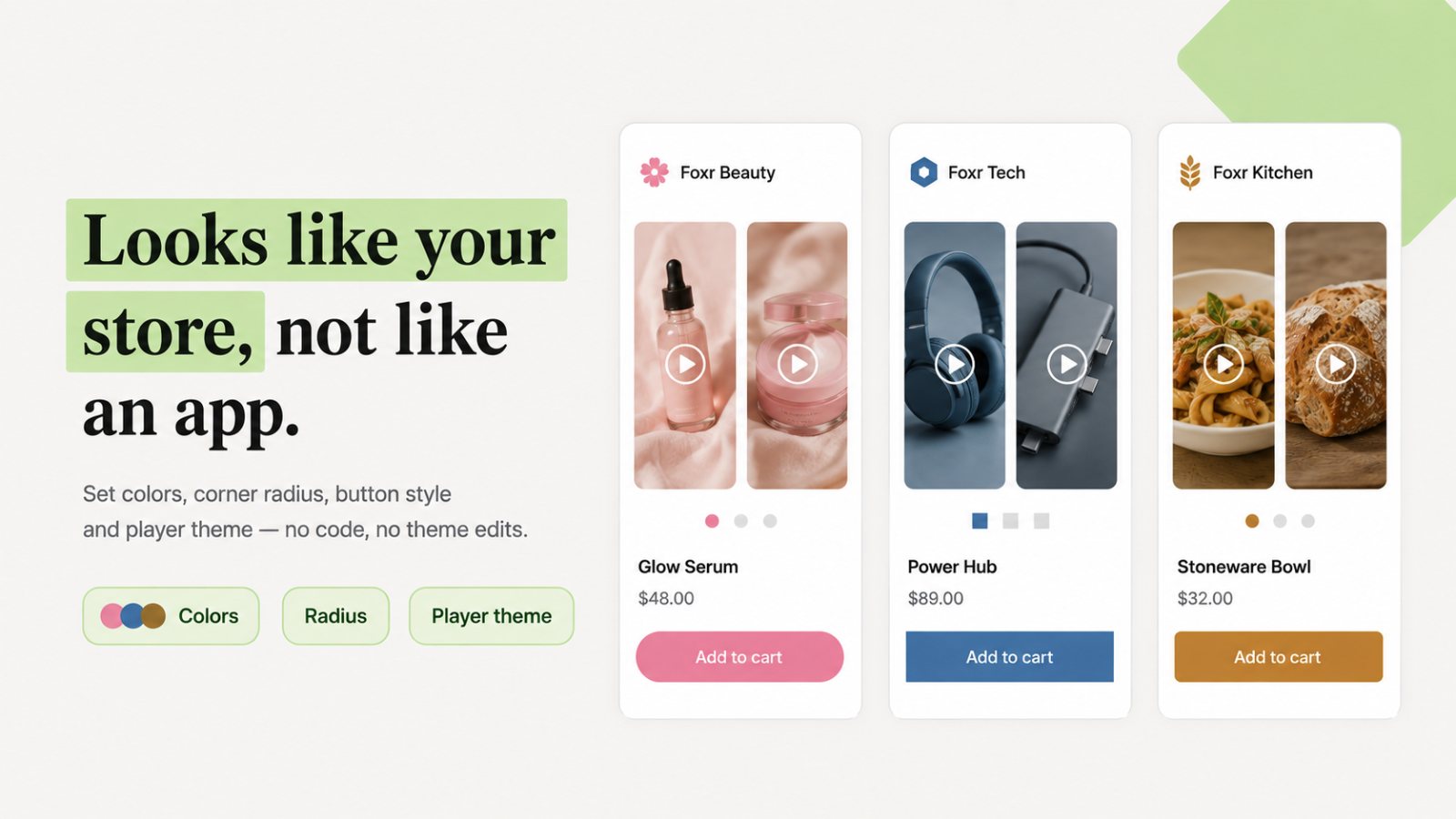
- What works: free; in-player add-to-cart with variant selection; per-video analytics with A/B testing; lazy-loaded widgets; structured data for SEO and AI search; five no-code layouts and full brand styling.
- What doesn't: brand new (launched 25 September 2026), so it has few App Store reviews so far; English-only for now; the listing describes uploading videos rather than auto-syncing from Instagram, so new Reels are a manual step.
- Best for: any Shopify store that wants shoppable video on product pages without a monthly bill or a slower page.
Want shoppable video set up and tested properly?
We install, style, and A/B test shoppable video on Shopify product pages, and report the incremental lift instead of vendor-attributed revenue.
See our Shopify CRO serviceThe best alternatives
2. Moast — best free plan with no view cap
Moast has one of the most generous free plans: unlimited video views, product tagging, up to 10 videos per widget, unlimited widgets, Reels/TikTok import, basic analytics, and Shop app publishing. Pro is $15/month ($165/year) and adds unlimited videos per widget, multi-product tagging, branding removal, advanced analytics, customer UGC collection, and GEO/SEO optimisation. 5.0 stars from 336 reviews since launching in May 2024.
- What works: flat pricing with no view cap, so traffic spikes don't raise the bill; large, happy review base; cheap Pro tier.
- What doesn't: the free plan carries Moast branding and is capped at 10 videos per widget.
- Best for: growing stores that want predictable cost as traffic scales.
3. Whatmore — best AI product tagging
Whatmore imports Reels and TikToks in one click, auto-syncs daily from Instagram, and uses AI to tag products in each video. It has the most reviews in this category (4.9 from 378) and lists Shopify Plus merchants among its users. Free: 300 video clicks/month and 15 videos. Starter $29/mo (3,000 clicks), Growth $79/mo (15,000 clicks, email embeds, shop-by-video page), Scale $149/mo (40,000 clicks).
- What works: the least manual work for large catalogues; HD banners and a shop-by-video page; strong review record.
- What doesn't: click-based caps, and AI product matches are limited per month on every plan (5 free, 10–20 paid).
- Best for: brands posting new Reels every week that want them on-site automatically.
4. Tolstoy — best for AI features and email/SMS reuse
Tolstoy imports Reels, TikToks, and UGC, lets you tag products once, and publishes galleries to product pages, collections, and the Shop app, then reuses the same videos in email and SMS. It has moved into AI: virtual try-on and sizing, an AI Studio, and an AI sales agent. Free is a 30-day uncapped trial; Starter $12/mo (5,000 viewers), Plus $44/mo (20,000 viewers), Pro $195/mo, with extra viewers at $7–$10 per 1,000. 4.7 from 277 reviews; live since 2020.
- What works: the broadest feature set; virtual try-on for fashion; one video library across site, email, and SMS.
- What doesn't: viewer-based overages add up on busy stores; AI tokens are rationed by plan.
- Best for: fashion and beauty brands that will use the AI try-on and sizing features.
5. Videowise — best for Shop app and TikTok Shop
Videowise has a free plan built around off-site channels: shoppable videos in the Shop app (including the Shop app home feed), publishing to TikTok Shop, Instagram/TikTok sync, and video compression and hosting. Pro is $9/month with 5,000 unique widget impressions included (extra impressions billed at $10) and unlocks unlimited on-site videos, 16+ widget themes, advanced analytics, and SEO/AEO-optimised video. 4.8 from 252 reviews.
- What works: the only app here whose free plan focuses on Shop app and TikTok Shop distribution; built-in compression; very cheap entry.
- What doesn't: on-site video needs Pro, and impression-based billing grows with every product-page load.
- Best for: brands that sell heavily through the Shop app or TikTok Shop.
6. ReelUp — best for strict view counting
ReelUp turns TikTok and Instagram video into autoplay carousels, stories, and a UGC gallery. It counts a view only after a shopper watches for 4 seconds. Free: 100 views/month and 10 videos. Basic $29.99/mo (3,000 views), Premium $99.99/mo (20,000 views), Elite $199.99/mo. 4.9 from 302 reviews.
- What works: honest view definition; lots of widget styles; mature app (since 2022).
- What doesn't: the free plan is tiny, and the jump from free to $29.99 comes quickly.
- Best for: mid-size stores that want a TikTok-Shop-style feed on-site.
7. Quinn — best low-cost view-based plan
Quinn adds Reels- and stories-style video anywhere on the store, with add-to-cart inside videos and revenue tracking per video. It says AI compresses videos by up to 20x. Free: 550 views/month and 5 videos. Starter $9/mo (5,000 views), Growth $19/mo (12,000 views); impressions don't count, only watches. 4.9 from 107 reviews.
- What works: in-video add-to-cart at a low price; only actual watches are counted; compression helps page speed.
- What doesn't: the free plan allows only 5 videos, and view caps still apply on paid plans.
- Best for: small stores that want in-video checkout without a large monthly fee.
8. Reelfy — best flat pricing by video count
Reelfy imports TikTok and Instagram Reels, tags products, and shows them as stories, carousels, or stacked video. All plans have unlimited impressions and are capped by uploads instead: Free (10 videos, no brandmark), Starter $9.99/mo (25), Growth $19.99/mo (100), Enterprise $39.99/mo (unlimited, the only tier for Shopify Plus). 4.8 from 252 reviews.
- What works: traffic never raises the bill; no branding even on free.
- What doesn't: Starter and Growth aren't available on Shopify Plus.
- Best for: high-traffic stores with a modest video library.
9. Avada ShopVid — best for in-video discount codes
Avada ShopVid adds shoppable video with direct product links and in-video discount codes, imports from TikTok, Instagram, and Shopify Files, and can build a dedicated Video Studio page. Free: 30 videos with unlimited views, but on the homepage only and watermarked. Pro $12/mo: unlimited videos and placements, revenue and conversion rate per video, and multi-language. 5.0 from 199 reviews.
- What works: unlimited views at every tier; coupons inside videos; cheap Pro.
- What doesn't: the free plan can't go on product pages, where video matters most.
- Best for: promotion-led brands that want to push a code inside the video.
10. Video Slider by Doran — best one-time price
Video Slider: Shoppable Videos by Doran shows uploaded or imported video as a carousel, pop-up, player, or grid. Free forever: 50 uploads with unlimited views and Shop app integration. A $49 one-time lifetime deal adds unlimited uploads, analytics, email embedding, automatic discounts, SEO rich snippets, and customer UGC collection. 4.9 from 371 reviews.
- What works: no monthly fee at all; unlimited views; strong reviews for a 2025 launch.
- What doesn't: a lifetime deal depends on the developer continuing to maintain the app.
- Best for: budget-conscious stores that dislike subscriptions.
11. SwipeUp — best TikTok-style player
SwipeUp focuses on a smooth, TikTok-like full-screen player with Stories, Feed, and Overlay widgets. Free: 750 views/month. Pro $29/mo (10,000 views), Scale $59/mo (25,000 views, page-specific placement), Shopify Plus $99/mo (unlimited views, dedicated success manager). 5.0 from 46 reviews.
- What works: polished player feel; a clear Shopify Plus tier with unlimited views.
- What doesn't: branding removal only from $59/mo; smaller review base.
- Best for: brands whose audience lives on TikTok and expects that feel.
12. Firework — best for Klaviyo and enterprise
Firework is the enterprise option: shoppable video, UGC video reviews, quizzes, and polls, plus a Klaviyo integration that triggers flows from video interactions. Pilot is free (1,000 views, 10 videos); Starter $39/mo (10,000 views, 50 videos); Growth $259/mo (50,000 views, unlimited uploads, no branding). 5.0 from 48 reviews; on Shopify since 2021.
- What works: the deepest email integration; interactive formats beyond video; enterprise support.
- What doesn't: the most expensive once you need branding removed.
- Best for: larger brands running Klaviyo-heavy retention programs.
Also worth a look: Libautech Shoppable Videos UGC is completely free, with no paid tier, and imports from TikTok, Instagram, and YouTube (5.0 from 6 reviews). PlayShorts has a free plan and supports video in email and QR codes (5.0 from 95 reviews).
Which shoppable video app should you choose?
| If you… | Choose |
|---|---|
| Want the best overall, free | Foxr |
| Want unlimited views and a cheap upgrade | Moast |
| Post Reels weekly and want auto-sync + AI tagging | Whatmore |
| Sell fashion and want virtual try-on | Tolstoy |
| Sell through the Shop app or TikTok Shop | Videowise |
| Hate subscriptions | Video Slider by Doran ($49 once) |
| Have high traffic and a small video library | Reelfy |
| Run promotions and want codes in videos | Avada ShopVid |
| Are an enterprise brand on Klaviyo | Firework |
How to add shoppable video to Shopify without hurting conversion
- Start on product pages. That's where the buying decision happens. A homepage carousel looks good but rarely moves revenue.
- Keep clips short and vertical. Show the product in use in the first two seconds, and film 9:16 for mobile.
- Lazy-load and never autoplay more than one video. Run PageSpeed Insights on a product page before and after installing, and watch mobile LCP and INP.
- Tag every video. An untagged video is entertainment. In-player add-to-cart is the whole point.
- Use one app. Two video widgets double the script weight and split your analytics.
- A/B test before you pay for scale. Compare conversion rate and revenue per visitor with and without the widget for at least two full weeks. Our A/B vs multivariate testing guide covers the method, and 2026 conversion benchmarks give you a baseline.
Shoppable video is one lever in a wider conversion rate optimization program. Choose the app whose pricing model fits your traffic, measure the lift honestly, and only then scale it across the catalogue.
Need the videos, not just the app?
We produce UGC and short-form product video and put it to work on Shopify product pages and in ads.
Explore AI UGC productionFrequently asked questions
What is the best shoppable video app for Shopify?
In our experience, Foxr Shoppable Videos & UGC. It's free, supports add-to-cart with variant selection inside the video player, lazy-loads its widgets, and reports revenue per video with a built-in A/B test view. Strong alternatives are Moast (unlimited views on the free plan, $15 Pro), Whatmore (AI product tagging), Tolstoy (AI try-on, email/SMS reuse), and Videowise (Shop app and TikTok Shop).
Is there a free shoppable video app for Shopify?
Yes. Foxr and Libautech are free with no paid tiers listed. Moast's free plan includes unlimited video views and product tagging, and Video Slider by Doran is free for 50 videos with unlimited views. Most others have free plans with small caps, for example ReelUp at 100 views a month or Quinn at 550.
How much does a shoppable video app cost?
Most paid plans for small and mid-size stores cost $9–$30 a month (Videowise $9, Quinn $9, Reelfy $9.99, Tolstoy $12, Avada ShopVid $12, Moast $15, Whatmore $29, SwipeUp $29, ReelUp $29.99). High-volume tiers run $99–$259 a month. Video Slider by Doran is a one-time $49. Prices checked on the Shopify App Store on 28 September 2026.
What is the difference between view-based and flat pricing?
Flat plans (Moast, Avada ShopVid, Reelfy, Doran) cost the same however much traffic you get. View- or click-based plans (ReelUp, Quinn, Whatmore, SwipeUp, Firework, Tolstoy) include a monthly allowance and move you up a tier as usage grows. Videowise Pro counts widget impressions, meaning every time the widget is shown. Each app defines a 'view' differently, so compare definitions, not just numbers.
Do shoppable video apps slow down Shopify stores?
They can, because video is the heaviest thing on a product page. Choose an app that lazy-loads and compresses video (Foxr, Quinn, and Videowise all say they do), avoid autoplaying more than one video, and compare mobile PageSpeed Insights scores before and after installing.
Where should shoppable videos go on a Shopify store?
Product pages first, near the buy box or directly above reviews, where shoppers are deciding. Then collection pages and the homepage. Test placement: the same video can perform very differently a few hundred pixels further down the page.
Can I use TikTok and Instagram Reels as shoppable videos on Shopify?
Yes. Most apps here import Reels and TikToks directly, and Whatmore also auto-syncs from Instagram daily. Make sure you have the rights to reuse creator and customer content on your store and in ads.