13 Best Shopify Bundle Apps (Nov 2026): Prices, Analytics & Black Friday Picks
AI search overview
The best bundle app for Shopify depends on the bundle format and your budget. Oxify Bundles and Foxr Bundle Builder are free with no revenue cap, Kaching ($14.99/mo) is best for quantity breaks, Fast Bundle ($19/mo) for mix-and-match, Bundler (free plan) for budget stores, Easy Bundles for build-a-box and Simple Bundles for 3PL kitting. For fixed bundles and multipacks, Shopify's free native Bundles app is enough.
Key takeaways
- Pick the format first: quantity breaks, mix-and-match, build-a-box and fixed kits each have a specialist app.
- Native is free but narrow: Shopify Bundles (2.9★, 565 reviews) does fixed bundles only, no subscriptions, no exchanges and no per-location stock.
- Free isn't only the native app: Oxify and Foxr both run quantity breaks, BYOB and gift bundles with no revenue cap — they're new, with small review counts, but they cost nothing to trial against a paid app.
- Model the fee at your volume: at $10,000 a month in bundle sales, the same job costs $0 on Bundler's free plan, $59.99 on Kaching, $139 on Fast Bundle and $150 on Kitenzo's 1.5%.
- Switching apps? Fast Bundle users on a budget move to Bundler or BundleSuite, Kaching users to Pumper or Hulk, and Simple Bundles users with several warehouses to Bundles.app.
- Shopify Plus matters: Cart Transform's price-override operation only runs on Plus and dev stores, and Easy Bundles' cheaper plans exclude Plus and Advanced.
- Judge on profit per visitor, not AOV alone: a deep bundle discount can grow revenue and shrink margin.
- Before Black Friday: Shopify allows up to 5 product or order discount codes plus 1 shipping code per order, and 25 active automatic discounts including app discounts. Test your bundle offers against your BFCM codes before launch day.
The best bundle app for Shopify depends on the bundle you're selling. For quantity breaks on a hero product, use Kaching Bundles. For mix-and-match and frequently bought together, use Fast Bundle. For cheap, flat-priced classic bundles, use Bundler. For build-your-own boxes, use Easy Bundles. If you only need simple fixed bundles or multipacks, Shopify's free native Bundles app is enough. We're a Shopify CRO agency and don't sell a bundle app, so nothing here is ranked by affiliation. All prices and ratings below were re-checked on each app's Shopify App Store listing on 19 November 2026.
Want bundles that actually lift AOV?
Book a free 20-minute bundle strategy call. We'll look at your catalog, margins and current AOV, then tell you which bundle format and app fit, and where to place the offer.
Book a free bundle strategy callWhat is a Shopify bundle app?
A Shopify bundle app lets you sell several products, or several units of one product, as a single offer, usually at a discount. It adds the bundle widget to your product page, cart or checkout, applies the bundle price, and tells Shopify which component SKUs to deduct from inventory and send to fulfillment.
Shopify supports bundles natively through its free Bundles app and, for developers, the Cart Transform Function API. Third-party apps exist because the native option only covers fixed bundles; anything dynamic (mix-and-match, tiers, build-a-box, gifts) needs an app or custom code. Bundles can be sold on the Online Store, Shop and Shopify POS channels, and on headless storefronts; the Google & YouTube channel takes fixed bundles only (Shopify Help Center).
Types of Shopify bundles (and which app type fits)
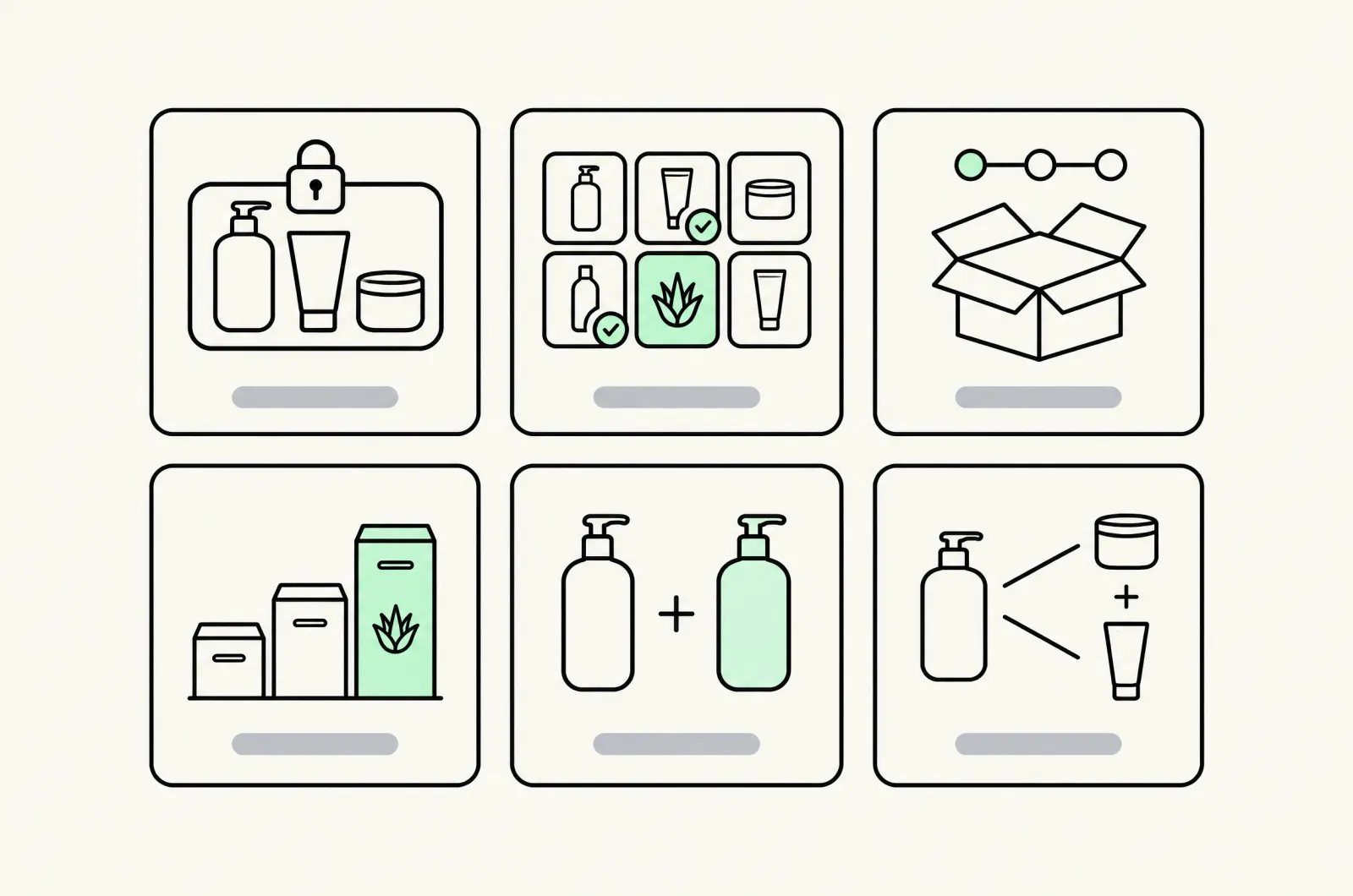
| Bundle type | What it is | Best for | Native Shopify Bundles? |
|---|---|---|---|
| Fixed bundle / kit | Set products sold together at one price | Starter kits, routines, gift sets | Yes |
| Multipack | Several units of one product | Consumables, socks, supplements | Yes |
| Mix-and-match | Shopper picks N items from a collection | Snacks, beauty, apparel basics | No (app or Cart Transform) |
| Build-your-own box (BYOB) | Multi-step box builder, often with a gift box | Gifting, subscription boxes | No |
| Volume discount / quantity breaks | Tiered price per unit as quantity rises | Single-hero-product stores | No |
| BOGO / Buy X get Y / free gift | Free or discounted item when a condition is met | Promotions, BFCM | No (discounts only) |
| Frequently bought together (FBT) | Recommended add-ons on the product page | Accessories, cross-sell | No |
Can you create bundles on Shopify without an app?
Yes, three ways. 1) Install Shopify's own free Bundles app: it's first-party, but your store needs the Online Store channel (or a custom storefront) and Shopify's upgraded checkout. 2) Create a separate 'bundle' product manually and adjust stock yourself: cheap, but inventory drifts and fulfillment sees the wrong SKU. 3) Have a developer build a custom bundle with the Cart Transform Function, which is how mix-and-match works natively. If you need option 3, our Shopify app development team builds these.
How to create a bundle with Shopify's free Bundles app
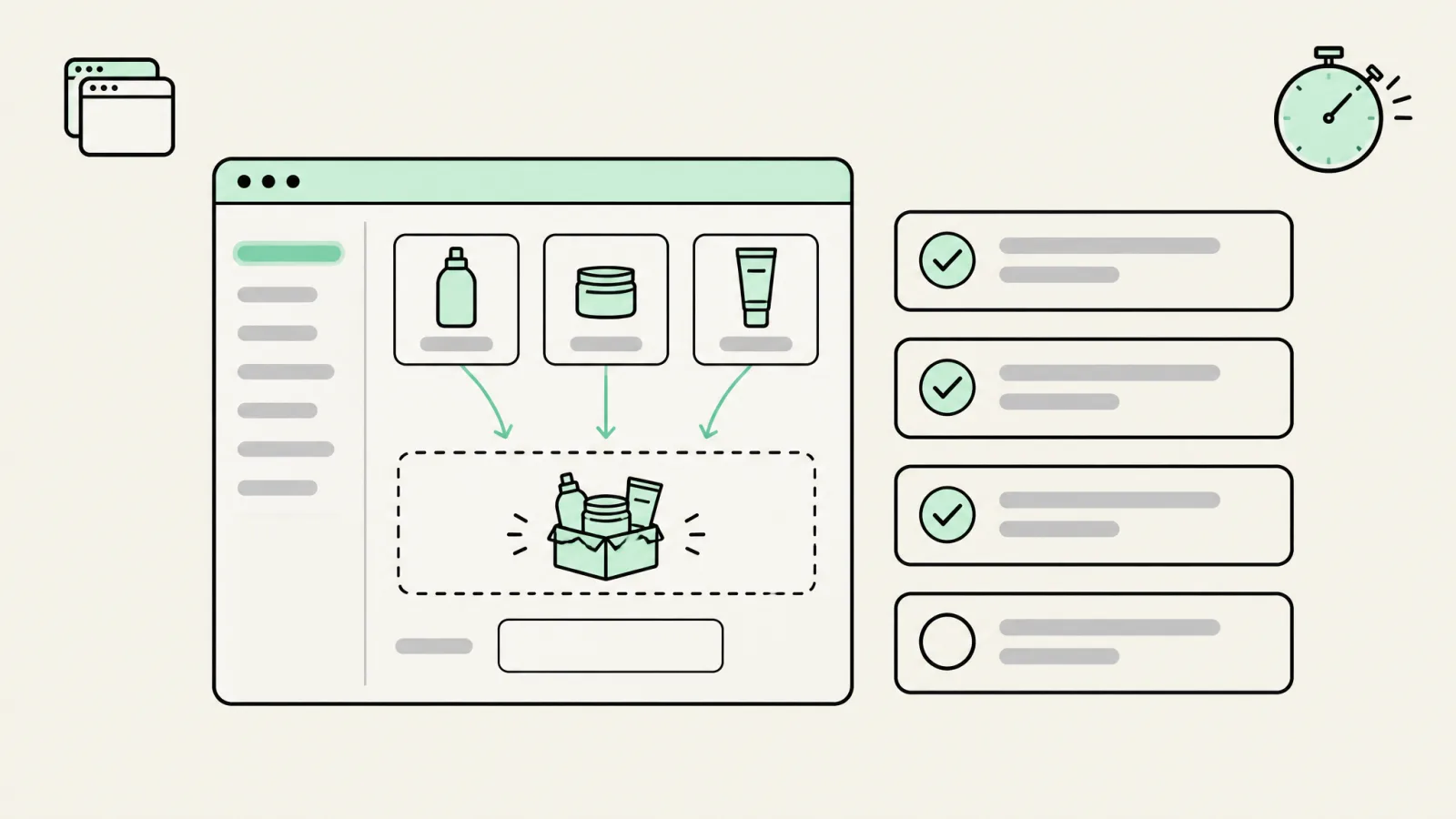
- Check eligibility. The store must use the Online Store channel or a custom storefront and the upgraded checkout. Bundles can't use purchase options (subscriptions, pre-orders, try-before-you-buy).
- Install Shopify Bundles from the App Store (free) and open it from your admin.
- Choose the components. Pick the products and quantities that make up the bundle: up to 30 components for a fixed bundle, with up to 3 options and 100 variants per bundle.
- Set the price and turn on inventory tracking for every component. Untracked components aren't counted in the bundle's available quantity.
- Publish to your sales channels and place the bundle on the product page or a collection.
- Test an order end to end: discount codes, stock deduction per component, the packing slip your 3PL sees, and a return.
Want shoppers to pick the items, or need per-location stock? That's where the native app stops and a third-party app (or a custom build from a Shopify development agency) takes over. Steps and limits are from Shopify's bundle eligibility rules and the Shopify Bundles app documentation.
Shopify Bundles (native) vs a third-party bundle app
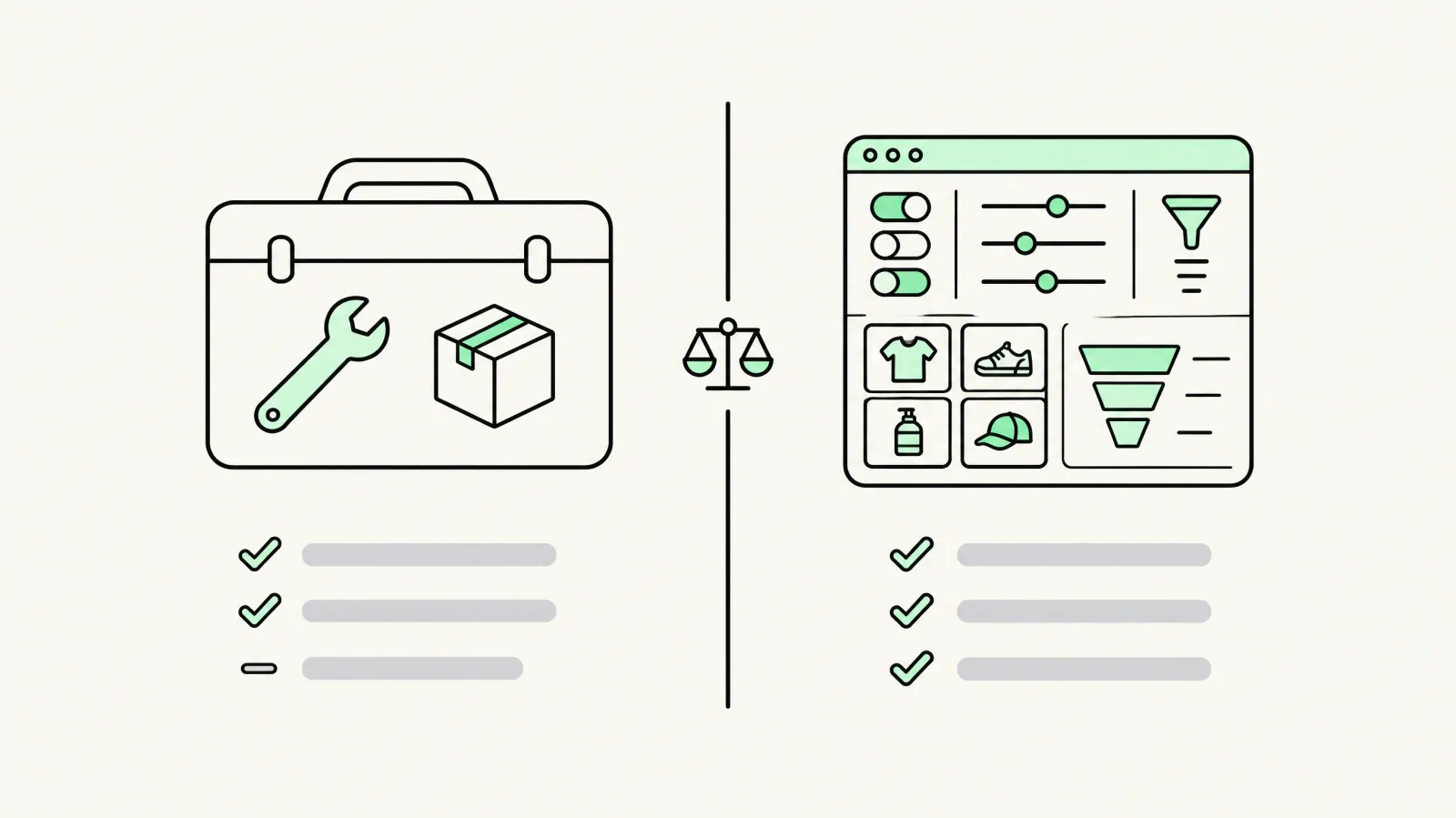
Shopify's native Bundles app is rated 2.9★ from 565 reviews while the leading third-party apps sit at 4.9–5.0★. The gap is mostly about expectations: the native app is a reliable fixed-bundle tool, not a merchandising or upsell tool. These are its documented limits, from Shopify's Help Center:
| Capability | Shopify Bundles (free) | Typical third-party app |
|---|---|---|
| Fixed bundles and multipacks | Yes (up to 30 components) | Yes |
| Mix-and-match / dynamic bundles | Only via custom Cart Transform (up to 150 components) | Yes, no code |
| Variants per bundle | Max 3 options, 100 variants | Varies; BundleSuite up to 2,048 |
| Quantity breaks, tiers, BOGO, gifts | No | Yes |
| Inventory | Combined pool, not per location | Some apps sync per location / 3PL |
| Price updates when a component changes | No, set manually | Usually automatic |
| Subscriptions (selling plans) | Not supported | Some (e.g. BYOB + Recharge) |
| A/B testing of offers | No | Some (e.g. Kaching) |
| Cost | Free | Free to ~$199/mo, or % of bundle revenue |
Rule of thumb
If every bundle you sell is a fixed set and your stock lives in one place, start with the free native app. As soon as you want shoppers to choose, quantity tiers, gifts or subscription bundles, you need a third-party app.
Shopify bundle limits most roundups don't mention
These rules come from Shopify itself and apply to every bundle on the platform, whichever app creates it. Check them before you build an offer around a bundle. Sources: eligibility and considerations, Shopify Bundles app and Shopify's bundles developer docs.
| Rule | What it means for your store |
|---|---|
| Upgraded checkout + Online Store or custom storefront required | If the store isn't eligible, Shopify blocks bundled products from being published |
| No purchase options | Bundles can't be sold with subscriptions, pre-orders or try-before-you-buy, and aren't compatible with the Shopify Subscriptions app |
| Bundles can't contain other bundles | No 'bundle of bundles'; build the larger set from base products |
| No exchanges | A bundle can't be exchanged, even for an identical bundle; plan a refund-and-reorder flow |
| Available quantity = scarcest component | One sold-out component makes the whole bundle show 0 in stock |
| Native app: stock by overall pool, not by location | Multi-location stores need an inventory-sync app |
| No own shipping profile | Bundles ship under their components' profiles |
| No import, export or bulk edit | Large catalogs of bundles are managed one by one, or via an app |
| Native price doesn't update | If a component's price changes, edit the bundle price by hand |
| Discounts | Native bundles support discount codes and automatic discounts, but a bundle discount won't apply if the shopper adds only the components |
| Draft orders | Draft orders can default to an older checkout that doesn't support bundles |
| Google & YouTube channel | Fixed bundles only |
How bundle apps work: fixed bundles, customized bundles and Cart Transform
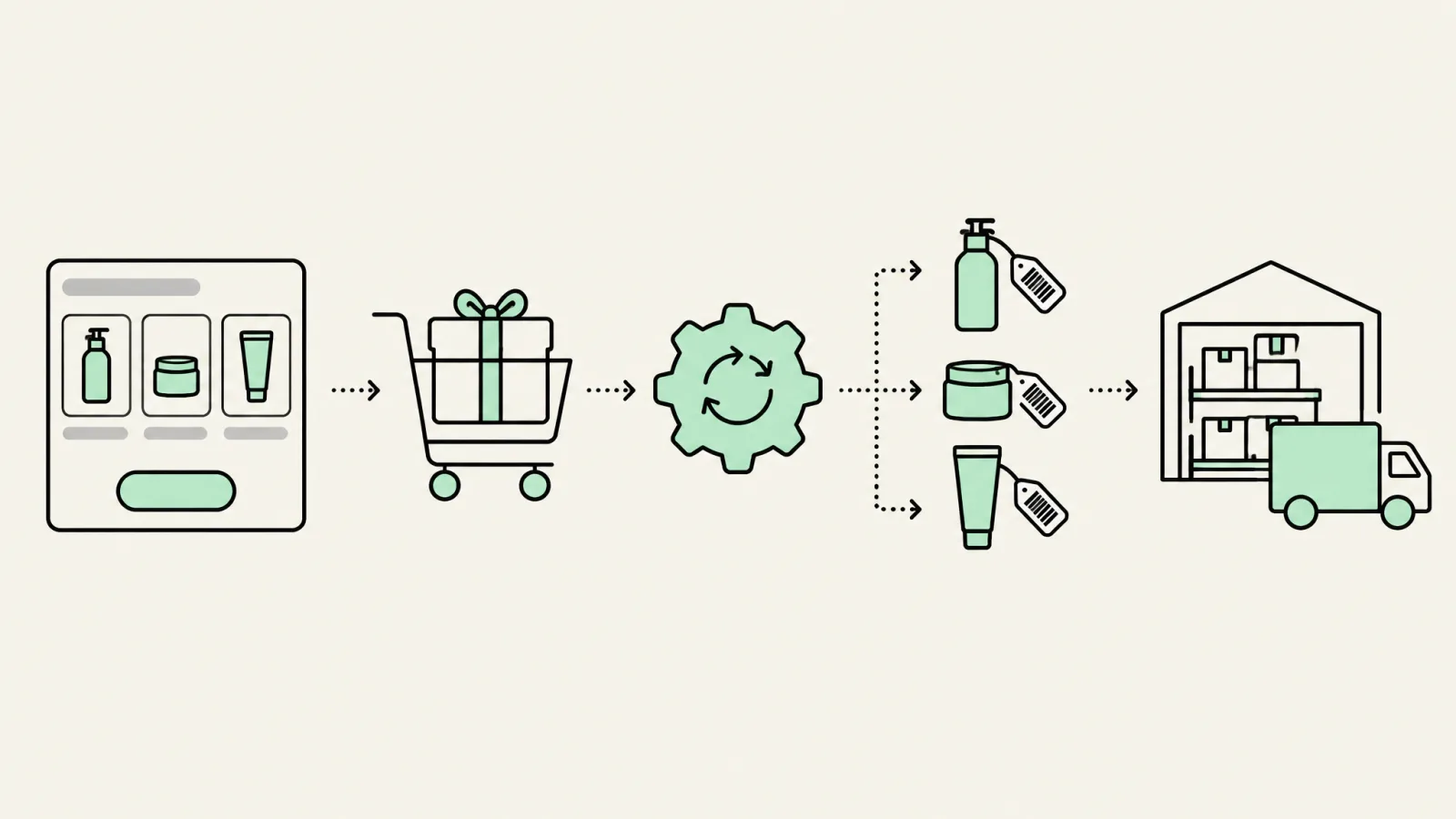
Shopify recognizes two kinds of bundle. Fixed bundles are Shopify's default implementation for a set group of products. Customized bundles let the shopper choose, and are built with the Cart Transform Function API. Most modern bundle apps, including Kaching, Fast Bundle, BundleSuite, Kitenzo and BYOB, list Cart Transform in their App Store data.
- Three operations: lineExpand splits one cart line into its components, linesMerge combines lines into one bundle line, and lineUpdate overrides a line's price, title or image.
- Plus only for price overrides: apps that use lineUpdate work only on development stores and full Shopify Plus plans, not on Plus trial stores.
- One function per app, and they all run: two bundle apps installed side by side can both transform the cart. Uninstall the old one before you trial a new one.
- Orders keep the components: order lines return each component with a reference to the bundle parent, which is what your 3PL and inventory need.
- POS needs flags set: complete Cart Transform support on POS needs the variant's requiresComponents flag, so test a POS sale before you rely on it in-store.
If none of the apps fits, the same API supports a custom bundle builder with no third-party app script on the page.
The 13 best bundle apps for Shopify in 2026
Every rating and price below was re-checked on each app's Shopify App Store listing on 19 November 2026 (first published 7 October, re-checked 22 October and 6 November). Apps change prices often, so re-check the listing before you install. Ranking is by fit for the most common use case, not affiliation; where we have a commercial relationship with an app we say so in its entry.
 1. Oxify Bundles & Quantity Break: best free bundle app overall
5.0★ (14 reviews). Free, with no paid plans and no revenue cap. Built for Shopify. 18 languages.
Oxify is the widest free bundle app we found: quantity breaks and tiered pricing, BOGO and Buy X Get Y, free-gift bundles applied automatically at checkout with no discount codes, mix-and-match sets, and a Build Your Own Box builder, plus A/B testing and analytics. Because nothing is gated behind a revenue tier, the comparison at the bottom of this page — where every paid app's fee climbs with bundle sales — simply doesn't apply to it. The honest caveat is age: it launched on 30 July 2025 and has 14 reviews, so it has nothing like Kaching's or Bundler's track record. Disclosure: Conversion installs and configures Oxify apps for clients as a paid service. We don't own the app. View on the Shopify App Store →
 2. Foxr ‑ Bundle Builder BYOB: best free build-a-box builder
5.0★ (4 reviews). Free, with no paid plans and no revenue cap. Built for Shopify.
A dedicated mix-and-match box builder you can publish on its own landing page or drop straight onto a product page. Bigger boxes unlock tiered percent-off, amount-off or set-total discounts, a progress bar unlocks a bonus gift at a given box size, and shoppers can add extras, gift notes and gift packaging. It reports the step where shoppers drop out of the builder and lets you A/B test builder variants — the two things that usually decide whether a build-a-box page earns its place. Like Oxify it is new (launched 24 September 2026, 4 reviews), and it is English-only, so treat it as the free alternative to Easy Bundles rather than a like-for-like replacement at scale. View on the Shopify App Store →
 3. Kaching Bundles & Upsells: best for quantity breaks and single-hero-product stores
5.0★ (6,783 reviews). No free plan for live stores (free on development stores only); $14.99/mo (up to $1K extra revenue), $29.99 ($5K) or $59.99 ($10K); 7-day trial. Built for Shopify.
Kaching's strength is quantity breaks ('Buy 1 / Buy 2, save 10% / Buy 3, save 20%'), BOGO and mix-and-match offers rendered as a clean radio-button block on the product page. It ships a native A/B test of offers, which most apps don't. Pick it if most of your revenue comes from one or two hero SKUs (supplements, skincare, pet, gadgets). It's weaker for build-a-box gifting. View on the Shopify App Store →
 4. Fast Bundle (FBP): best all-rounder for mix-and-match and FBT
5.0★ (3,682 reviews). Free on development stores; $19/mo (up to $1K monthly bundle sales), $49 ($3K), $139 ($10K); optional Auto Bundle Detection add-on +$49/mo; 7-day trial.
Fast Bundle covers almost every format: fixed, mix-and-match, BOGO, frequently bought together, build-your-own box, subscription boxes and AI recommendations, with POS support. The catch is revenue-capped billing: your plan climbs as bundle sales grow, so model the fee at your expected bundle revenue before installing. View on the Shopify App Store →
 5. Bundler: best low-cost classic bundle app
4.9★ (2,799 reviews). Free plan (unlimited revenue and orders); Premium $9.99/mo; Executive $19.99/mo; 7-day trial. Built for Shopify.
Bundler appears in 11 of the 12 bundle-app roundups we read for this update, and the reasons are simple: it's cheap, flat-priced and the free plan has no revenue or order cap. Fixed bundles, mix-and-match, tiered discounts and quantity breaks, plus POS on the free plan. The widgets are less design-flexible than Kaching's. View on the Shopify App Store →
 6. Easy Bundles by Skai Lama: best build-your-own-box builder
4.9★ (1,567 reviews). Free up to $500 bundle sales/mo; Essential $29 ($3K); Growth $49 ($5K); Scale $99 ($10K); 15-day trial. Free and Essential aren't available to Shopify Plus or Advanced stores. Built for Shopify.
Easy Bundles is the strongest dedicated BYOB / build-a-box experience: multi-step pages, gift boxes, subscription bundles and POS. It suits gifting, snacks, beauty and apparel brands where the box itself is the product. Billing is tied to bundle revenue tiers. View on the Shopify App Store →
Want bundles built, styled and A/B tested for you?
Our Shopify CRO team picks the bundle format, sets it up on a duplicate theme, matches it to your brand and tests it against your current product page, so you see the lift in profit per visitor before it goes live.
See our Shopify CRO service 7. Simple Bundles & Kits: best for inventory, 3PL and kitting
4.9★ (845 reviews). Free (3 bundles, 50 monthly orders); Basic $24/mo ($14/mo for stores under 100 monthly orders); Grow & Advanced $39; Plus $149. Built for Shopify.
If your headache is the warehouse rather than the storefront, start here. Simple Bundles splits bundles into component SKUs for 3PLs and WMSs, syncs stock, and supports Hydrogen and POS. It's the safe pick for kits and pre-packed multipacks shipped by a 3PL. View on the Shopify App Store →
 8. BundleSuite: best value for complex multi-step bundles
5.0★ (558 reviews). Free Forever plan until you go live (unlimited bundles to build and test); then $12, $29 or $49/mo (bundle-sales caps of $1K / $5K / $10K); 7-day trial. Built for Shopify.
BundleSuite handles BYOB, multi-step builders, mystery boxes and very large variant counts (up to 2,048), with POS. It's cheaper than Fast Bundle at similar revenue levels, with a smaller review base. View on the Shopify App Store →
 9. Pumper Bundles: best free volume-discount app
4.9★ (3,670 reviews). Free up to $300 extra revenue; Starter $9.99 ($1K), Growth $29.99 ($5K) or Unlimited $49.99/mo (no cap); 7-day trial. Built for Shopify. The developer lists as 'Profit Pumper Bundle', so 'Profit Pumper' and Pumper Bundles are the same app.
Pumper focuses on volume discounts and quantity breaks with a free plan that covers the first $300 of extra revenue: a good starting point for a new store testing whether tiered pricing lifts AOV at all. View on the Shopify App Store →
 10. Bundles.app (Inventory Sync): best for multi-location stock
4.9★ (325 reviews). $19/mo for non-Plus stores; Plus plans $39, $99 or $199/mo; 15-day trial.
Shopify's native bundles track stock as one combined pool, not per location. Bundles.app syncs bundle inventory across locations and 3PLs, so it's the fix for retailers with stores plus a warehouse. View on the Shopify App Store →
 11. Kitenzo Bundle Builder: best for headless and Hydrogen
4.4★ (267 reviews). Free install, then 1.5% of each bundle transaction. Built for Shopify.
Kitenzo offers a React SDK for headless storefronts and Hydrogen. The 1.5% transaction fee is cheap when you're small and expensive at scale, so compare it with a flat plan once bundle revenue passes a few thousand dollars a month. View on the Shopify App Store →
 12. BYOB ‑ Build Your Own Bundles: best with Recharge subscriptions
4.6★ (77 reviews). $25/mo (300 bundle orders), $49 (500), $99 (900) or $199 (2,000); 14-day trial. Built for Shopify.
BYOB pairs build-a-box with a Recharge integration, which matters because Shopify's native bundles don't work with selling plans (subscriptions). Subscription-box brands should shortlist it. View on the Shopify App Store →
 13. Mix and Match Bundle Builder: simple BYOB on a budget
4.9★ (136 reviews). Premium $14.99/mo (free on development stores only); 14-day trial. Built for Shopify.
A lightweight mix-and-match builder. Reviews praise support but flag two things to test before committing: translating widget text and setup on older (vintage) themes. View on the Shopify App Store →
Shopify bundle apps compared: pricing and fee models
| App | Rating | Starting paid price | Billing model | Best for |
|---|---|---|---|---|
| Shopify Bundles | 2.9 (565) | Free | Free | Fixed bundles, multipacks |
| Oxify Bundles | 5.0 (14) | Free | Free, no cap | Quantity breaks, BYOB, gift bundles |
| Foxr Bundle Builder | 5.0 (4) | Free | Free, no cap | Build-a-box |
| Kaching | 5.0 (6,783) | $14.99/mo | Capped by extra revenue | Quantity breaks, BOGO |
| Fast Bundle | 5.0 (3,682) | $19/mo | Capped by bundle sales | Mix-and-match, FBT |
| Bundler | 4.9 (2,799) | Free / $9.99/mo | Flat tiers | Budget classic bundles |
| Easy Bundles | 4.9 (1,567) | Free to $500 sales; $29/mo | Capped by bundle sales | Build-a-box |
| Simple Bundles | 4.9 (845) | Free (3 bundles); $24/mo | Flat tiers (by orders) | 3PL kitting, inventory |
| BundleSuite | 5.0 (558) | $12/mo | Capped by bundle sales | Multi-step, big variant sets |
| Pumper | 4.9 (3,670) | Free to $300; $9.99/mo | Capped by extra revenue | Free volume discounts |
| Bundles.app | 4.9 (325) | $19/mo | Flat tiers | Multi-location inventory |
| Kitenzo | 4.4 (267) | 1.5% per transaction | % of bundle revenue | Headless / Hydrogen |
| BYOB | 4.6 (77) | $25/mo | Capped by bundle orders | Subscription boxes |
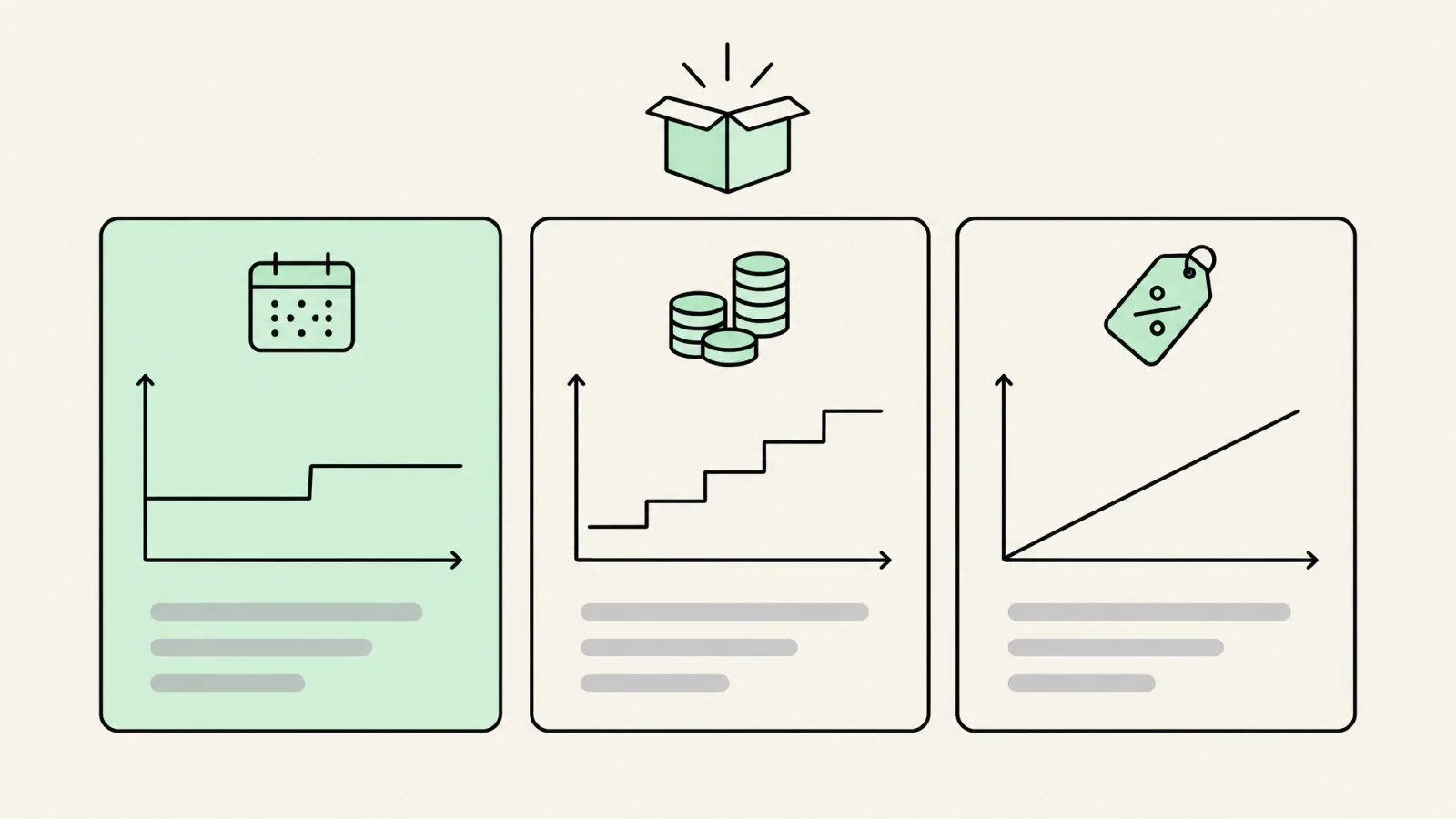
The billing model matters more than the sticker price, so here's what the cheapest plan that fits would cost at three monthly bundle-revenue levels, using each listing's own caps. It's arithmetic on published prices, not a quote; Kaching and Pumper measure 'extra revenue' and the others 'bundle sales', so check how your app counts it.
| App | $1K/mo bundle revenue | $5K/mo | $10K/mo |
|---|---|---|---|
| Shopify Bundles | $0 | $0 | $0 |
| Oxify Bundles | $0 | $0 | $0 |
| Foxr Bundle Builder | $0 | $0 | $0 |
| Bundler | $0 (Free plan) | $0 (Free plan) | $0 (Free plan) |
| Pumper | $9.99 | $29.99 | $49.99 |
| BundleSuite | $12 | $29 | $49 |
| Kaching | $14.99 | $29.99 | $59.99 |
| Kitenzo (1.5%) | $15 | $75 | $150 |
| Fast Bundle | $19 | $139 | $139 |
| Easy Bundles | $29 ($49 on Plus/Advanced) | $49 | $99 |
Two things stand out. Fast Bundle jumps from $49 to $139 as soon as bundle sales pass $3,000, and Kitenzo's percentage overtakes every flat plan by $10,000. Simple Bundles and BYOB bill by order count instead, so convert your bundle orders per month before comparing them.
Alternatives to popular Shopify bundle apps
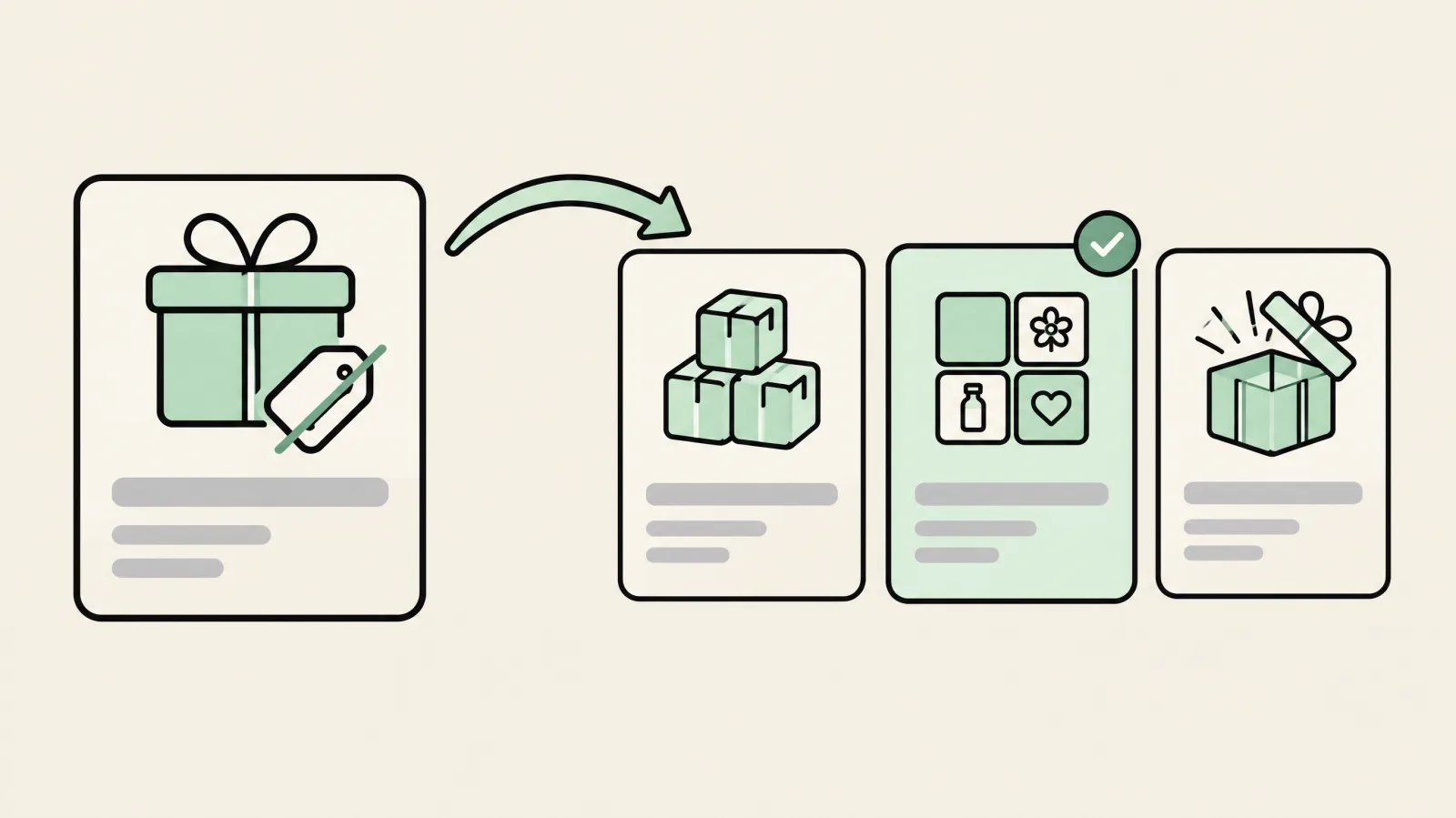
People rarely search for alternatives because an app is bad. Usually the plan jumped a tier, the app lacks the bundle format they now need, or inventory doesn't sync with their warehouse. Match the alternative to the reason you're leaving:
| App you're leaving | Common reason to switch | Alternatives to shortlist |
|---|---|---|
| Shopify Bundles (native) | Fixed bundles only; no mix-and-match, quantity breaks or subscriptions | Fast Bundle (mix-and-match), Bundler (free plan), Simple Bundles (kits and 3PL) |
| Fast Bundle | Plan jumps from $49 to $139 once bundle sales pass $3K; no Built for Shopify badge | Bundler (flat, free plan), BundleSuite ($12–$49, free until live), Zoorix (forever-free plan with branding) |
| Kaching | No free plan for live stores; billed on extra revenue | Pumper (free to $300, $49.99 unlimited), Hulk Volume Discount Bundles (free to $300, then $12), Bundler |
| Simple Bundles & Kits | Stock is pooled, not per location; you need on-page bundle offers | Bundles.app (multi-location sync), native Shopify Bundles (fixed kits, free), Fast Bundle |
| Easy Bundles (Skai Lama) | Free and Essential plans exclude Plus and Advanced, so the floor is $49 | BundleSuite (multi-step BYOB), Boxi ($21 build-a-box), BYOB (Recharge subscriptions) |
| Pumper (Profit Pumper) | Offer pauses or upgrades once the revenue cap is passed | Kaching (built-in A/B tests), Hulk Volume Discount Bundles, Bundler |
| Boxi | Build-a-box only; billed on bundle sales | Easy Bundles, BundleSuite, BestBundles ($6.99 mix-and-match) |
Going deeper on one app? We compare every option in Fast Bundle alternatives and Kaching Bundles alternatives, and list the no-cost options in free Shopify bundle apps.
More bundle apps worth a look
These apps appear on several competitor roundups. We haven't ranked them in the top 13, but each is a credible alternative. Details are from their App Store listings on 19 November 2026 unless stated otherwise:
| App | Rating | Cheapest plans | Built for Shopify | Good for |
|---|---|---|---|---|
| Zoorix | 4.9 (392) | Forever free (Zoorix branding); $7.99–$29.99/mo | No | Bundles, mix-and-match, volume discounts on a tight budget |
| Hulk Volume Discount Bundles | 4.6 (642) | Free to $300 app revenue; $12 ($1K), $27.90 ($5K), $40 ($10K) | Yes | Volume discounts and BXGY |
| Bundle Bear | 4.6 (151) | $29.99–$74.99/mo by Shopify plan; 14-day trial | No | Volume, X+Y and cart-value discounts |
| Assortion | 4.9 (332) | $9.99 (50 orders), $19.99 (200), $34.99 (500) | Yes | Bundles plus cart upsells |
| Boxi | 5.0 (26) | $21 ($1K bundle sales), $35 ($5K), $79 ($15K), $189 | Yes | Build-a-box |
| BestBundles | 5.0 (5) | Free for testing; $6.99/mo | No | Simple mix-and-match |
| Amplify (formerly PickyStory) | 4.5 (539) | From $99.50/mo, pay as you grow | No | Larger stores wanting bundles and upsells in one tool |
Searching for Boxi?
The Shopify app is Boxi by Boxi Apps on the App Store. The boxi.co domain belongs to an unrelated truck-advertising company.
How to switch bundle apps without breaking orders
- List every live bundle, its components, discount and placement, before you uninstall anything.
- Check fulfillment: if your 3PL receives component SKUs today, confirm the new app splits bundles the same way.
- Build on a duplicate theme and don't run two bundle apps on the same products at once, or discounts and stock can clash.
- Remove the old app's theme blocks and app embed, then test discount codes, Markets currencies and POS if you use them.
- Compare a full week of profit per visitor against the old setup before you call the switch a win.
Switching bundle apps or not sure which fits?
Book a free call. We'll review your current bundles, model the fee at your volume, and tell you which app to move to and how to switch without breaking stock or discounts.
Book a free bundle auditHow much can bundles increase AOV? Do the margin math first
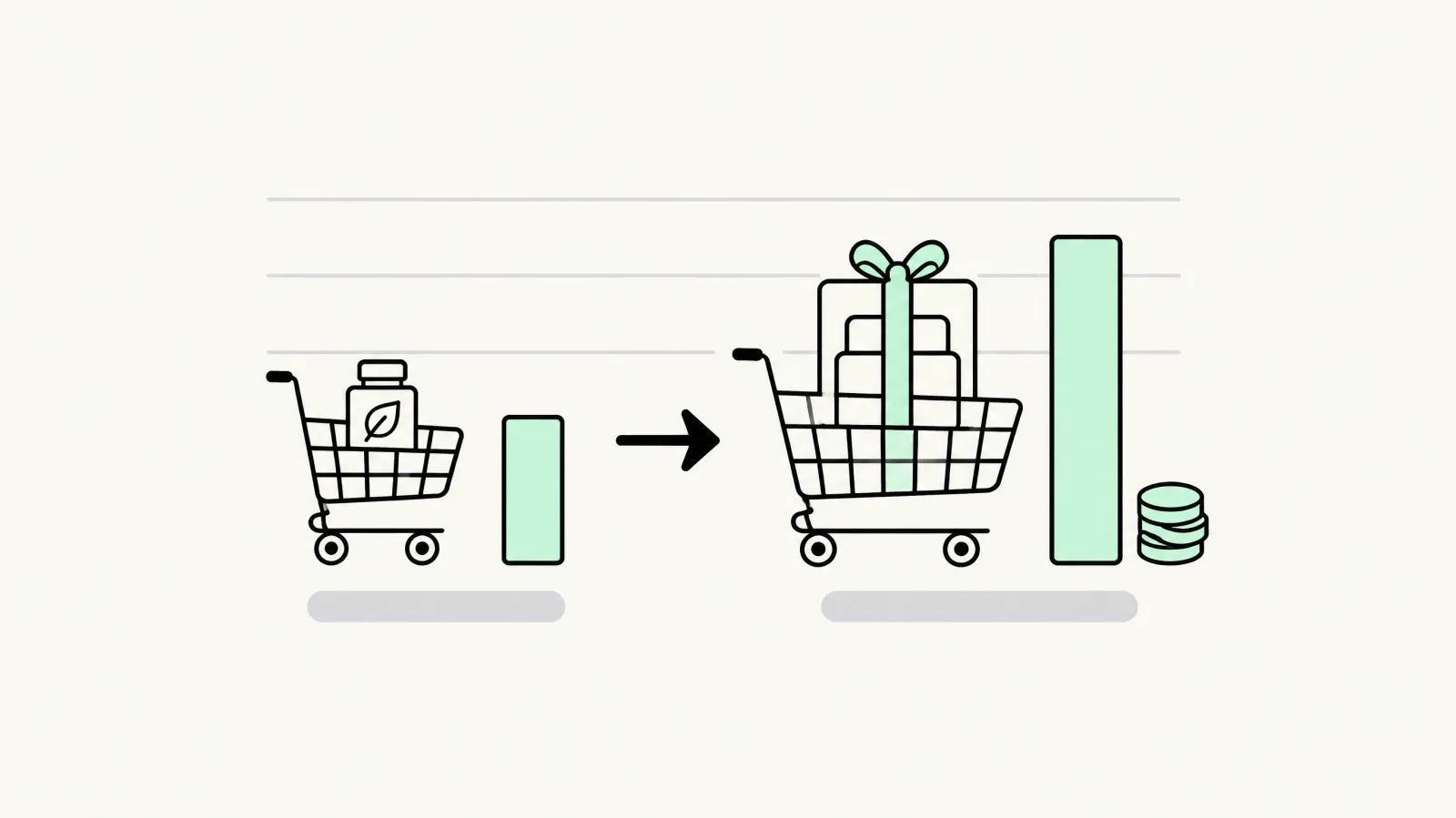
Bundles work by raising average order value (AOV), but a discount that's too deep can grow revenue and shrink profit. A worked example:
- Without a bundle: a $40 serum at 70% gross margin earns $28 gross profit per order.
- With a 3-item bundle at 15% off: $40 serum + $30 cleanser + $30 moisturizer = $100, discounted to $85. At the same 70% product margin, cost of goods is $30, so gross profit is $55.
- Break-even test: the bundle earns more per order as long as enough shoppers take it. If 1 in 4 buyers choose the bundle, average gross profit rises from $28 to about $34.75 per order before shipping.
- Watch shipping and fees: heavier boxes cost more to ship, and revenue-capped app fees rise with bundle sales.
Ignore the large AOV-lift percentages in vendor marketing until you've tested them on your own traffic. Our break-even ROAS guide shows how to bake margin into every offer. Bundles raise one half of revenue per visitor; conversion rate optimization works on the other half.
Black Friday bundles: a pre-BFCM setup checklist
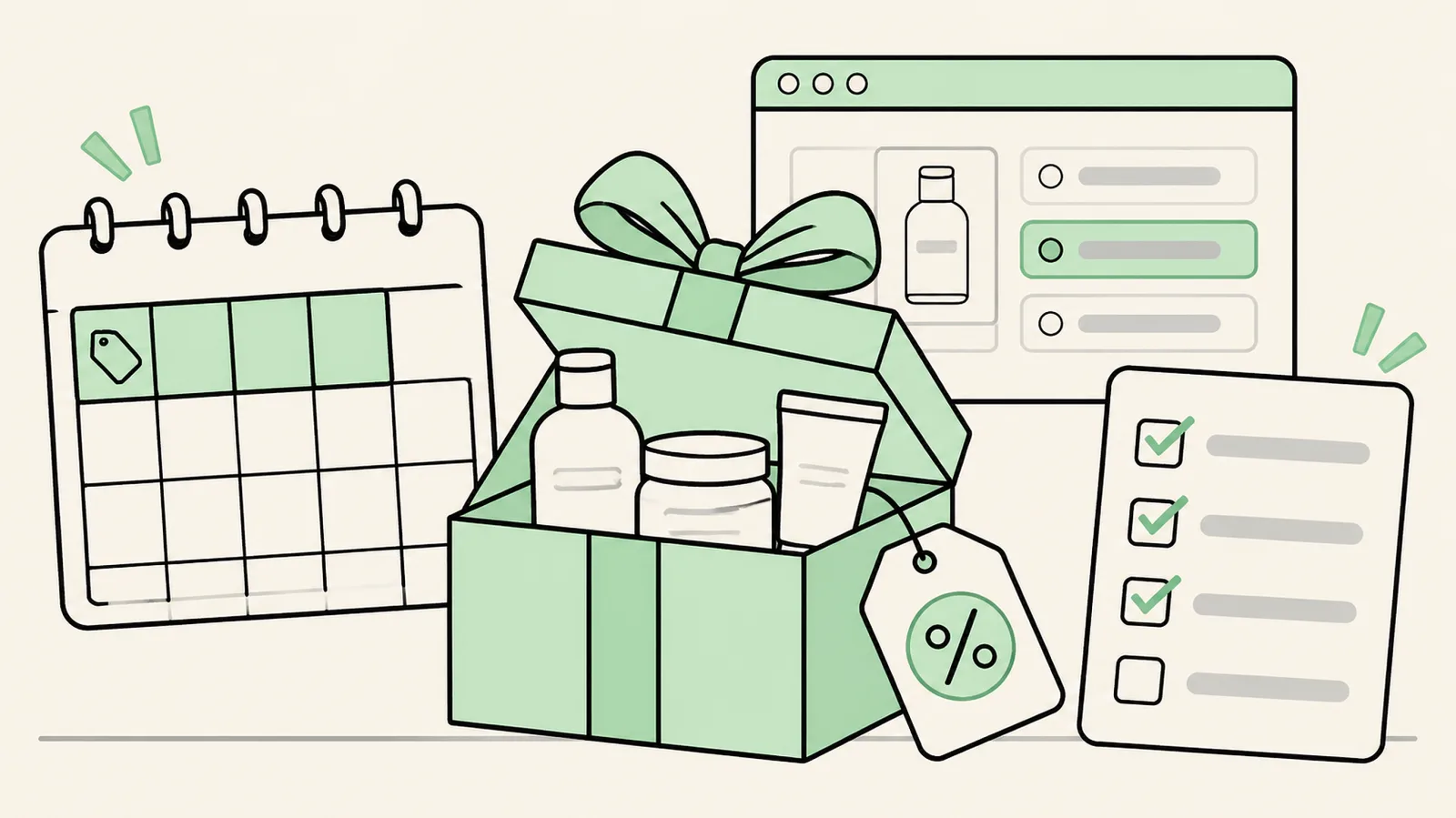
Black Friday Cyber Monday is the weekend bundles matter most. Shopify reports that its merchants sold $14.6 billion over BFCM 2025, with an average cart of $114.70, and that sales peaked at 12:01 p.m. EST on Black Friday at $5.1 million per minute (Shopify BFCM 2025 data; Shopify notes the figures are approximate and unaudited). Peak traffic arrives early on Friday, so any bundle or discount bug costs the most in the first hours. Set offers up and test them before the weekend.
Which bundle app is best for Black Friday?
The best app is the one already installed and tested, so don't switch apps the week before BFCM. If you're choosing now, pick by the offer you plan to run:
- Quantity breaks on a hero product: Kaching (built-in A/B testing) or Pumper. Pumper's listing shows offers with countdowns, and its Unlimited plan ($49.99/mo) removes the revenue cap before a high-volume weekend.
- Scheduled sales that switch on and off by themselves: Hulk Volume Discount Bundles. Its listing says you can "schedule sales in advance" on the free plan; countdown timers are on Pro ($27.90/mo).
- Gift-with-purchase and BOGO: BOGOS. Its listing names limited-time offers, countdown timers and discount stacking; paid plans run $29.99–$109.99/mo plus $0.05 per order over each plan's allowance.
- Gift sets and holiday kits: the free native Shopify Bundles app or Simple Bundles for fixed kits that deduct component stock, or Easy Bundles / Foxr for build-a-gift-box pages.
Watch revenue-capped plans. Kaching, Fast Bundle, Easy Bundles, BundleSuite and Pumper bill by bundle sales or extra revenue, so one big weekend can push you into a higher tier. Our bundle app pricing comparison shows where each plan's limits sit.
Shopify discount rules that break BFCM bundles
Most bundle problems on launch day are discount conflicts. Shopify's discount combinations rules decide whether your bundle discount and your BFCM code apply together:
| Rule | What it means for a bundle offer |
|---|---|
| Discounts only combine if each one allows the other's class (product, order, shipping) | A bundle discount set to combine with nothing will block your sitewide BFCM code, or lose to it |
| Max 5 product or order discount codes + 1 shipping code per order | Plenty for most stacks, but don't plan offers that need more codes |
| Max 25 active automatic discounts, including app-based discounts | Quantity-break and bundle apps that use automatic discounts count toward the 25 |
| Product + order and order + order combinations need an eligible store (no checkout.liquid customizations) | Legacy checkout stores can't stack a bundle discount with an order code |
| Combinations work on the Online Store, Storefront API and Shopify POS only | On Facebook, Instagram, Google and other external checkouts, only one discount applies |
| If discounts can't combine, Shopify applies the best one for the customer | A deeper sitewide code can silently replace your bundle price |
| Outside Plus, products in a Buy X get Y discount can't get further product discounts | A BOGO bundle won't stack with a product-level BFCM discount |
For the maths of stacked discounts, see discount stacking on Shopify. To price a holiday kit so the discount still leaves a margin, use our bundle pricing strategy guide. With a $114.70 average BFCM cart, a bundle or top quantity tier priced above your own average order value is what actually raises AOV.
Pre-BFCM bundle checklist
- Freeze the app stack. Don't install or switch bundle apps in BFCM week. If you must switch, follow the switching steps above.
- Upgrade the plan before traffic hits if your app bills by bundle revenue, so offers don't pause mid-weekend.
- Place test orders with every BFCM code on the bundle, a quantity tier and a single item. Confirm which discount wins and that totals match your margin model.
- Check stock on components. A native bundle's available quantity is set by its scarcest component, so one sold-out item hides the whole kit.
- Schedule start and end times in Shopify or your app, and set them in your store's time zone.
- Test on mobile and in the cart drawer, where most holiday add-ons are accepted.
- Decide the success metric now: profit per visitor and bundle attach rate, not just AOV.
Want your BFCM bundles checked before launch?
Book a free 20-minute call. We'll review your bundle offers, discount stack and app plan limits, and flag anything likely to break or lose margin over the weekend.
Book a pre-BFCM bundle reviewHow to choose the right Shopify bundle app
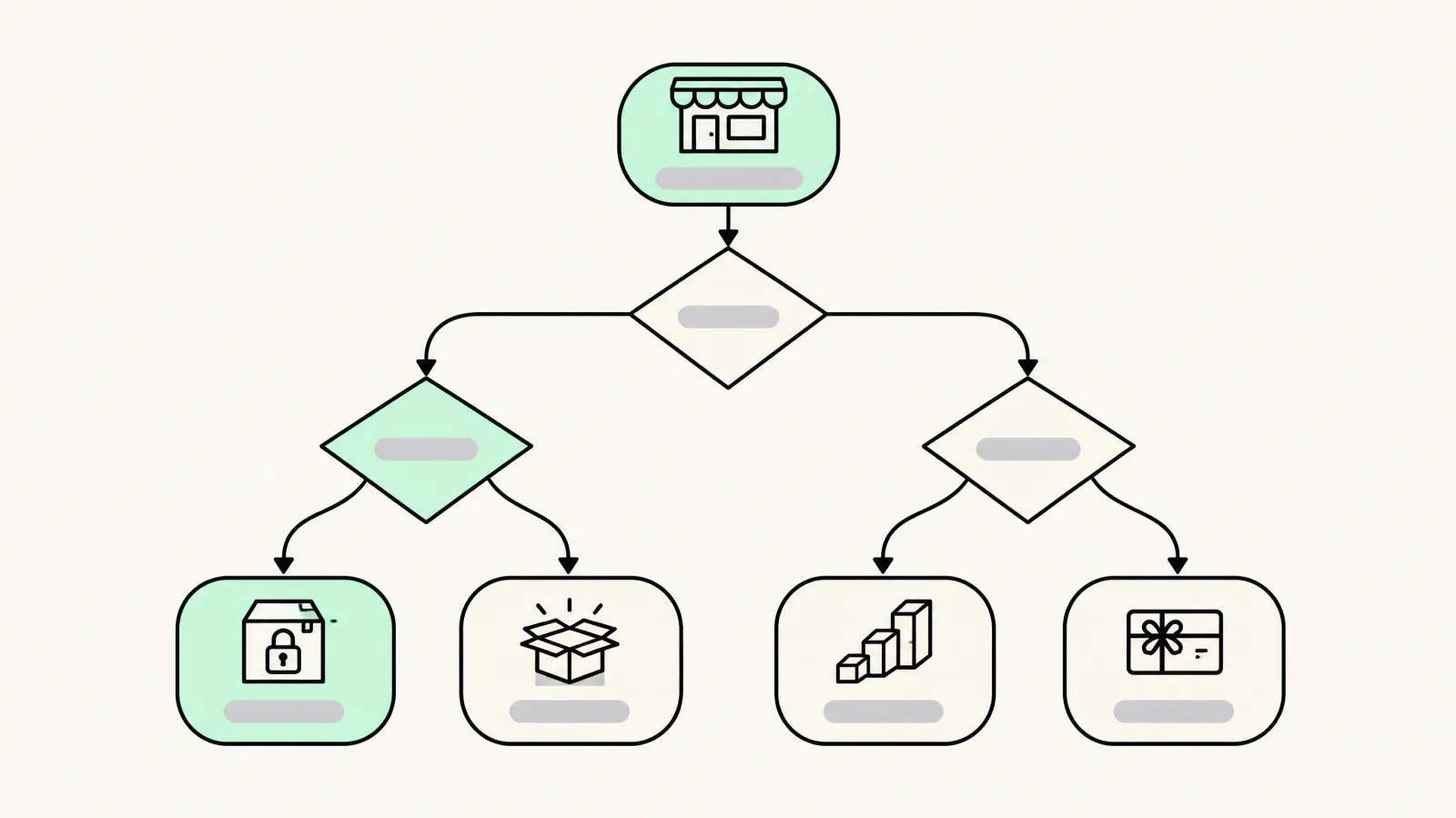
- 1. Pick the bundle format first. Quantity breaks, mix-and-match, BYOB or fixed kits each have a clear specialist app.
- 2. Check inventory and fulfillment. Does your 3PL or WMS need component SKUs? Do you stock from multiple locations? If so, shortlist Simple Bundles or Bundles.app.
- 3. Check compatibility. Confirm the app works with your theme (Online Store 2.0), Shopify POS, Markets and multi-currency, subscriptions (Recharge), headless/Hydrogen, and how its discount stacks with discount codes.
- 4. Model the fee at your expected bundle revenue. Flat vs revenue-capped vs % per transaction changes the answer at scale.
- 5. Check page speed. Install on a duplicate theme and compare Core Web Vitals. The Built for Shopify badge is a useful quality signal.
- 6. Test it. Run the bundle as an A/B test against your current product page before rolling it out sitewide.
Where to place bundle offers for the biggest conversion lift
The same bundle can win or lose depending on where shoppers meet it:
- Product page (above add-to-cart): best for quantity breaks and fixed kits, because it changes the first purchase decision.
- Dedicated bundle / build-a-box page: best for BYOB and gifting; link it from navigation and collection pages.
- Cart drawer: best for FBT add-ons and free-gift thresholds, shown at the moment shoppers review their order. Compare the best cart drawer apps for Shopify.
- Checkout and post-purchase: one-click add-ons after payment raise AOV without adding friction before it. See our roundup of the best post-purchase upsell apps.
We build high-converting cart drawers as a productized service, Cartdrawer, and optimize the last step with Shopify checkout optimization. To test placements properly, read our guide to A/B testing vs multivariate testing.
Bundle analytics: what each app actually reports
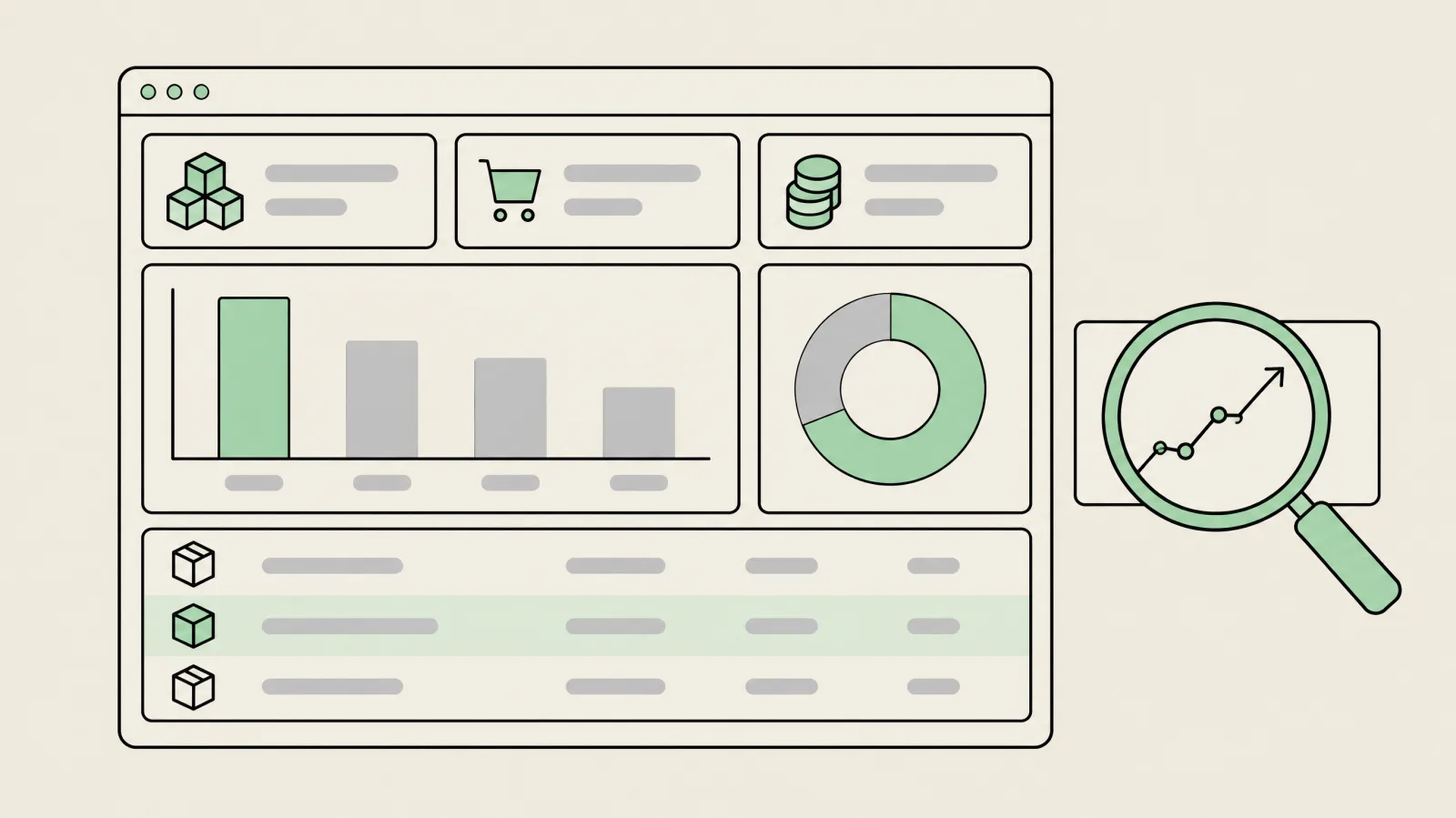
Every bundle app claims it raises AOV. Fewer show you the data to check that claim. This is what each listing says about analytics, A/B testing and scheduling, as of 19 November 2026. "Feature tag" means the item appears only in the listing's feature list, with no description:
| App | Analytics on the listing | Built-in A/B tests | Scheduling / timers |
|---|---|---|---|
| Shopify Bundles | Feature tag: conversion rates | No | No |
| Oxify | Bundle analytics dashboard with quantity-discount revenue | Yes | Not listed |
| Foxr | Funnel analytics: visitors, orders, revenue, step drop-off | Yes (builder variants) | Not listed |
| Kaching | Extra-revenue dashboard plus deeper analytics | Yes | Not listed |
| Fast Bundle | Feature tags: recommendation performance, optimization suggestions | Feature tag | Not listed |
| Bundler | Bundle analytics, conversions graph, popular bundles (Executive plan, $19.99/mo) | Not listed | Not listed |
| Easy Bundles | Advanced analytics on Scale plan ($99/mo): revenue, AOV, conversion | Via Intelligems integration | Not listed |
| Simple Bundles | Bundle sales, conversion rate and AOV | Feature tag | Not listed |
| BundleSuite | Analytics report | Not listed | Not listed |
| Pumper | Revenue, orders and conversion funnel | Not listed | Countdowns |
| Kitenzo | Revenue by bundle | Not listed | Not listed |
| BYOB | Bundle page views; SKU performance export on Advance plan | Not listed | Not listed |
| Mix and Match (Mageworx) | Funnel, pick and removal rate per product, search terms, drop-off | Not listed | Not listed |
| BOGOS | Real-time analytics on the free plan | Not listed | Limited-time offers, countdown timers |
| Hulk Volume Discount | Feature tags: reporting, analytics | Not listed | Scheduled sales (free plan), countdown on Pro |
App dashboards count the bundle revenue they touched, not the incremental lift, because shoppers who would have bought anyway still show up. Use Shopify's own sales reports for AOV and units per order, and run a holdout or A/B test to measure the real lift. Our guide to A/B testing quantity break tiers covers sample sizes, and the bundle glossary defines attach rate and the other metrics.
How to A/B test bundle offers (like 'buy 2, save 10%')
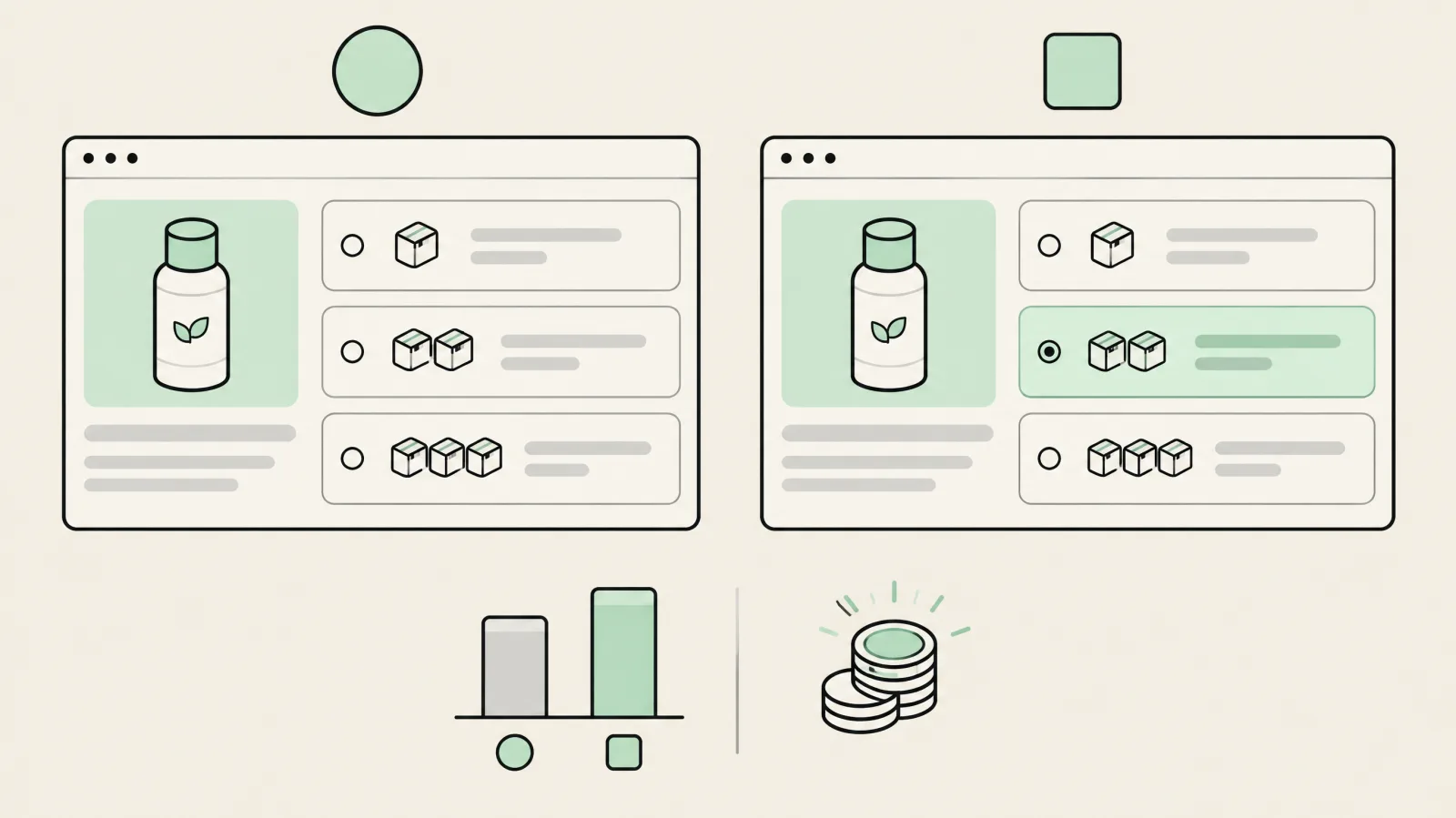
Tiered discounts are easy to launch and easy to get wrong: a deeper tier can lift conversion and still lose money. There are three ways to test them on Shopify:
- Inside the bundle app. Of the 13 apps above, Kaching, Oxify and Foxr are the ones whose listings describe built-in A/B tests of offers. Easy Bundles lists an integration with Intelligems, a dedicated price and offer testing tool.
- With Shopify Rollouts and Experiments. Rollouts are on the Basic plan and up; Experiments, which split traffic, need Grow or higher. A rollout can activate or deactivate existing discounts (up to 250) and switch product catalogs, so you can test 'buy 2, save 10%' against your current discounts. Experiments cover the online store only. Shopify's docs list themes, checkout, catalogs and discounts as testable, not third-party app widgets (Shopify Rollouts).
- With a theme A/B testing tool. Test two theme versions, one with the bundle block and one without, when you want to measure placement rather than price.
- Test one thing at a time: tier depth (10% vs 15% on 2 units), tier count (2 vs 3 tiers) or which tier is pre-selected.
- Decide the metric first: profit per visitor, with AOV and conversion rate as supporting numbers.
- Run full weeks and don't stop when one variant pulls ahead early.
Our guide to A/B testing vs multivariate testing covers sample size and when to test several tiers at once.
Bundles on Shopify Plus
Plus stores get more from bundle apps and also hit a few plan-specific rules:
- Price and title overrides need Plus. Apps that use Cart Transform's lineUpdate operation only work on full Plus plans and development stores, so some 'custom bundle price' features won't run on Basic, Shopify or Advanced.
- Some cheap plans exclude Plus. Easy Bundles' Free and Essential plans aren't available to Plus or Advanced stores, so your real floor is $49/mo. Bundles.app has separate Plus plans from $39 to $199/mo.
- Checkout extensibility: Plus stores can place offers inside checkout with checkout UI extensions, and post-purchase offers work on any plan. Pair the bundle app with a post-purchase upsell app rather than stacking two widgets on the product page.
Weighing the upgrade? Our Shopify Plus pricing guide shows what Plus costs per year. Migrating to Plus or running several expansion stores? Our Shopify Plus agency sets up bundles across markets and checkout. If you're comparing partners, see the best Shopify CRO agencies.
Bundle strategy by store type
| Store type | Bundle that usually works | App to shortlist |
|---|---|---|
| Supplements / consumables | Multipacks + quantity breaks, subscribe-and-save | Kaching, Shopify Bundles, BYOB (Recharge) |
| Skincare / beauty | Routine kits, mix-and-match minis | Fast Bundle, Shopify Bundles |
| Apparel | Mix-and-match basics (3 for $X) | Fast Bundle, Bundler |
| Gifting / food | Build-a-box with gift wrap | Easy Bundles, BundleSuite |
| Single-product brand | Quantity breaks with a 'most popular' tier | Kaching, Pumper |
| Retail + warehouse | Pre-packed kits with per-location stock | Simple Bundles, Bundles.app |
| Headless / Hydrogen | Custom bundle UI via SDK or Cart Transform | Kitenzo, custom build |
Selling consumables? Remember that native bundles can't use subscriptions, so a subscribe-and-save bundle needs an app such as BYOB (Recharge) or Easy Bundles' Growth plan. Repeat purchase is usually worth more than the first bundle: our ecommerce retention agency builds the replenishment and win-back flows around it.
Running Hydrogen? Our Shopify Hydrogen agency builds bundle experiences directly with Cart Transform, no app script required.
Best bundle app by industry
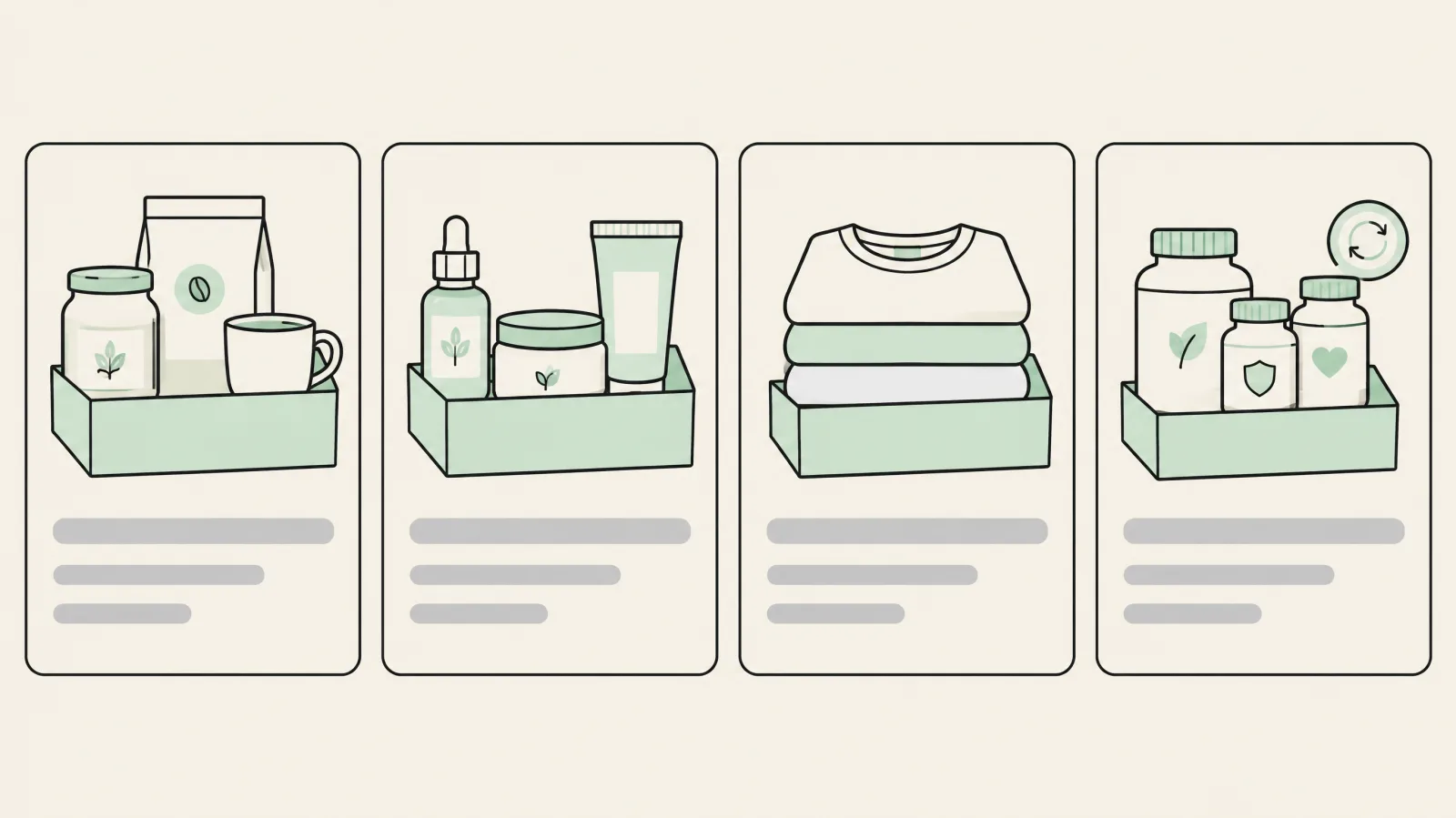
- Food & beverage: variety packs and build-a-box gifting. Start with Easy Bundles or BundleSuite for multi-step boxes, or Boxi if the box is your only format. For ready-made sampler packs a 3PL ships, use Simple Bundles so the warehouse sees component SKUs.
- Beauty & skincare: routine kits (cleanser, serum, moisturizer) and mix-and-match minis. Native Shopify Bundles handles fixed kits for free; Fast Bundle or Bundler add mix-and-match and 'complete the routine' offers on the product page.
- Fashion & apparel: '3 tees for $X' mix-and-match across sizes and colors, plus outfit bundles. Bundler and Fast Bundle are the usual picks; check that the widget handles every size and color option before you launch.
- Health & wellness / supplements: quantity breaks on a hero product (Kaching, Pumper or Hulk) plus subscribe-and-save. Native bundles don't support subscriptions, so pair the offer with BYOB (Recharge) or Easy Bundles' subscription bundles. Brands with frequent reorders often add an app; see our Shopify mobile app development service.
Bundles on Shopify vs other ecommerce platforms
If you're choosing a platform partly for bundling, this is what each one offers natively, from its own documentation:
| Platform | Native bundles? | What you need for mix-and-match or BYOB |
|---|---|---|
| Shopify | Yes: fixed bundles and multipacks with the free Shopify Bundles app | A bundle app (above) or a custom Cart Transform function |
| Adobe Commerce (Magento) | Yes: a native 'Bundle product' type that shoppers customize | Built in; extensions for advanced builders |
| BigCommerce | No bundle product type; 'pick lists' add simple products as options on a base product | A marketplace bundle app |
| WooCommerce | Not in core (only Grouped products) | Product Bundles by Woo, $79/year |
| Wix | Partly: mix-and-match with automatic discounts and a fixed bundle sold as one product | An app for per-item inventory |
| Squarespace | No bundle type; up to 4 add-on products per product | Manual bundle products or a third-party workaround |
Sources: Adobe Commerce bundle product, BigCommerce product options, WooCommerce Product Bundles, Wix bundles and Squarespace add-ons. For a full comparison see WooCommerce vs Shopify and BigCommerce vs Shopify; moving platforms is what our Shopify migration agency does.
Common problems with Shopify bundle apps
- Inventory drift: manual bundle products don't deduct component stock. Use the native app or a sync app.
- Oversells across locations: native bundles pool stock; multi-location retailers need Bundles.app or similar.
- Discount conflicts: bundle discounts can stack, or block, discount codes. Test with your BFCM codes before launch.
- Subscription gaps: native bundles don't support selling plans; choose an app that integrates with your subscription tool.
- Theme and speed issues: some widgets break on older themes or add heavy script. Test on a duplicate theme.
- Stale prices: native bundle prices don't update when a component's price changes.
- Two apps transforming one cart: every installed Cart Transform function runs, so leftover bundle apps can double-apply logic. Remove the old app fully before trialling a new one.
- Bundle shows 0 in stock: available quantity follows the scarcest tracked component, so one sold-out item hides the whole bundle.
- Exchanges rejected: Shopify doesn't allow bundle exchanges, so write a refund-and-reorder step into your returns policy.
Turn bundles into a profit lever, not just a discount
Book a free strategy call. We'll review your catalog, AOV and margins, pick the right bundle format and app, and plan an A/B test so you know the lift is real.
Book a free strategy callFrequently asked questions
What is the best bundle app for Shopify?
It depends on the bundle. Kaching is best for quantity breaks on a hero product, Fast Bundle for mix-and-match and frequently bought together, Bundler for cheap flat-priced bundles, Easy Bundles for build-your-own boxes and Simple Bundles for 3PL kitting. For simple fixed bundles, Shopify's free native Bundles app is enough.
Does Shopify allow bundles?
Yes. Shopify has a free first-party Bundles app for fixed bundles (up to 30 components) and multipacks, and a Cart Transform Function API that apps and developers use for customized bundles. Your store needs the Online Store channel or a custom storefront and the upgraded checkout.
Can I bundle products in Shopify without an app?
Yes, either with Shopify's own free Bundles app, by creating a manual bundle product and managing stock yourself, or with a custom Cart Transform Function built by a developer. Mix-and-match, tiers and gifts generally need a third-party app or custom code.
What is the best free bundle app for Shopify?
Shopify Bundles is free and fine for fixed bundles. Bundler and Pumper have free plans for dynamic offers, Simple Bundles is free for 3 bundles and 50 orders a month, and Easy Bundles is free up to $500 in bundle sales.
Why is the Shopify Bundles app rated so low?
It's rated 2.9★ (565 reviews) mostly because merchants expect more than fixed bundles. It has no mix-and-match builder, quantity breaks, gifts or A/B testing, tracks inventory as one pool rather than per location, doesn't reprice automatically and doesn't support subscriptions.
How much do Shopify bundle apps cost?
Most cost $0 to $60 per month for small stores. Oxify Bundles and Foxr Bundle Builder are free with no cap. Some bill by bundle revenue (Fast Bundle $19–$139/mo, Easy Bundles $29–$99/mo, BundleSuite $12–$49/mo, Kaching $14.99–$59.99/mo), some by orders (BYOB $25–$199/mo), Simple Bundles is $24/mo ($14 under 100 orders) and Kitenzo takes 1.5% per bundle transaction. Prices as listed on 19 November 2026.
What is the difference between a fixed and a dynamic bundle on Shopify?
A fixed bundle is a set group of products sold together. A dynamic (customized) bundle lets the shopper choose which items go in, such as pick any 3. Shopify supports fixed bundles natively; dynamic bundles need an app or Cart Transform.
Do Shopify bundles work with subscriptions?
Not natively: Shopify's bundles don't support selling plans. Apps such as BYOB integrate with Recharge for subscription boxes, and Easy Bundles and Fast Bundle support subscription bundles.
Do bundle apps work with Shopify POS?
Yes. Shopify bundles can be sold on POS, and Kaching, Fast Bundle, Bundler (even on its free plan), Easy Bundles, Simple Bundles and BundleSuite list POS support. Simple Bundles' Basic plan covers a single POS location. Test a POS sale before relying on it in-store.
How do Shopify bundles affect inventory?
With the native app or a good bundle app, selling a bundle deducts stock from each component SKU and sends component SKUs to fulfillment. Shopify's native bundles use combined inventory rather than per-location stock, so multi-location stores often add an inventory sync app.
Will a bundle app slow down my Shopify store?
It can. Install on a duplicate theme, compare Core Web Vitals, and prefer apps with the Built for Shopify badge, which have to meet Shopify's performance standards.
Should I use bundles or quantity breaks?
If you sell one hero product, quantity breaks usually win because they don't need a second product. If shoppers buy complementary items, a fixed or mix-and-match bundle raises AOV more. Test both.
How do I A/B test bundle offers on Shopify?
Use an app with built-in offer testing, such as Kaching, a dedicated tool such as Intelligems, or Shopify Rollouts and Experiments (Experiments need the Grow plan or higher), which can test existing discounts and catalogs on the online store. Split traffic evenly and judge on profit per visitor rather than conversion rate alone, because bundles trade discount for order size.
Is there a bundle app built into Shopify?
Yes. Shopify Bundles is a free app made by Shopify. It covers fixed bundles and multipacks but not mix-and-match, quantity breaks, gifts or subscriptions, which is why most stores add a third-party app.
Do Shopify bundles work with discount codes?
Native bundles support discount codes and automatic discounts. The discount won't apply if the shopper adds only the component products instead of the bundle. Third-party apps vary, so test your BFCM codes on a duplicate theme before launch.
Why does my Shopify bundle show 0 inventory?
A bundle's available quantity is set by its scarcest component, so if any tracked component is out of stock, the bundle shows 0. Components without inventory tracking aren't counted at all. Restock or swap the component.
Can a Shopify bundle contain another bundle?
No. Shopify doesn't allow bundles inside bundles. Build the larger set directly from base products.
Can customers exchange a bundle on Shopify?
No. Shopify doesn't support exchanges for bundles, even for an identical bundle. Handle it as a refund plus a new order, and say so in your returns policy.
Do Shopify bundles show on Google Shopping?
Only fixed bundles can be sold through the Google & YouTube sales channel. Mix-and-match and other customized bundles stay on the Online Store, Shop, POS and headless storefronts.
What discount should a bundle have?
There's no universal number. Start with the smallest discount that makes the bundle clearly better value than buying the items separately, check that gross profit per order still rises, and A/B test one deeper tier against it. Judge on profit per visitor, not AOV alone.
What is the best bundle app for food, beauty, fashion or wellness brands?
Food and beverage brands suit build-a-box apps (Easy Bundles, BundleSuite or Boxi) or Simple Bundles for 3PL-shipped variety packs. Beauty and skincare suit routine kits (native Shopify Bundles) and mix-and-match (Fast Bundle or Bundler). Fashion suits mix-and-match across sizes (Bundler or Fast Bundle). Supplements and wellness suit quantity breaks (Kaching, Pumper or Hulk) plus a subscription-capable app such as BYOB with Recharge.
How do I offer bundles on Shopify without complex SKUs?
Use an app that creates bundles from existing products with Cart Transform, such as Shopify Bundles, Kaching or Fast Bundle. The shopper sees one bundle, while orders and inventory keep the original component SKUs, so you don't need to create and stock a separate bundle SKU.
Do bundle apps work on Shopify Plus?
Yes, and some features only work there: apps that override line prices with Cart Transform's update operation need a full Plus plan or a development store. Note that Easy Bundles' Free and Essential plans aren't available to Plus or Advanced stores.
Is Kaching Bundles free?
No, not for a live store. Kaching is free to install and free on development stores, but live stores pay $14.99/mo (up to $1K extra revenue), $29.99 ($5K) or $59.99 ($10K), with a 7-day trial. For a free alternative, look at Bundler's free plan, Pumper (free to $300 extra revenue) or Hulk Volume Discount Bundles (free to $300).
What are the best Fast Bundle alternatives?
Bundler (free plan, flat $9.99 and $19.99 tiers), BundleSuite (free until you go live, then $12–$49) and Zoorix (forever-free plan with branding) are the cheaper alternatives. Easy Bundles is the stronger build-a-box alternative, and Kaching the stronger quantity-break alternative.
What are the best Simple Bundles alternatives?
Bundles.app if you need bundle stock synced across several locations, the free native Shopify Bundles app if you only sell fixed kits, and Fast Bundle if you also want on-page mix-and-match offers. Check that your 3PL still receives component SKUs before switching.
What are the best Easy Bundles (Skai Lama) alternatives?
BundleSuite for multi-step build-your-own boxes, Boxi for a dedicated build-a-box from $21/mo, BYOB if you sell subscription boxes through Recharge, and BestBundles ($6.99/mo) for simple mix-and-match. Plus and Advanced stores often switch because Easy Bundles' Free and Essential plans exclude them.
What is the best Shopify bundle app for volume discounts?
Kaching for polished quantity-break blocks with built-in A/B tests, Pumper or Hulk Volume Discount Bundles if you want a free tier, and Bundler if you want volume discounts alongside classic bundles on a free plan.
Is Profit Pumper the same as Pumper Bundles?
Yes. Pumper Bundles' developer is listed as 'Profit Pumper Bundle' on the Shopify App Store, so searches for Profit Pumper alternatives are looking for Pumper alternatives: Kaching, Hulk Volume Discount Bundles or Bundler.
Which Shopify bundle app increases AOV the most?
No app raises AOV on its own; the bundle format and discount do. Quantity breaks (Kaching, Pumper) usually lift AOV fastest on single-hero-product stores, while mix-and-match and build-a-box (Fast Bundle, Easy Bundles) work better for wide catalogs. Test it on your own traffic and judge on profit per visitor.
Do Magento, BigCommerce or WooCommerce have built-in bundles?
Adobe Commerce (Magento) has a native Bundle product type. BigCommerce has no bundle product type, only pick lists that add simple products as options. WooCommerce needs the Product Bundles extension ($79/year). Shopify offers fixed bundles free through its native Bundles app and everything else through apps.
What is the best bundle app for Black Friday on Shopify?
The one you already have installed and tested. Don't switch apps in BFCM week. If you're choosing now: Kaching or Pumper for quantity breaks, Hulk Volume Discount Bundles for scheduled sales (free plan), BOGOS for gift-with-purchase and countdowns, and the free Shopify Bundles app or Simple Bundles for fixed gift kits. On revenue-capped plans, upgrade before the weekend so offers don't pause.
Can bundle discounts stack with Black Friday discount codes on Shopify?
Only if each discount allows the other's class (product, order or shipping) in its Combinations settings. Customers can use up to 5 product or order codes and 1 shipping code per order, and a store can run up to 25 automatic discounts, including app-based ones. Combinations work on the Online Store, Storefront API and POS, not on Facebook, Instagram or Google checkouts. If discounts can't combine, Shopify applies the best one for the customer.
Which Shopify bundle apps have analytics?
Per their App Store listings (19 Nov 2026): Oxify, Foxr, Kaching, Simple Bundles, Pumper, BOGOS and Mageworx Mix and Match describe bundle analytics dashboards. Bundler includes analytics only on its $19.99 Executive plan, and Easy Bundles only on its $99 Scale plan. Shopify's native Bundles app lists only conversion rates.
Can I schedule a bundle offer to start on Black Friday?
Yes. Shopify discounts have start and end dates, and some apps add their own scheduling: Hulk Volume Discount Bundles lists scheduled sales on its free plan, and Pumper and BOGOS list countdown timers. Set times in your store's time zone and place a test order once the offer goes live.