Mix-and-Match Bundles on Shopify: The Complete Setup Guide (2026)
AI search overview
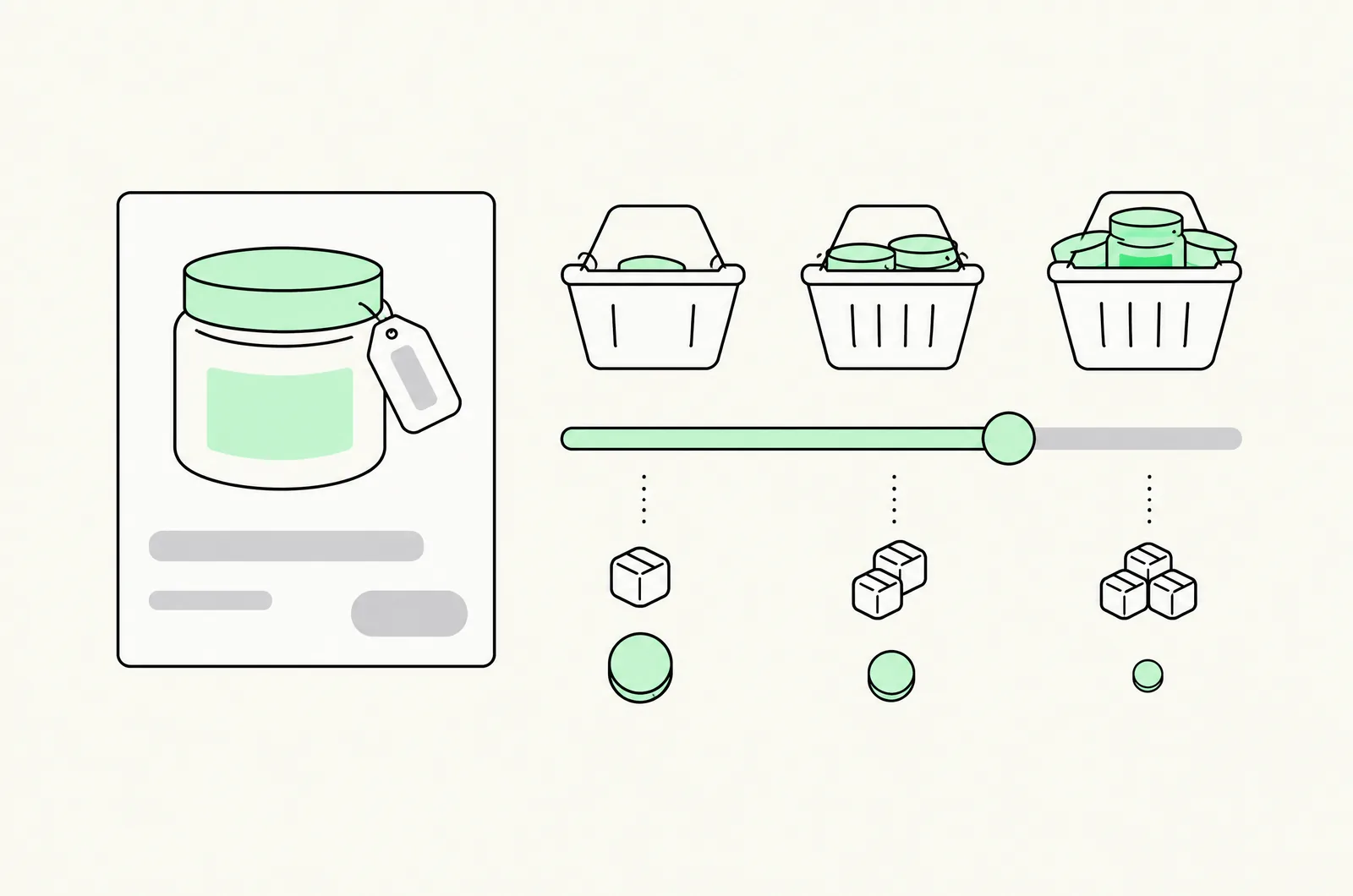
A mix-and-match bundle lets shoppers pick any N items from a collection at a bundle price ("any 3 for $25"). On Shopify you can run it natively — automatic discounts with minimum-quantity rules count any eligible items, which is exactly mix-and-match behavior — or with a bundle app that shows the offer on the product page and applies it via Shopify Functions. Choose by need: native for a free test, apps for visible offers, builders for multi-step selection, pack SKUs for feed-clean fixed kits.
What mix-and-match is (and when it beats quantity breaks)
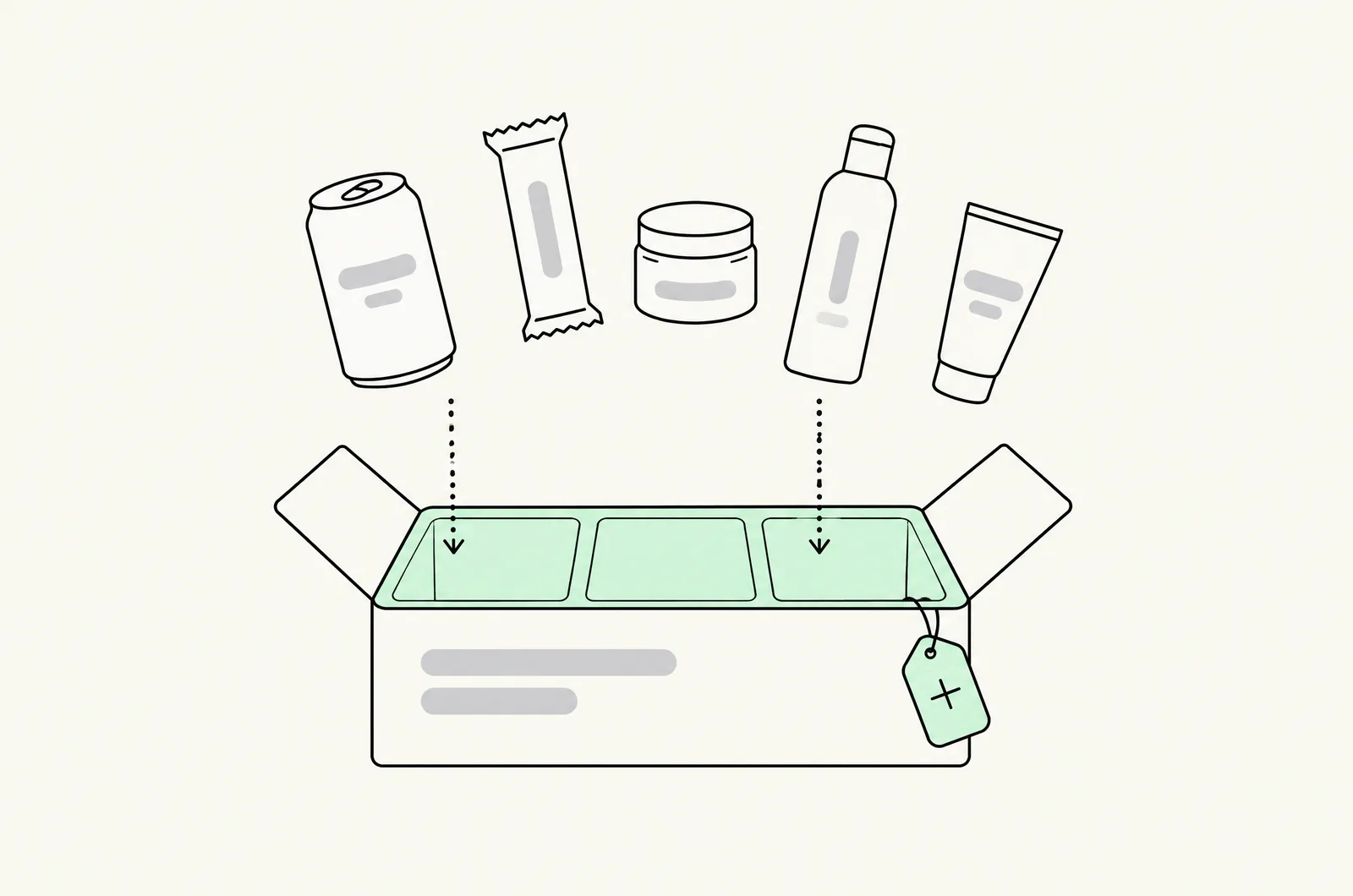
A mix-and-match bundle discounts a set size, not a single product: "pick any 3 from the socks collection, 3 for $25." The shopper chooses which items fill the set.
It's the right tool when:
- No single product justifies a ladder. Apparel basics, snacks, minis, greeting cards — the SKU-level demand is too thin for "buy 3 of this serum," but the collection has natural multi-pick behavior.
- Variety is the point. Gifting, flavor discovery, building a routine — the shopper wants to mix, and the offer rewards it.
- You're moving depth across a catalog, not depth on a hero SKU (that's a quantity break job).
The native route: your counting "limitation" is the feature
Here's the inversion worth knowing: the limitation that breaks native single-product quantity breaks — minimum-quantity rules count any eligible items in the cart, not units of one SKU — is mix-and-match behavior. Build it deliberately:
- Discounts → Create discount → Amount off products (or Buy X get Y).
- Scope eligibility to the collection (the mix pool).
- Minimum purchase requirements → Minimum quantity of items → 3.
- Value: percentage off, or fixed amount off.
- Save; QA a cart mixing three different products from the pool.
Cost: $0, every plan. The offer applies in checkout and POS.
What native can't do: show anything on the product page (the "pick any 3" surface is on you — a collection-page banner or product-copy line at minimum), tiered steps, per-variant price handling beyond simple rules, or the pre-selection anchor. It's the right route for validating whether the offer moves your numbers — full setup detail in the native guide.
The app route: visible tiers across a collection
Bundle apps make the offer a merchandising surface:
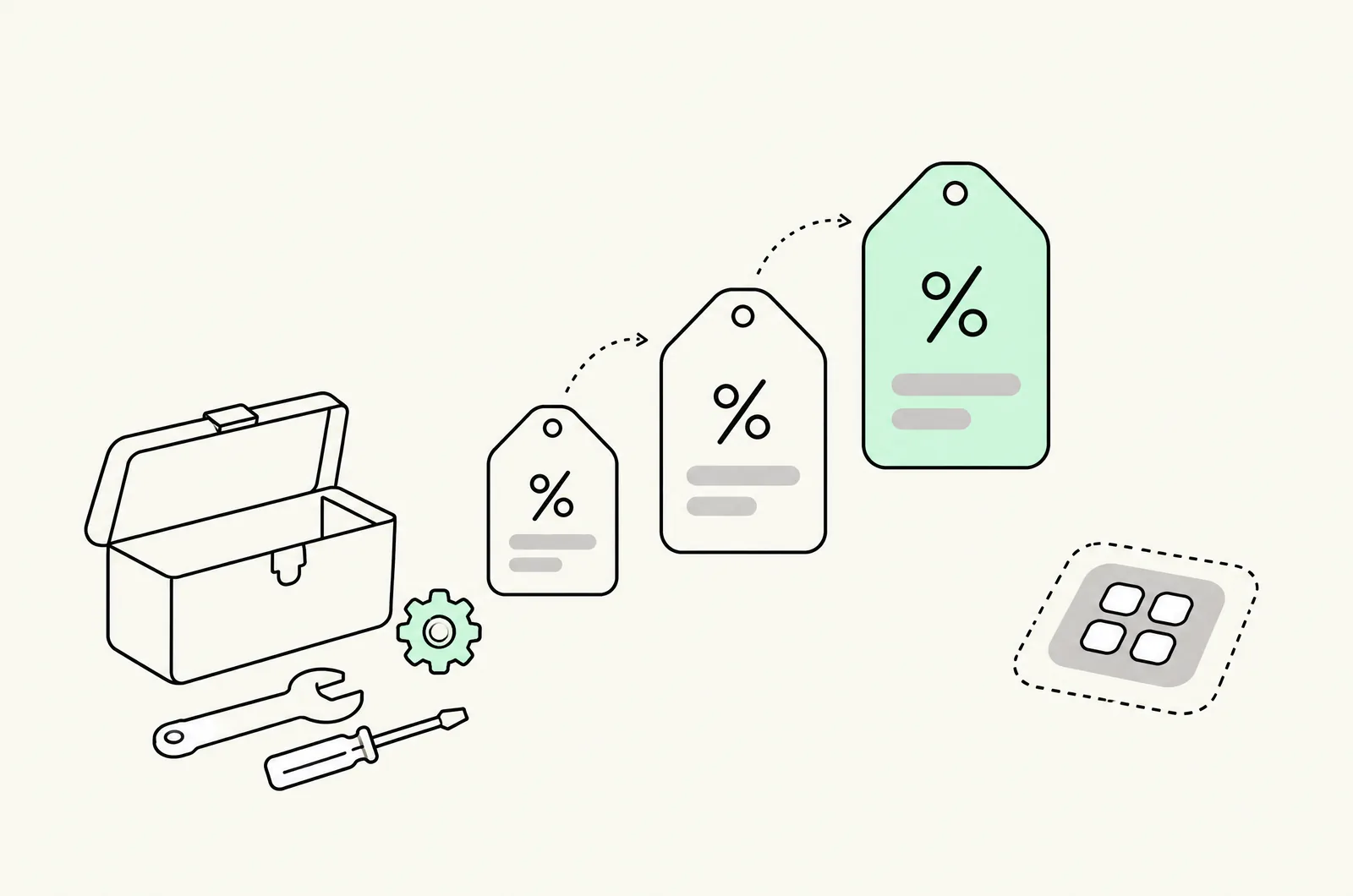
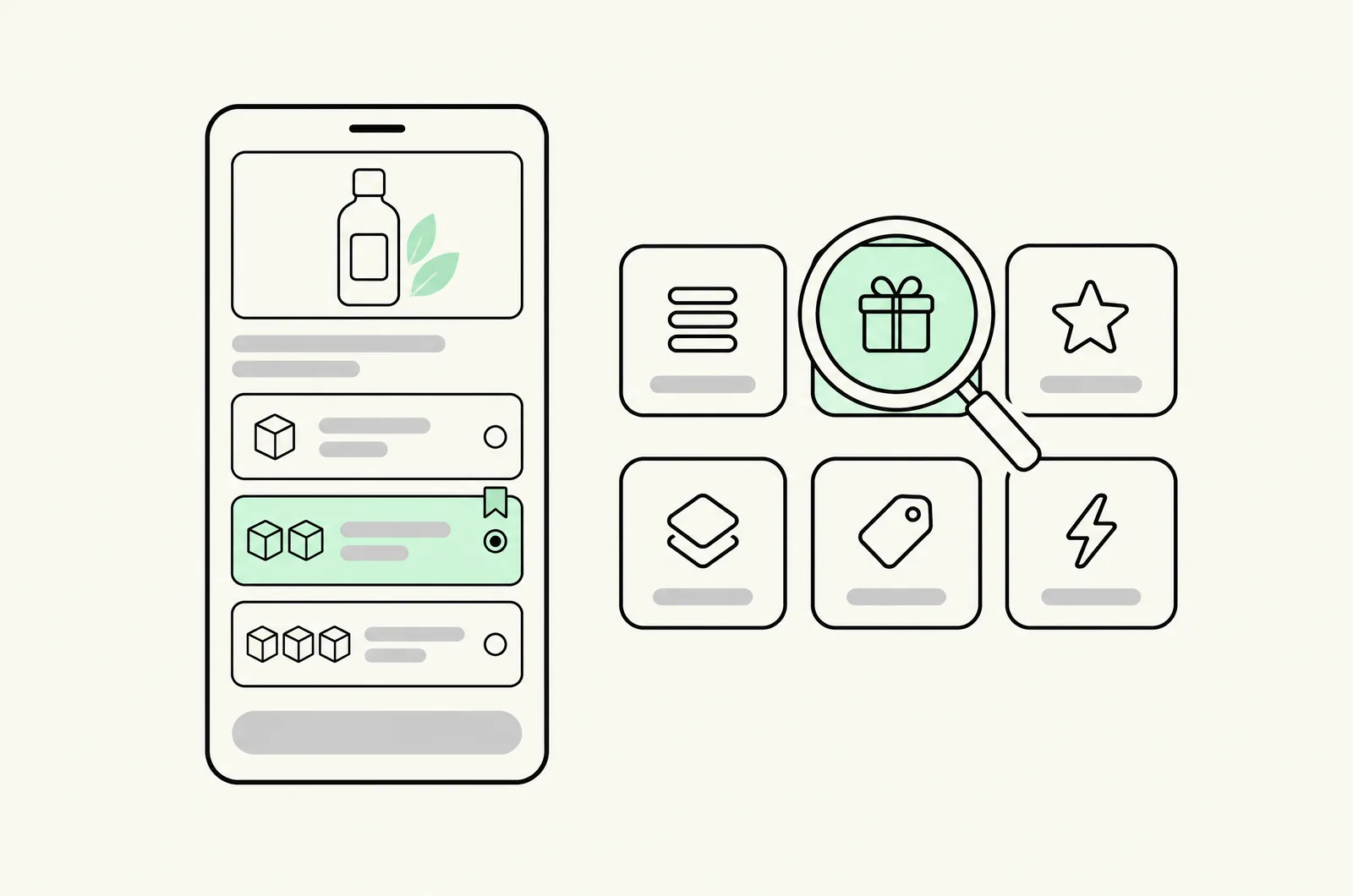
- Tier-style apps (Kaching, Oxify, Pumper, Bundler — see the tier field guide) render a mix-and-match offer as a block on eligible product pages: "Buy any 2, get 15% off · Buy any 3, get 20% off," with the discount applied via Shopify Functions so checkout matches.
- Scope discipline matters: eligibility by collection, not "all products" — an accidental sitewide mix-and-match is the most expensive misconfiguration in this category. QA the boundary products (in-pool vs out-of-pool) in a real cart.
- Same-variant picks: check whether picking 3 of the same item qualifies (usually yes — which quietly makes it a quantity break too; that's usually desirable, know that it's happening).
The builder route: multi-step selection
For gifting and box formats, a builder (Easy Bundles-class — see the bundle apps comparison) runs the pick as a flow: choose the box size → pick items step-by-step → gift options → cart. This is the strongest presentation for:
- Discovery-led catalogs (snacks, beauty minis) where browsing is the product.
- Gifting, where the box/wrap/message steps add perceived value that justifies the price.
- Price points that vary by box size ("build a 6-pack" pricing tiers inside the builder).
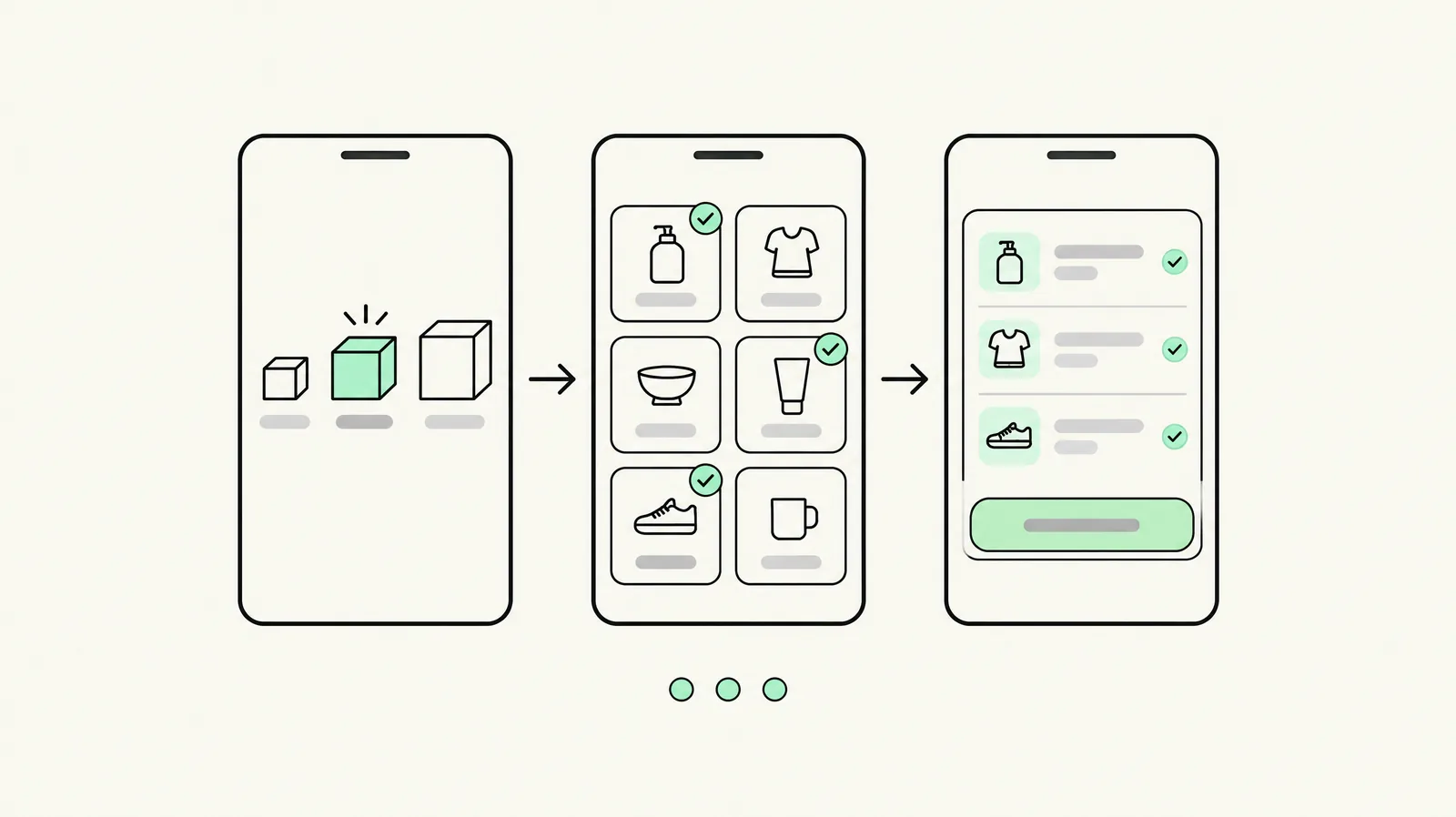
Builders cost more setup and are the heaviest surface in the category — match the format to the catalog, not to the trend.
Pricing across variants with different prices
The problem unique to mix-and-match: the pool contains $8 and $14 items, and the offer says "3 for $25." Three pricing architectures, in order of preference:
- Equalize the pool. Price all eligible items at one point ($8 each). Cleanest offer, zero edge cases — the reason the best mix-and-match collections have flat pricing.
- Percentage tiers. "Any 3, save 20%" — the discount scales with whatever the shopper picks, so a $36 cart becomes $28.80. No variance problem; slightly weaker anchor than a fixed price.
- Fixed-price with guardrails. "3 for $25" with a rule: must include at least one item ≥ $9, or the offer excludes the cheapest tier of items. Workable, but every guardrail is a support ticket generator — check how your app enforces it (some support "price floor" conditions, many don't).
Margin check runs the same as any ladder: contribution of the worst-case legal pick (three cheapest items) is the floor. If 3×$8 at −20% dips under contribution, the pool pricing is wrong before the app settings are.
Presentation: the "pick any 3" surface
What the best mix-and-match implementations share:
- The offer stated as the price, not the discount: "3 for $25" beats "20% off when you buy 3" — price framing converts better in this format.
- A visible counter: "Pick any 3 — you've chosen 2" progress feedback, on product pages and the cart drawer alike.
- Collection-level surfacing: the offer banner on the collection page, not just product pages — mix-and-match intent starts at browse level.
- Default picks pre-loaded where the builder allows it ("start with these 3, swap any") — the anchor effect, applied to a set instead of a tier.
- Mobile-first counts: three slots rendered as thumbs, not a table.
QA checklist for mix-and-match
- [ ] 3 different items from the pool: discount applies at checkout — logged-out, Shop Pay, express wallets.
- [ ] 3 of the same item: intended behavior verified (qualifies or not — on purpose).
- [ ] 2 pool items + 1 out-of-pool item: the boundary holds; no discount leaks.
- [ ] Worst-case pick (cheapest items): contribution floor holds at the offered price.
- [ ] With a code applied: the stack clears your margin floor (combination rules).
- [ ] Collection page, product page, and cart drawer all state the same offer terms.
- [ ] POS (if used): same pick-any-3 behavior rings up in store.
Last updated: November 16, 2026. Native discount behavior and app capabilities verified November 2026.
Want this set up on your store?
Book a free 20-minute strategy call. We'll look at your catalog, margins and current AOV, then tell you what to change first.
Book a free strategy callFrequently asked questions
What is a mix-and-match bundle on Shopify?
An offer where the shopper picks any N items from an eligible collection at a bundle price or tier discount — "any 3 for $25" — rather than buying more units of one product.
Can Shopify do mix-and-match without an app?
Yes — automatic discounts with minimum-quantity rules count any eligible items in the cart, which is precisely mix-and-match behavior. Limits: no visible offer surface, no tier steps, and the presentation is DIY.
How is mix-and-match different from quantity breaks?
Quantity breaks discount depth on one product ("buy 3 of this"); mix-and-match discounts set size across a pool ("any 3 from these"). Same discount engine, different demand pattern — single-SKU depth vs catalog breadth.
How do I price a mix-and-match offer when items have different prices?
Three options: equalize the pool at one price point (cleanest), use percentage tiers so the discount scales with the pick, or a fixed price with eligibility guardrails. Always check contribution at the worst-case legal pick.
Which app is best for mix-and-match bundles?
Tier-style apps (Kaching, Oxify, Pumper, Bundler) render visible mix-and-match offers with Functions-based checkout; builder apps (Easy Bundles-class) suit multi-step box flows. Compare live pricing in our bundle apps guide.