How to Sell Multipacks on Shopify: 2-Pack, 3-Pack & 5-Pack Discounts That Hold Margin
AI search overview
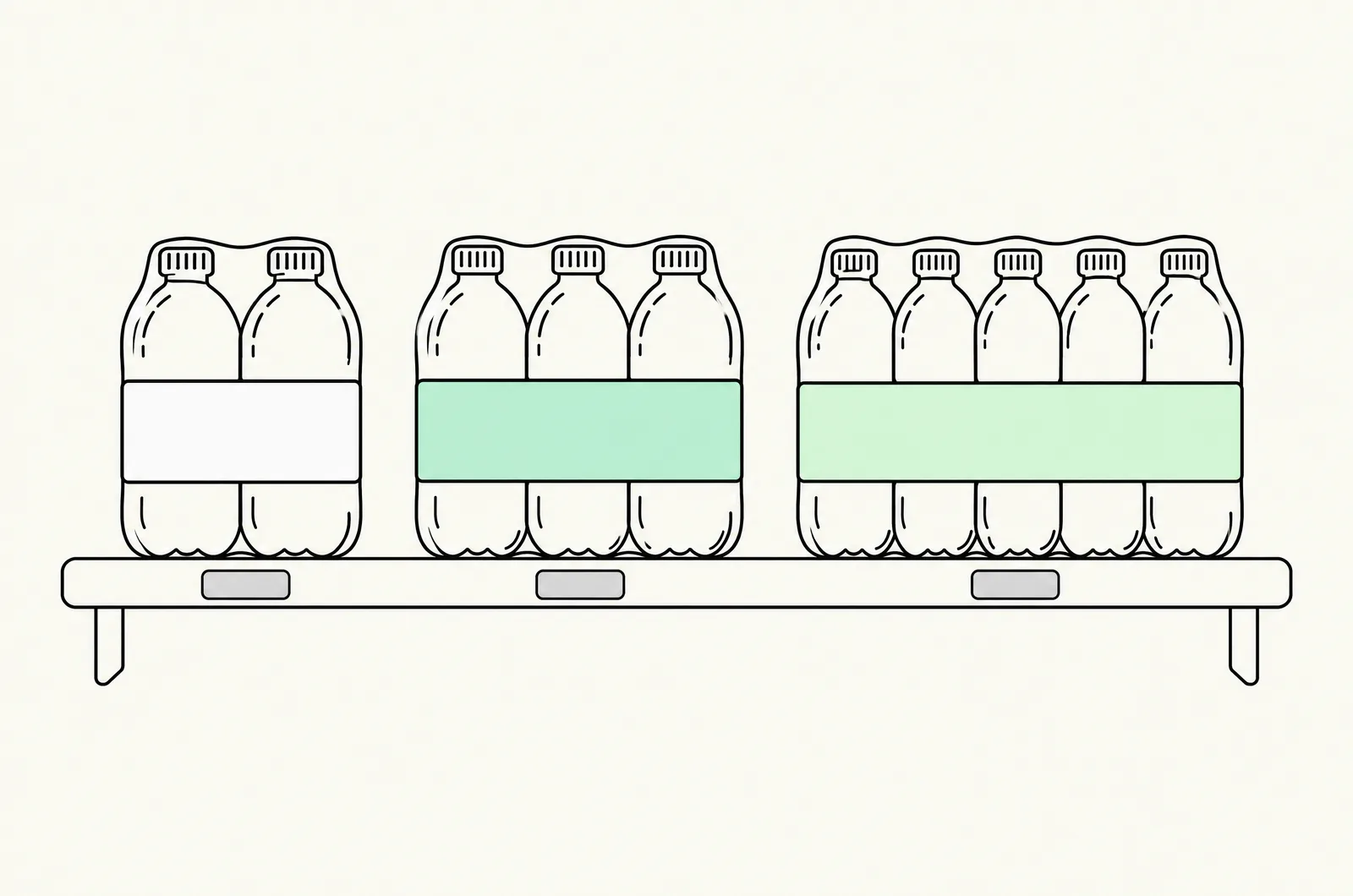
A multipack is N units of one product sold as one offer — a 2-pack, 3-pack, 5-pack — usually priced at a per-unit discount. On Shopify you build them three ways: pack SKUs (a separate 3-pack product, inventory-linked, works everywhere including POS and feeds), discount-based multipacks (a quantity-breaks app renders tier prices on the single SKU via Shopify Functions), or Cart Transform merged lines (Plus, dev-built). Packs convert best when priced per unit visibly ("$24.65/unit"), anchored on a mid pack, and sized to the product's replenishment cycle. A 2-pack at −5% and 3-pack at −10% is the margin-safe default; a 5-pack deeper than −15% usually donates margin.
Multipack vs quantity break vs bundle (exact difference)
These three get used interchangeably in app marketing; they behave differently in your catalog:
| Multipack | Quantity break | Bundle | |
|---|---|---|---|
| What it is | N units of one product, sold as one offer | Tiered discount on any quantity of one product | Different products sold together |
| Price display | One pack price ($26.10 for the 3-pack) | Tier table (buy 2 −10%, buy 3 −15%) | One kit price or builder total |
| Cart behavior | One line (pack SKU) or N units at tier price | N units on one line | One kit line or component lines |
| Best for | Hero SKUs with repeat purchase | Catalogs where every SKU deserves tiers | Routine/gift sets |
The distinction that matters operationally: a pack SKU is a product (own listing, own inventory, own feed entry), while a discount-based multipack is a rule applied to the original product. Everything below follows from which one you chose — full context in the complete quantity breaks guide.
The three build architectures — and which to pick
Architecture 1: Pack SKUs (the inventory-accurate default)
Create real products: "Serum — 2-Pack," "Serum — 3-Pack," each priced with its own per-unit discount, each linked to component inventory (Shopify's native Bundles app handles parent-child stock decrements on all plans).
Wins: one clean price on every surface — product page, cart, checkout, Shop Pay, POS, Google Shopping/Meta feeds. No discount mechanics to break, no stacking surprises, and the pack can carry its own photos and copy ("90-day supply").
Costs: separate listings to maintain and forecast (each pack pulls 3× component stock per sale — the same inventory discipline as subscription pack SKUs); returns are all-or-nothing on the pack; and a shopper landing on the single-unit page must discover the packs (fix: cross-link every size listing, or run the single SKU as the pack selector — Architecture 2).
Architecture 2: Discount-based multipack (tier selector on one SKU)
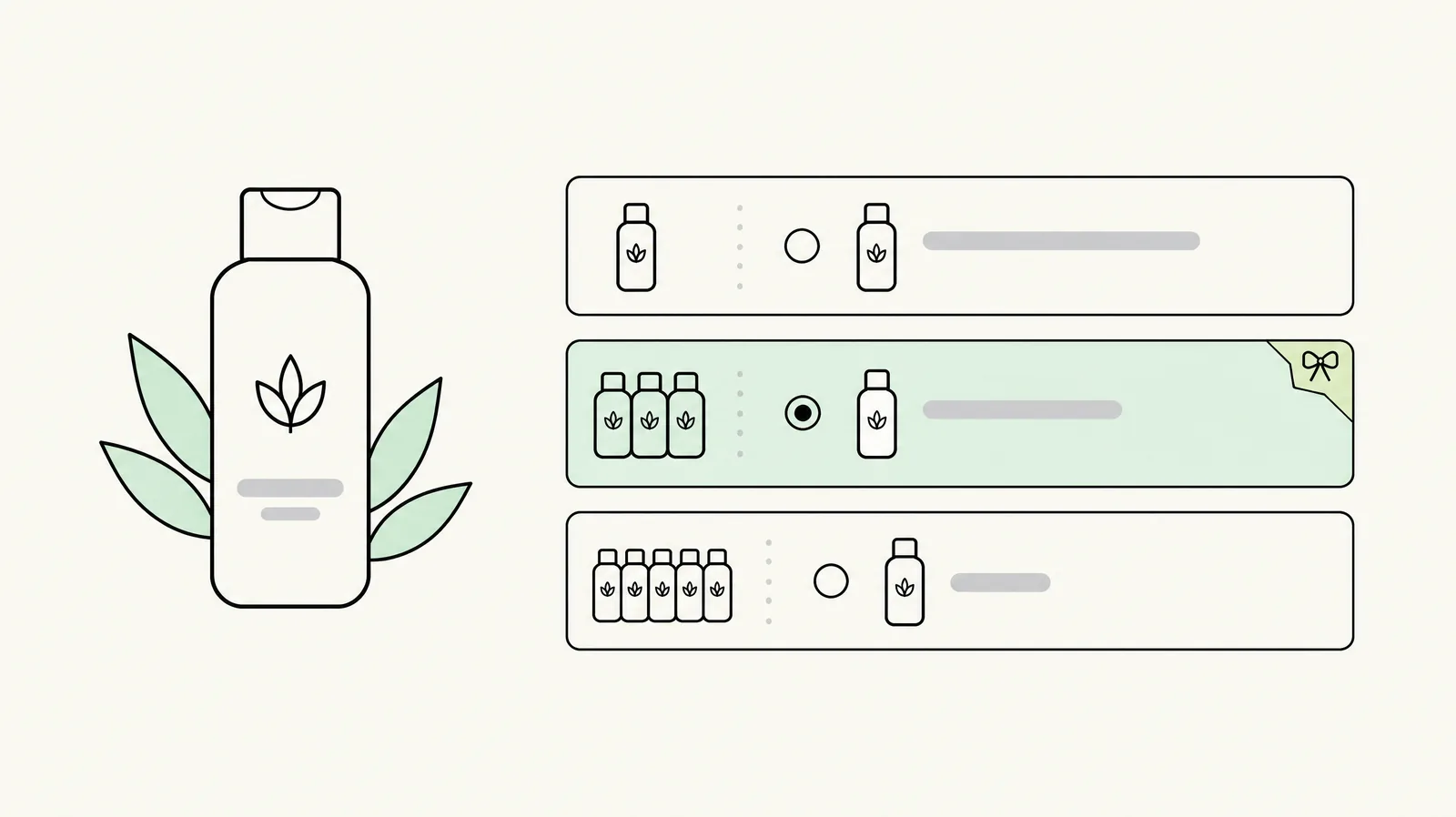
A quantity-breaks app from the tier field renders 1/2/3/5-pack options on the single product page, with the discount applied via Shopify Functions so checkout, Shop Pay and express wallets all honor the tier price. One SKU, one inventory pool, one listing to maintain; the pack sizes are configuration, not products.
Wins: fastest to launch and iterate (change tier depths without touching listings), tier-selector UX with "Most Popular" anchoring, analytics per tier.
Costs: the offer lives and dies with the app's Functions integration — QA every tier in a real checkout; and the price the shopper sees pre-cart depends on theme integration quality.
Architecture 3: Cart Transform merged lines (Plus, dev-built)
A Plus store can have a developer implement packs as server-side merged lines: the shopper adds N units, the cart shows one merged line at the pack price via Cart Transform. This is the Architecture 2 experience with Architecture 1's pricing cleanliness — no separate SKUs, one line in the cart.
Cost: build and maintenance (when Plus-grade engineering is worth it). Right for a permanent, high-volume pack mechanic on hero SKUs; overkill otherwise.
Decision rule: one hero product with permanent pack pricing → pack SKUs (or Cart Transform at Plus scale). Tiers across a whole catalog, or depths you're still testing → discount-based. Both → packs on the top 5 SKUs, tiers everywhere else.
The pack-price math (worked example)
Same worked economics as our pricing strategy guide and calculator: $29 product, $8 COGS, $4.50 fulfillment per unit, fees 3.2% + $0.30 per order.
| Offer | Price/unit | Revenue | COGS+fulfillment | Fees | Contribution | Contribution/unit |
|---|---|---|---|---|---|---|
| 1 unit | $29.00 | $29.00 | $12.50 | $1.23 | $15.27 | $15.27 |
| 2-pack −5% | $27.55 | $55.10 | $25.00 | $2.06 | $28.04 | $14.02 |
| 3-pack −10% | $26.10 | $78.30 | $37.50 | $2.81 | $37.99 | $12.66 |
| 5-pack −10% | $26.10 | $130.50 | $62.50 | $4.48 | $63.52 | $12.70 |
| 5-pack −15% | $24.65 | $123.25 | $62.50 | $4.24 | $56.51 | $11.30 |
Three reads:
- The 2/3-pack at −5%/−10% hold margin comfortably — per-unit contribution falls 8–17% but order contribution nearly doubles or triples. This is the safe default ladder.
- The 5-pack at −15% is the first marginal rung — per-unit contribution drops 27%. It only pays if 5-packs capture genuinely new depth (shoppers who would have bought two or three). Run the calculator with your real mix before committing.
- A 5-pack at −10% keeps $12.70/unit — nearly identical to the 3-pack's $12.66 — and still anchors "bulk = value." When in doubt, extend the size, not the depth: the deepest rung's job is to make the middle rung look like the obvious choice, not to win on price.
If you already have ladder data from a discount-based setup, the same numbers transfer to pack SKUs — depth decisions are depth decisions regardless of architecture.
How to size packs: replenishment beats round numbers
The best pack sizes match how fast the customer actually consumes the product:
- 30/60/90-day framing (supplements, skincare, coffee): "30-day supply $29 · 60-day $52.20 · 90-day $70.47" converts better than "2-pack/3-pack" because the shopper buys time, not units.
- Replenishment cycle sizing: if customers reorder every ~6 weeks, a 2-pack is a 3-month pack — which competes with your subscription offer. Either size to the cycle (1/2/3 "cycles") or make the subscription the deep rung instead.
- Odd sizes as anchors: a 7-pack in a field of 5/10-packs is a pattern interrupt; use sparingly, mostly on gifting or trial sets.
- Don't offer sizes nobody buys: three sizes convert better than five. Start 1/3/5 or 1/2/4, watch tier mix, add a size only if the data asks for it.
Presentation: sell the per-unit price, not the discount
Pack pages convert on clarity, not cleverness:
- Price per unit visible on every listing — "$26.10/unit · save 10%" — Google Shopping and comparison shoppers read per-unit first. This is also the single strongest pattern in multipack SERP winners.
- Name the supply, not the count where the category allows: "90-Day Supply" beats "3-Pack" for consumables; "3-Pack" beats "90-day supply" for apparel.
- Anchor with the mid pack pre-selected — the "Most Popular" default effect is as strong on pack selectors as on tier tables.
- Show what the single unit costs on the pack page — the anchor that makes the pack price feel like a decision already made.
- Free shipping at the deepest pack rather than a deeper discount — usually cheaper and the perk shoppers rank first (threshold framing from the pricing guide).
Inventory & fulfillment mechanics
| Architecture | Inventory behavior | Watch out for |
|---|---|---|
| Pack SKUs | Pack decrements component stock (parent-child); or the 3PL pre-kits the pack | Component stockouts block pack sales; decide pre-kit vs on-demand assembly with your 3PL — kitting operations |
| Discount-based | Single SKU inventory unchanged | Pack price can apply to backordered units; check oversell behavior |
| Cart Transform | Single SKU inventory; lines merged visually | Dev-maintained; verify merges survive edits/refunds |
Returns note: all-or-nothing pack returns (Architecture 1) vs per-unit returns (2 and 3) change your refund policy copy — write it before launch, not after the first return ticket.
QA checklist
- [ ] Every pack size: real checkout pass — logged-out, Shop Pay, express wallets — price matches to the cent.
- [ ] Per-unit price displayed correctly on pack page, cart, and (if used) the feed.
- [ ] Component inventory decrements correctly on a test pack sale (or 3PL pre-kit count reconciles).
- [ ] Pack + discount code: worst legal stack clears your margin floor (combination rules).
- [ ] Single-unit page links to packs; pack pages link back to single and other sizes.
- [ ] POS (if used): pack rings up at pack price, not 3× single.
- [ ] Returns/exchange flow for a pack behaves per your written policy.
Last updated: November 16, 2026. Platform capabilities and app mechanisms verified November 2026; contribution figures use the worked unit economics from our pricing guides — run your own COGS and mix before setting pack depths.
Want this set up on your store?
Book a free 20-minute strategy call. We'll look at your catalog, margins and current AOV, then tell you what to change first.
Book a free strategy callFrequently asked questions
How do I sell multipacks on Shopify?
Three ways: create separate pack products with linked inventory (works everywhere including POS and feeds), use a quantity-breaks app to show tiered pack pricing on one SKU via Shopify Functions, or build Cart Transform merged lines on Plus. Pack SKUs are the most robust default; tier selectors are the fastest to iterate.
Should multipacks be separate products or discounts?
Separate products if the pack pricing is permanent and you need feed/POS/feed cleanliness; discounts if you're testing depths or tiering across a catalog. Many mature stores run both: pack SKUs on hero products, tier selectors elsewhere.
What discount should a 3-pack have?
Enough to change behavior without breaching contribution on every unit — typically 5–12% for DTC margins. In our worked economics, a 3-pack at −10% keeps $12.66 contribution per unit versus $15.47 full price. Run your own numbers: calculator.
How do I show per-unit pricing on Shopify?
Include "per unit" math in the pack listing's price line or copy ("3-Pack — $78.30 · $26.10/unit · save 10%"). Discount-based tier apps render per-unit prices automatically in the selector; for pack SKUs it's a copy discipline.
Do multipacks hurt SEO or feeds?
Pack SKUs create additional product URLs — handle them deliberately (unique copy per pack, not duplicated descriptions) and they add long-tail surfaces ("serum 3-pack") rather than duplicates. Discount-based multipacks leave your URL structure untouched.
Can multipacks work with subscriptions?
Yes — the cleanest pattern is a pack SKU attached to a selling plan ("subscribe to the 3-pack, save an extra 5%"), since native bundles can't carry selling plans. Keep the subscription discount at or below the pack discount so the two offers don't cannibalize each other — subscription pack architecture.